
Here's a quick guide to show you how to use the Event Search and the Event Bin to take single events and move them into an organized Grouping.
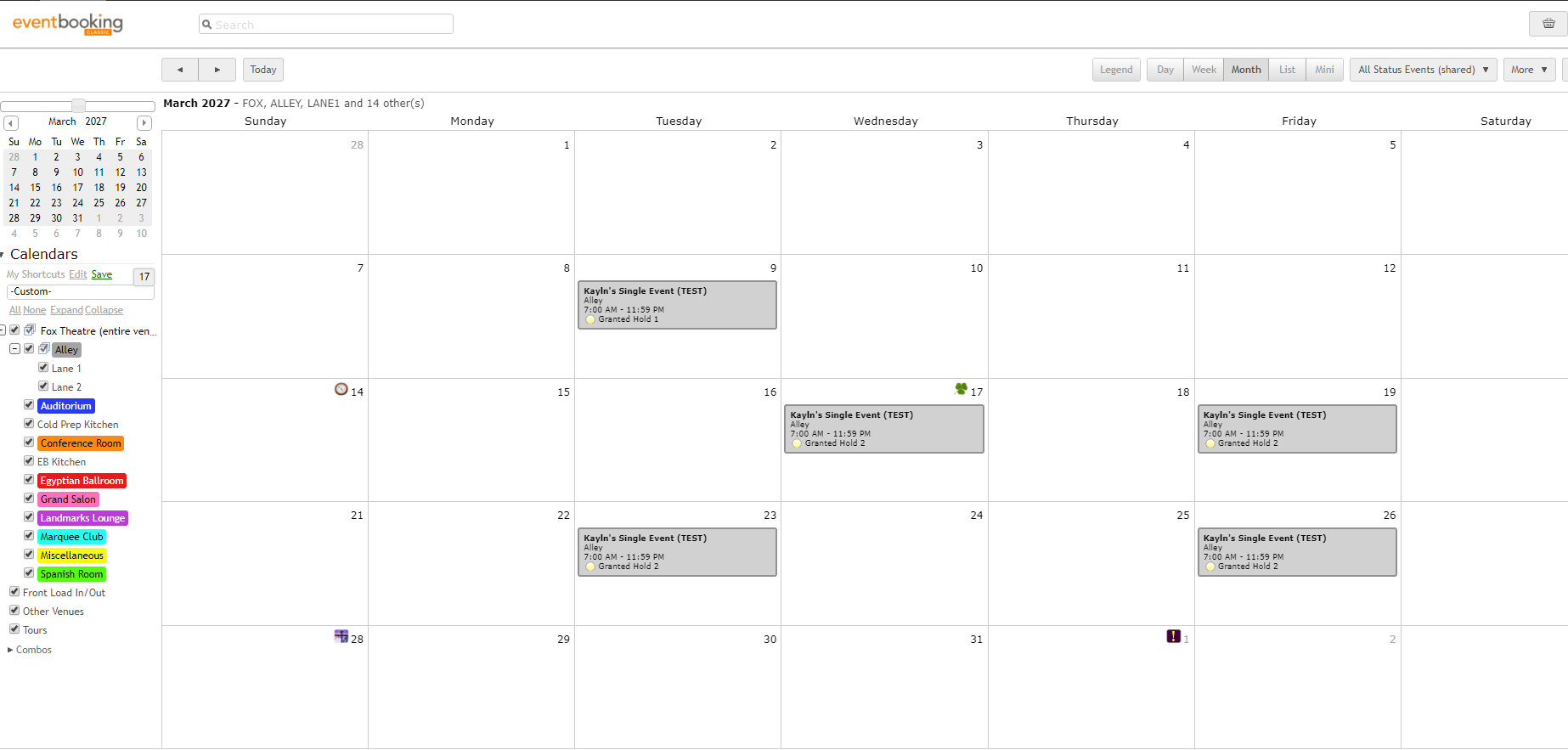
Here's an example of a bunch of single events called "Kayln's Single Events"
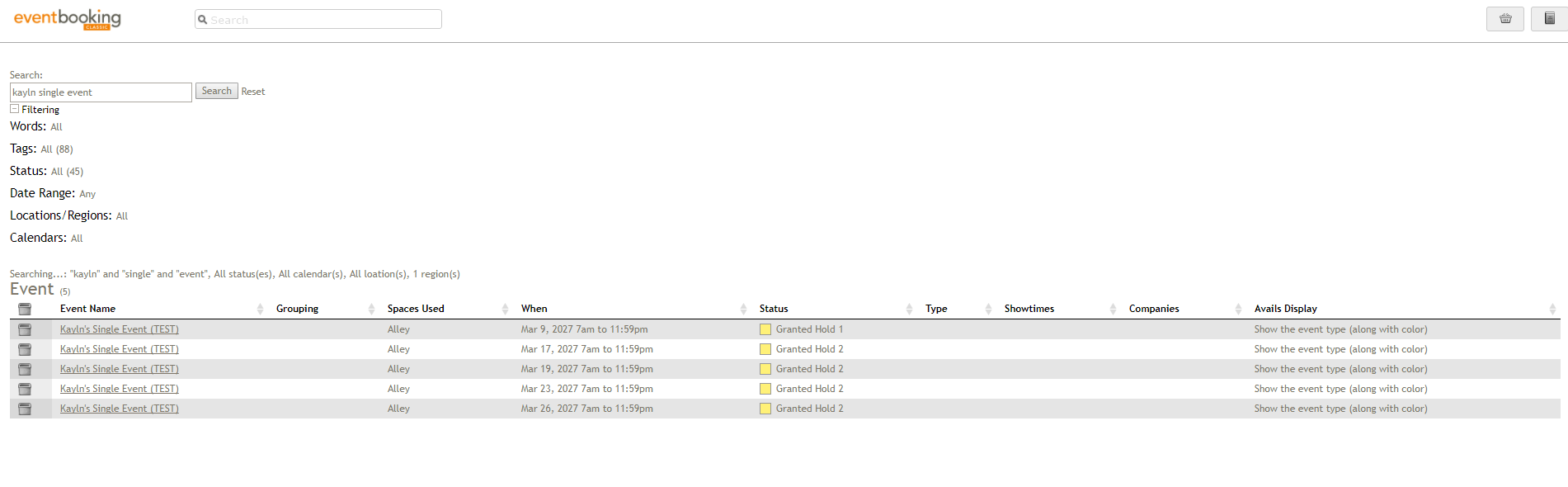
Hover over Calendars and click Event Search. Make sure all filters are cleared and search for the event by name.
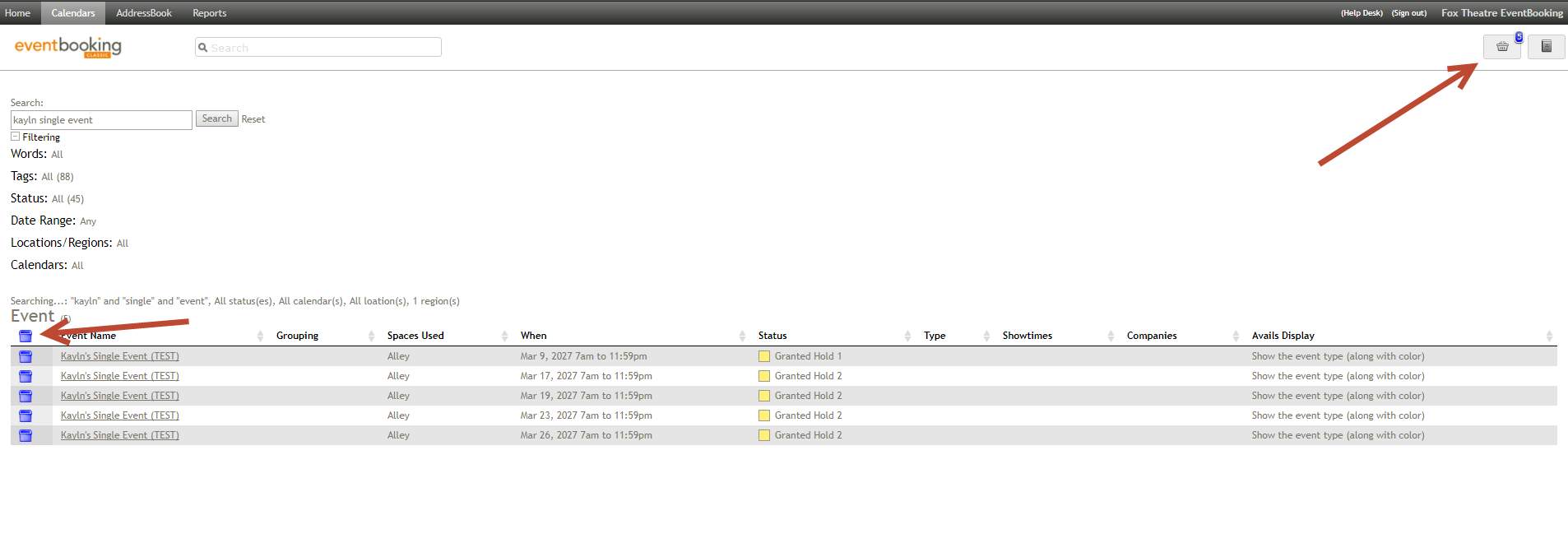
Click the bin icons to mark then as blue, "sending" them to the Event Bin denoted by the small icon in the upper right-hand corner.
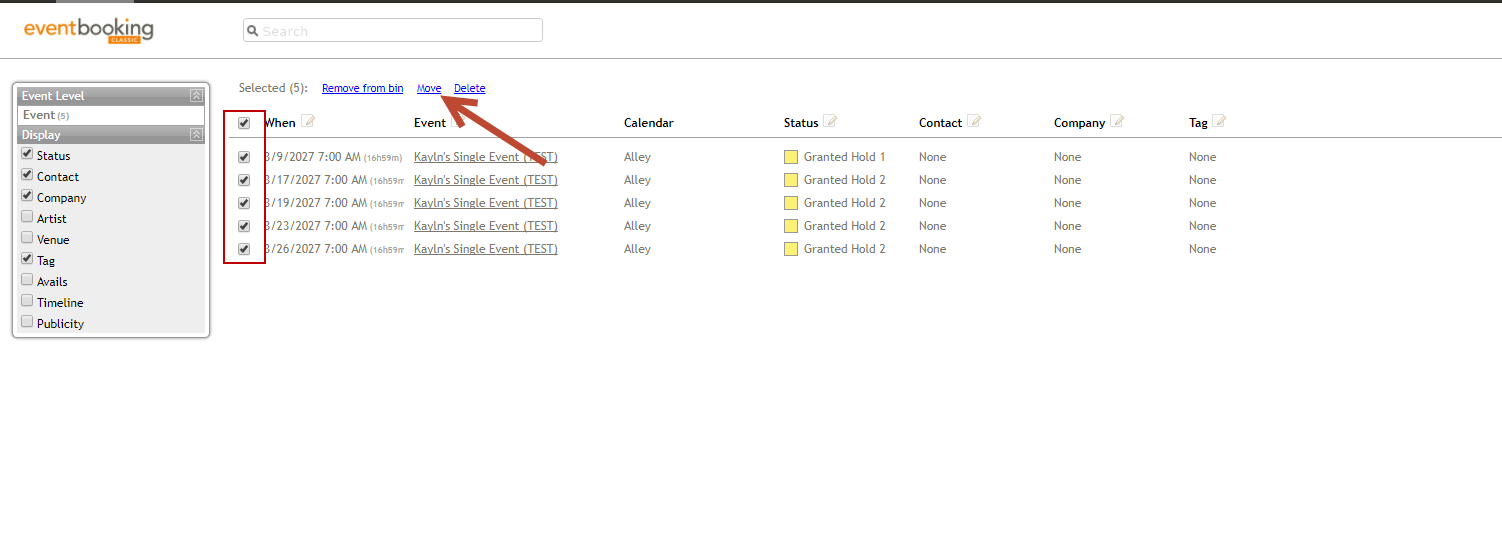
Check all of the events in the Event Bin. Click on the blue link above that says "Move".
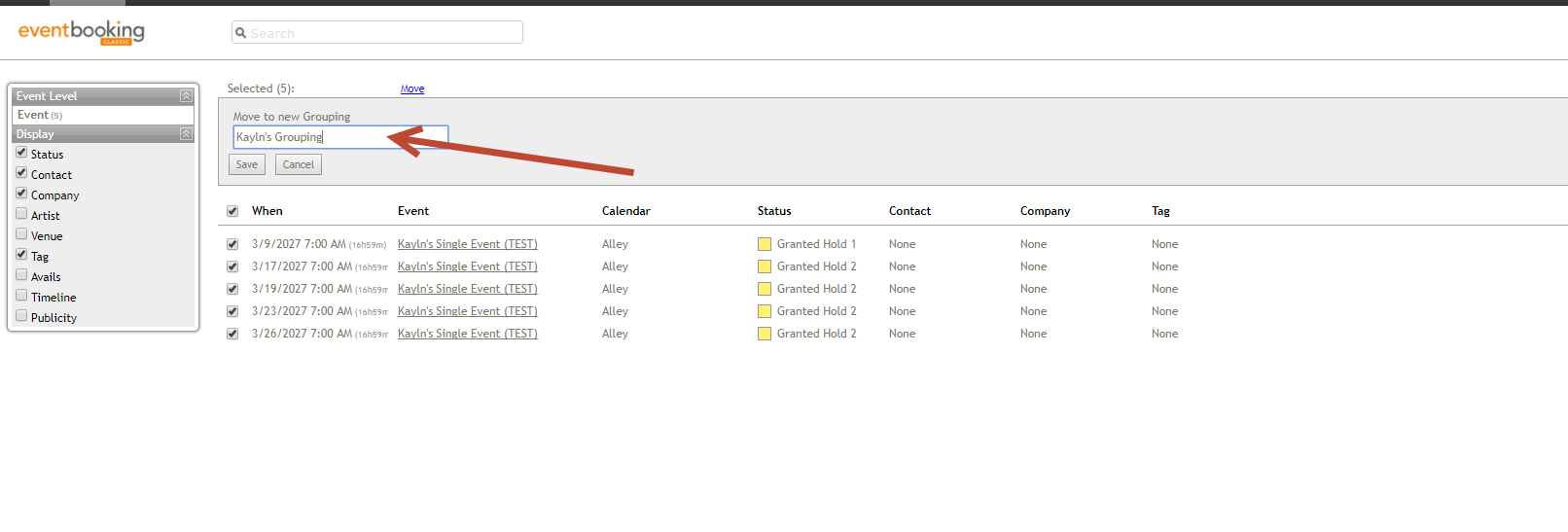
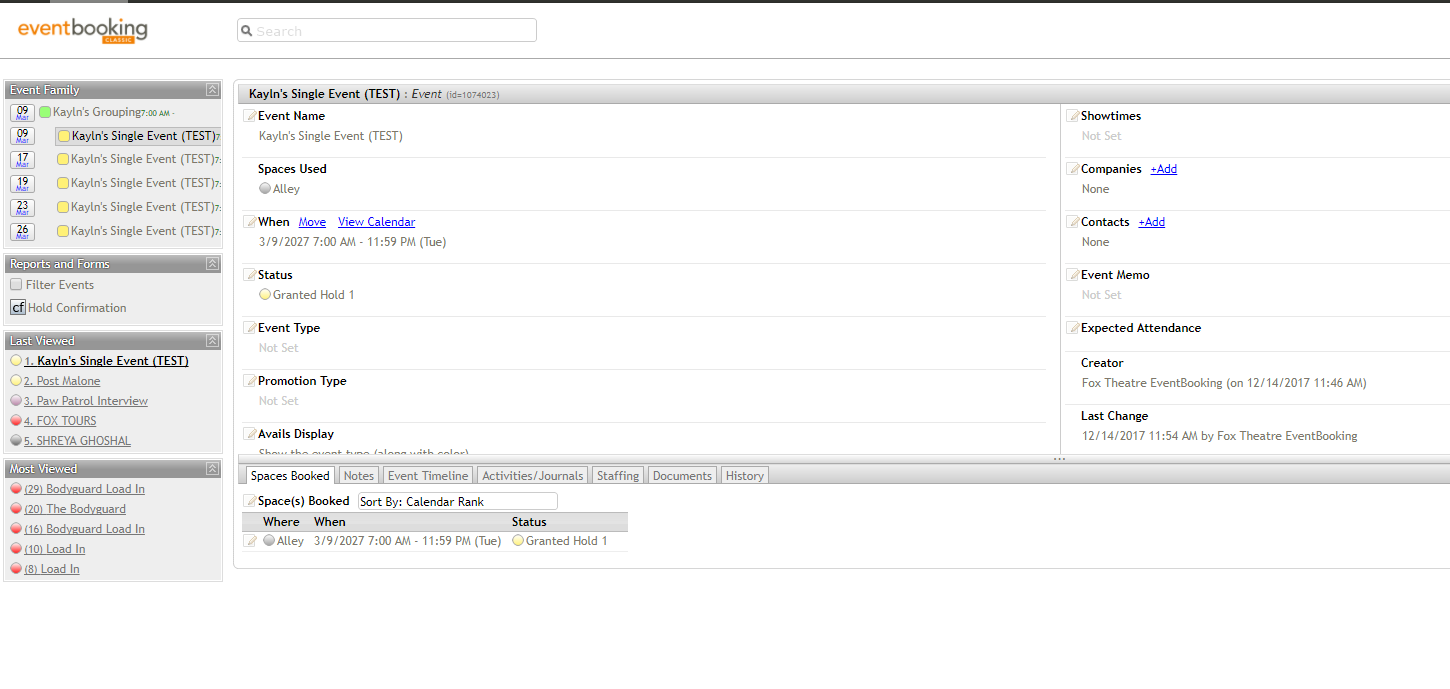
Ta-da! Now your events are in a Grouping!
Comments
0 comments
Article is closed for comments.