
The event type is "stamped" on each event so removing event types in the System Admin won't mess up past events.
4 caveats:
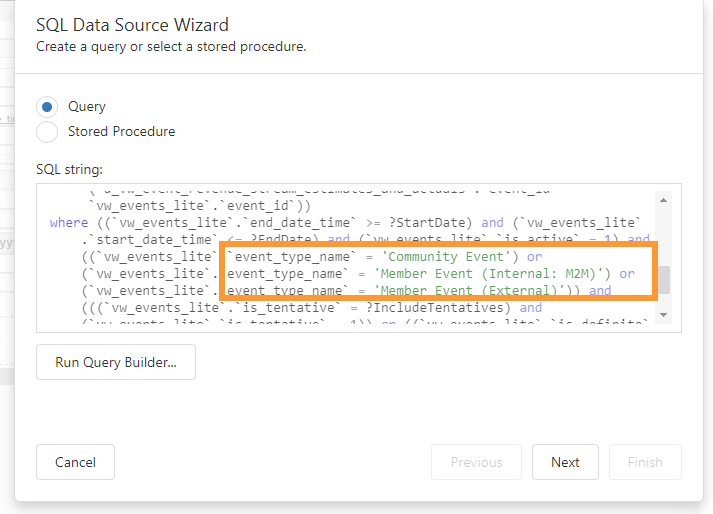
1. If you have any reports which have an event type parameter, those events will not display since their event type will no longer be an option in the drop down.
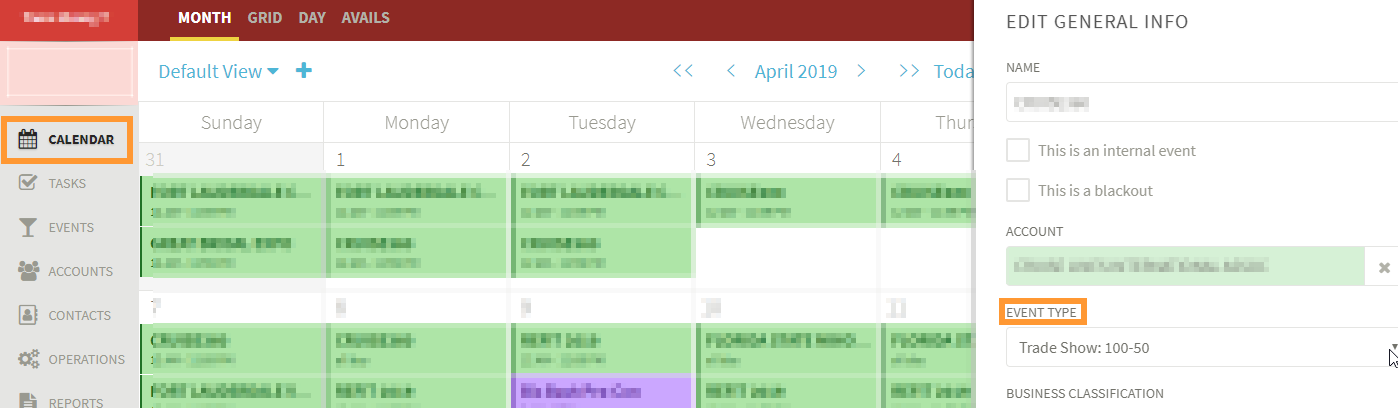
2. If you open the "Edit General Info" slider on any of those events, though, the event type won't be in the drop down. You'll need to choose a new event type in order to save that slider.
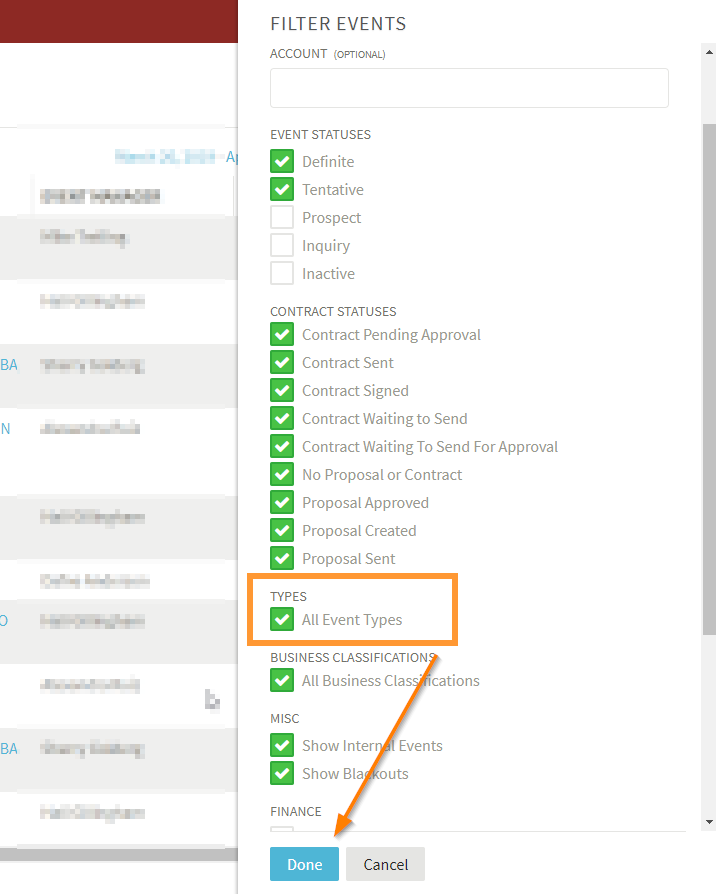
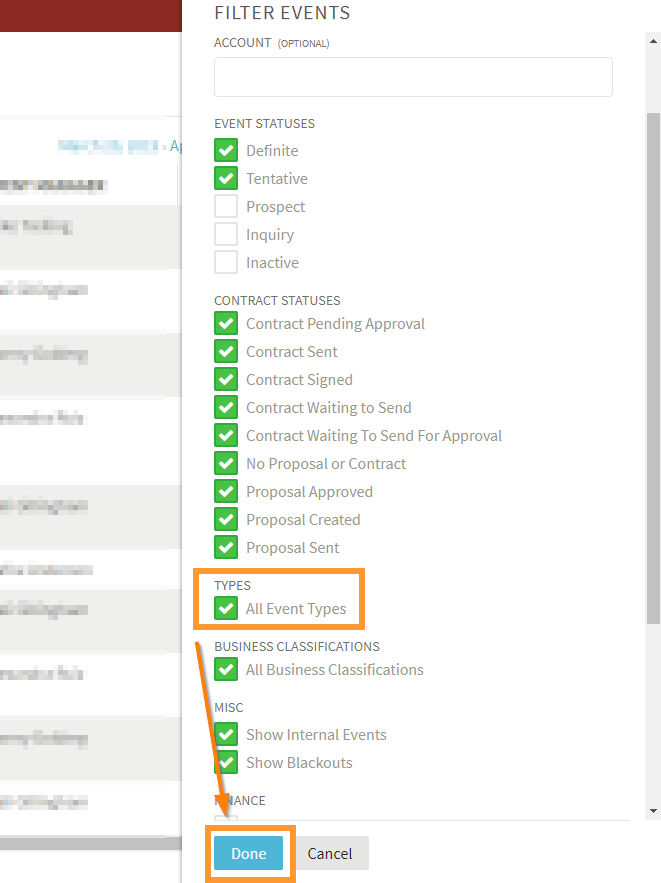
3. The events will still be listed on the Events List as long as the filtering is "All Event Types". Checking that box really just tells the system to ignore the event type and show all the events. If you have any views which are filtered by event type, they won't be able to see those events.
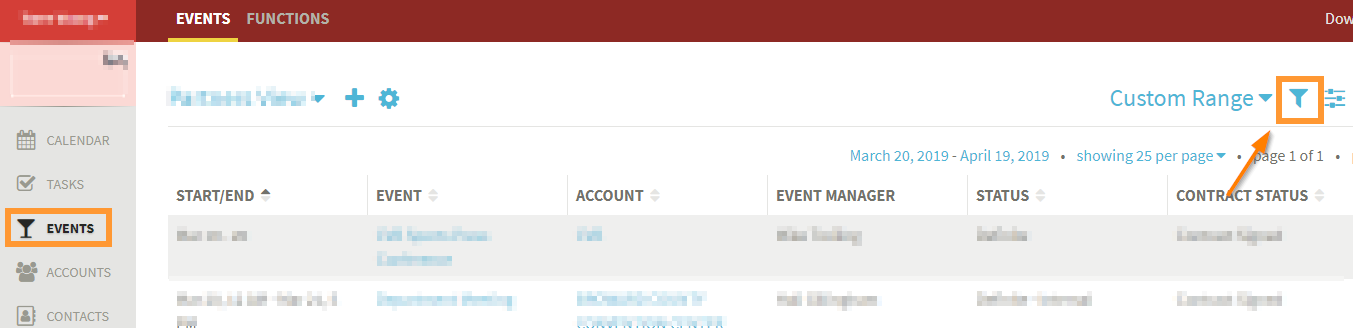
 Click Events List
Click Filter Icon
Click All Event Types
Click Done
Save the calendar view
4. If an Event previously held an Event Type that allowed Live Entertainment content, and that Event Type has been removed, access to the Live Entertainment information will not be possible (the data will still exist - just not be seen). This is because the Event Type will be shown as blank which is not valid for Live Entertainment. Setting the event back to an Event Type that supports Live Entertainment will again show the existing data.
Comments
0 comments
Article is closed for comments.