
We use this with the tenant delete tool to verify that the correct tenant is being deleted. We no longer have to include “KILLME” in the name.
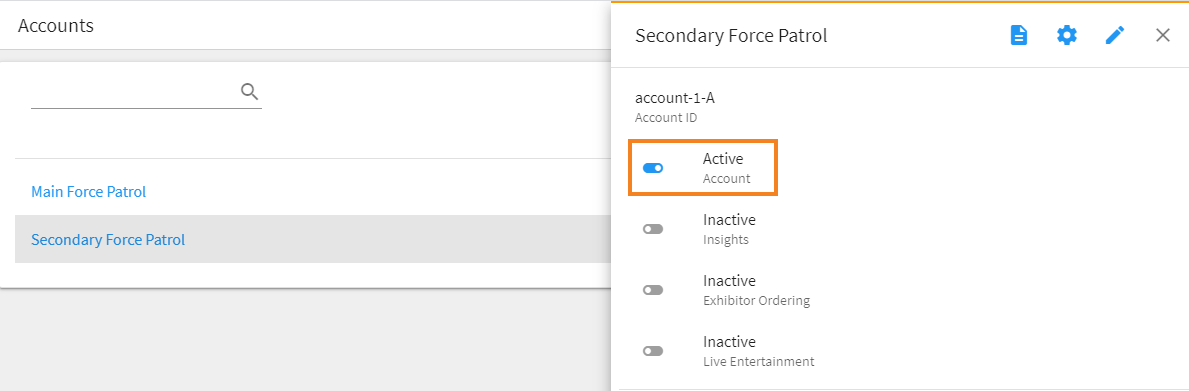
- Click the account you want to delete to open its slider.
- Toggle Active to off.
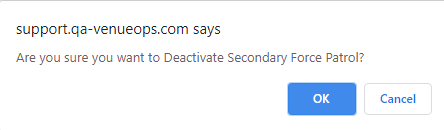
- Click OK on the popup warning.
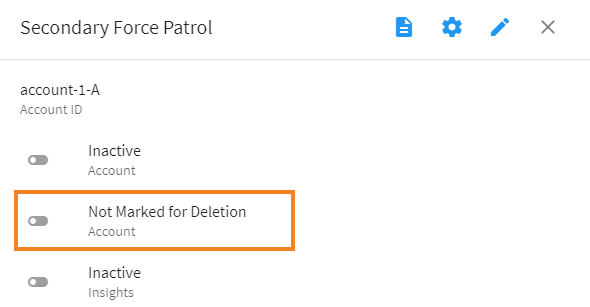
- Not Marked for Deletion will appear. Toggle it to on.
- Click OK on the popup warning.
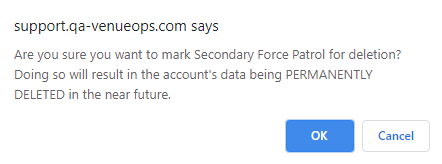
The account is now marked for deletion.
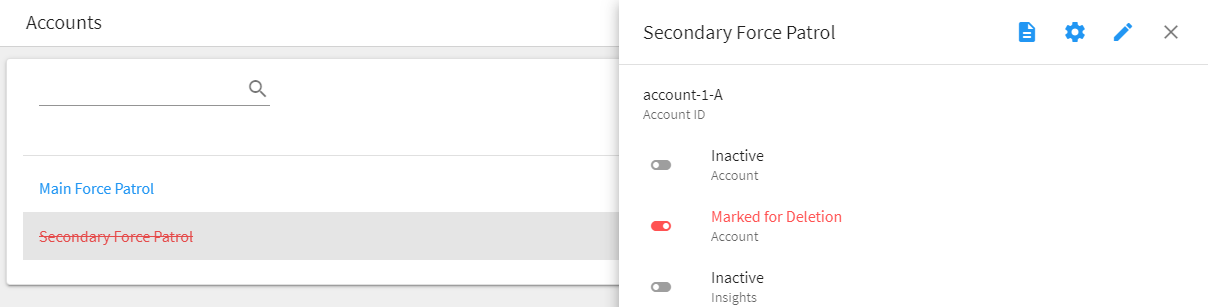 To run the Slack automation that actually deletes the account, please see How to use Tenant.Delete.
Comments
0 comments
Article is closed for comments.