Update the Organization Logo for the ESC Login Screen
Answered
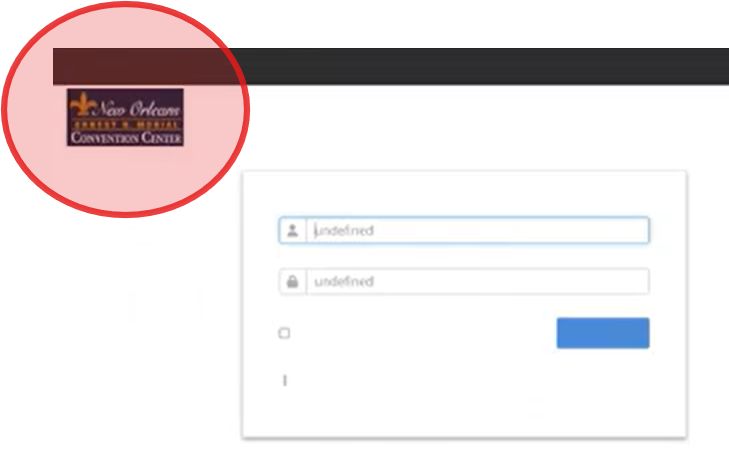
We have updated the Organization logo in Momentus (in the Organizations Section), however this is not reflected on the ESC login screen.
Where can we configure the ESC login logo?
-

I believe this comes from the Web Skin. Did you tried that?
- Minka
-
There is the ESC web skin, which controls the design after you have signed in.
There is also the Account Management Configuration web skin which controls the design when signing up (new accounts).
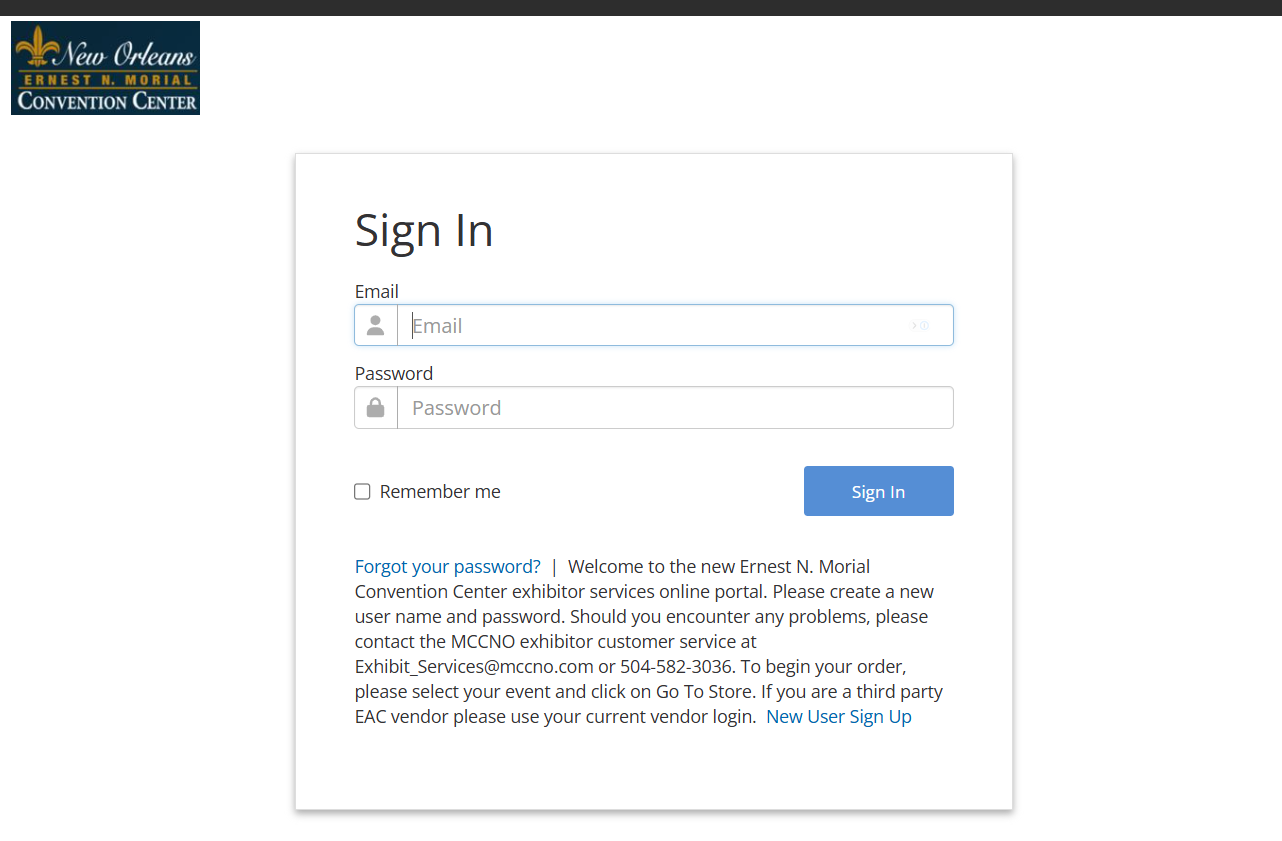
The image I provided is for the Sign-in screen (existing users) . Do we have a web skin that controls this page?
-

Tagging a few others to help with this question Sarah Götza Maximilian Fankidejski Samy Kheloufi
CC @... @...
-

Hi Martin Stephens ,
Updating the logo on the organisation should be reflected on the ESC, would that be on the login page or on the ESC itself after logging in. This is not related to the web skin.
Make sure the logo is updated in the correct organization (in case of single org, it should be org 10 by default and not org 99).
Also, make sure to clear the browser cache.
I tested it on another customer environment and it works as per expectations on 25.1.9210.17850 (20250320)
-
Excellent, thanks Samy. This is not working for MCCNO - I double checked that they have the new Organization logos assigned. They will submit this to our Support team to investigate.
-
Martin Wooding thanks for sharing the customer name. I double checked and it seems they do have a customization of the ESC URL as this is not an *.ungerboeck.com URL
I am unsure how this could have been customised, could you please also check with Technical Services?
-

That would be Martin Stephens that provided this customer
-
Thanks Samy - I added these details to ZenDesk so they can investigate.
-

Hi there Samy Kheloufi - My team lead tested this on QE 24.4, and it doesn't appear to be pulling the correct logo on the QE site either.
For example, in the screenshot below, the Organization has the Momentus logo, but when you go to the ESC, the old Ungerboeck "USI" logo appears. Neither of the events on the QE ESC config we used have an event logo, so it has to pull the org logo. However, it is not showing the correct logo.
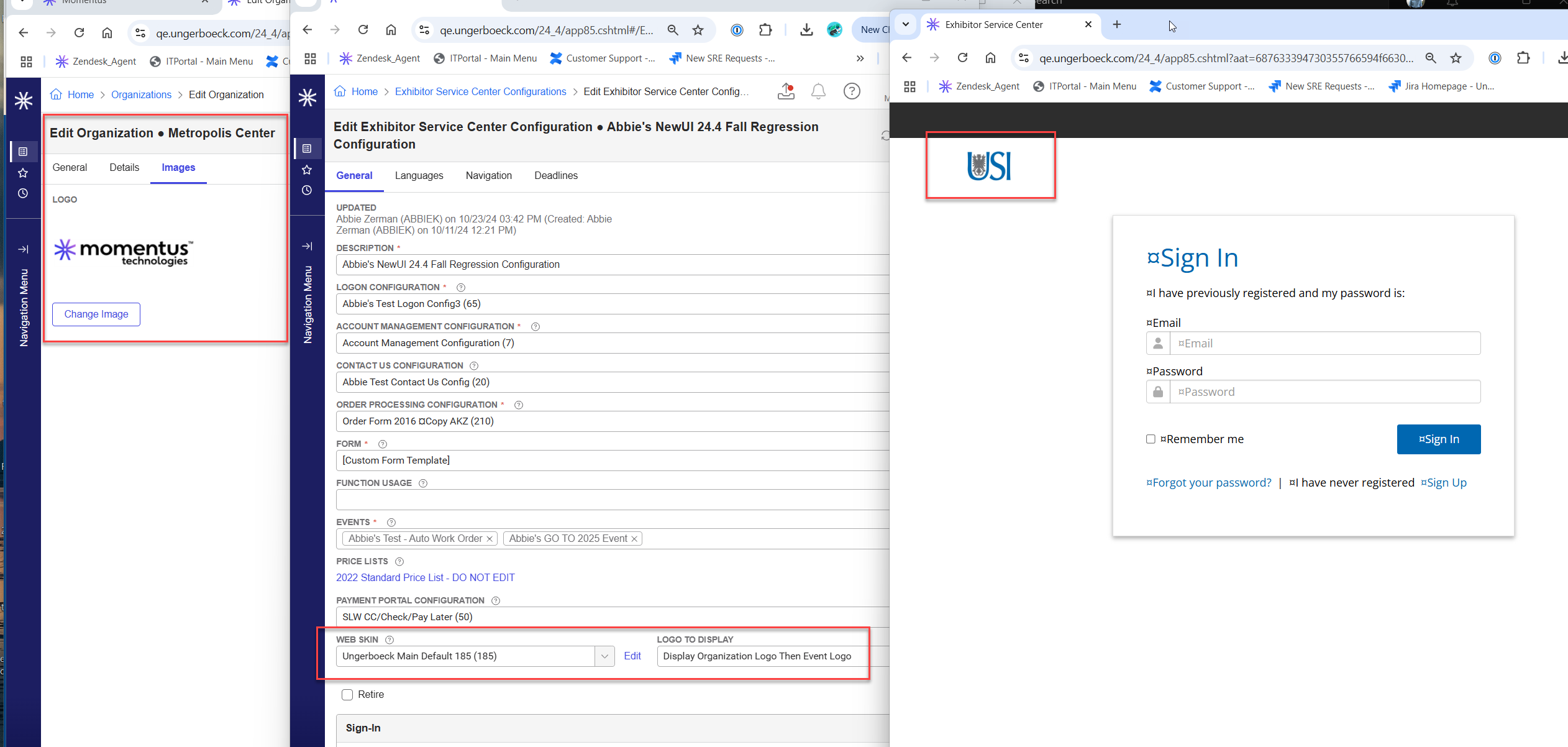
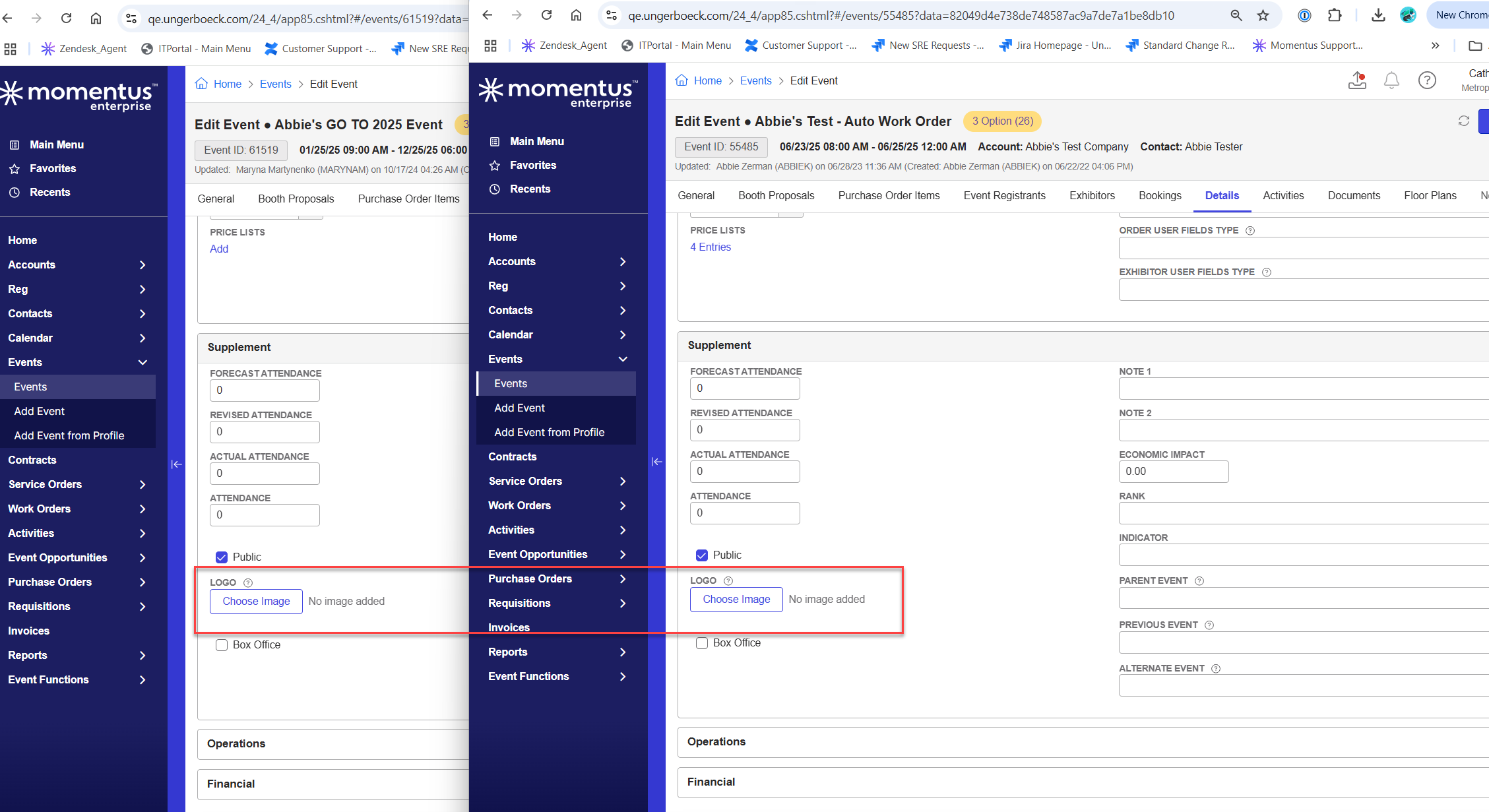
We suspect this to be a bug. Would you be able to assist in confirming the presence of a software bug in 24.4?
-
@... I am pretty sure the logo that appears on the logon screen is the one within the web skin. The logo used is the same as the one once logged in. I have always used a URL to get this logo. I could be wrong, but I always thought that setting is for when events are displayed in a list.
If you give me the link to the ESC I should be able to work out where the logo is coming from.
-
Hello Martin Wooding - I am sorry for the delayed response. The ESC Configuration the customer is using is called "2025 Exhibitor Service Center Configuration". Below is a local testing link that can be used to view the login page showing the old logo.
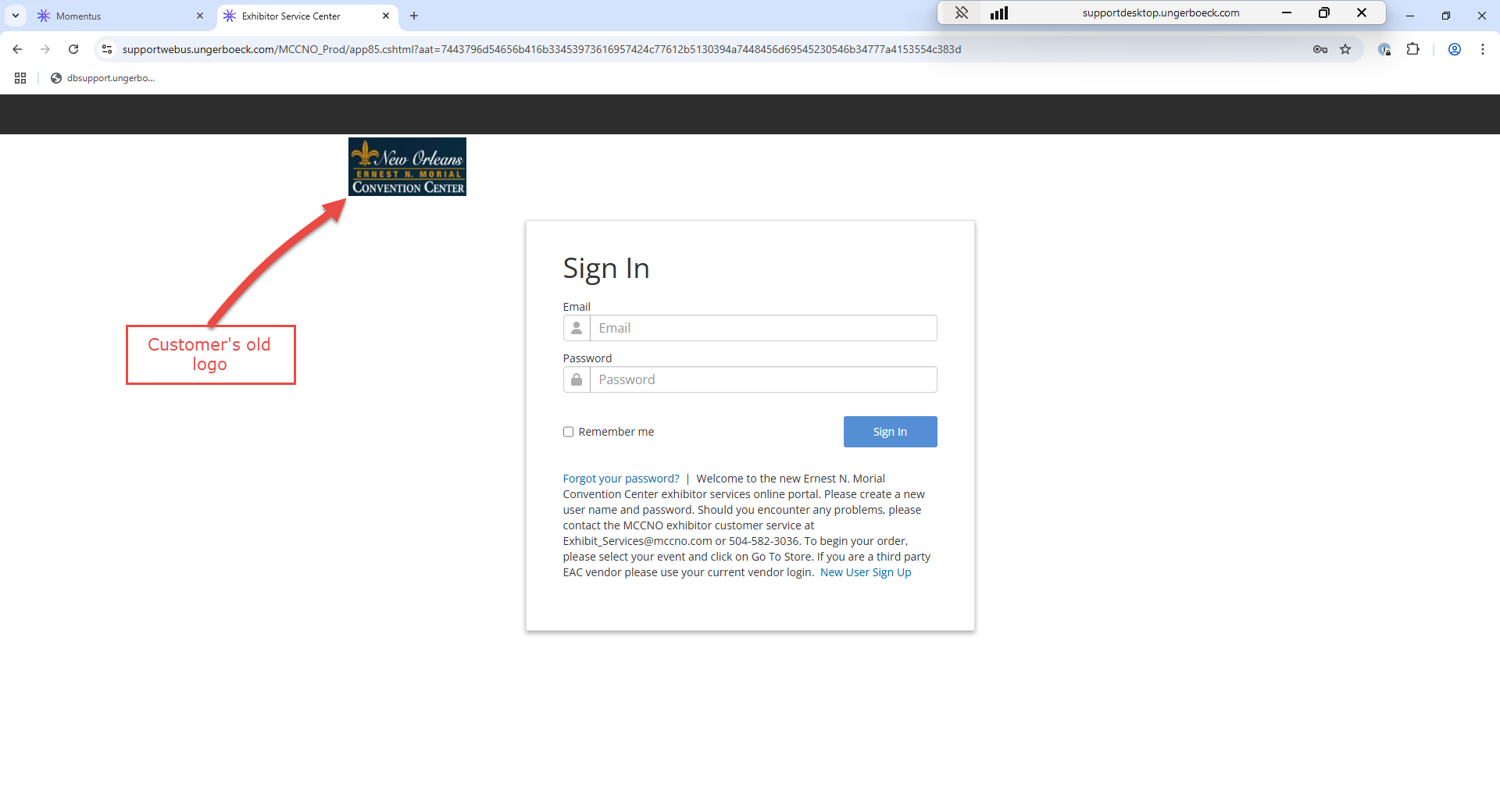

-
@... I would just start again and make a new webskin. Looks like it is a copy of web skin 73. I would make a new one and copy the settings in 73, then change the top presentation to Insert and Image as below. select the new logo and then it should be what the customer expects.

Please sign in to leave a comment.
Comments
12 comments
Date Votes