Note Classes and Notes not respecting text editor settings
Answered
Customer is asking why an Event List note does not reflect any of the formatting she adds to the text editor when creating the note.
Customer has a “Web Description” note class that is designated as their Event Description Note Class in their Event List configuration for ESC. The default font size and default font family is set at the Note Class. However, when they add the note class to the event, they occasionally want to add bold or underlined text to the note. Despite the settings they choose in the text editor when adding the note, it does not respect this formatting in the Event List display.
Some have suggested that there is an HTML Control Type that can be utilized but AskMo doesn't find any results for that topic and has no other suggestions on how to make the text editor settings appear in the Event List.
What is the expected behavior here? Is this possible? If so, can we get an updated article in the KB to reflect the information?
Martin Stephens Seth Halvaksz Anthony Costantino
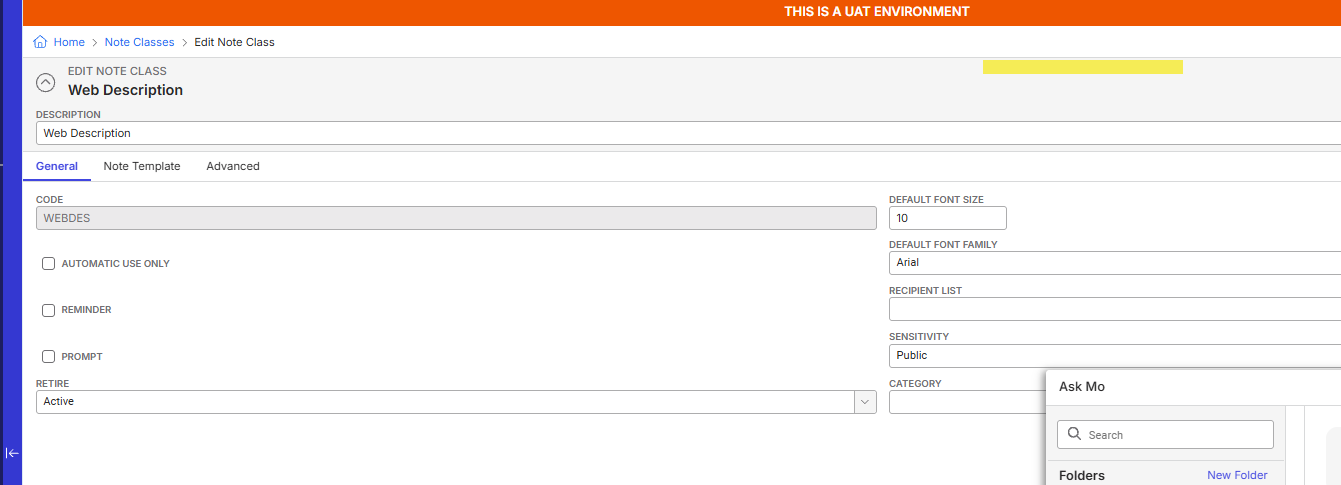
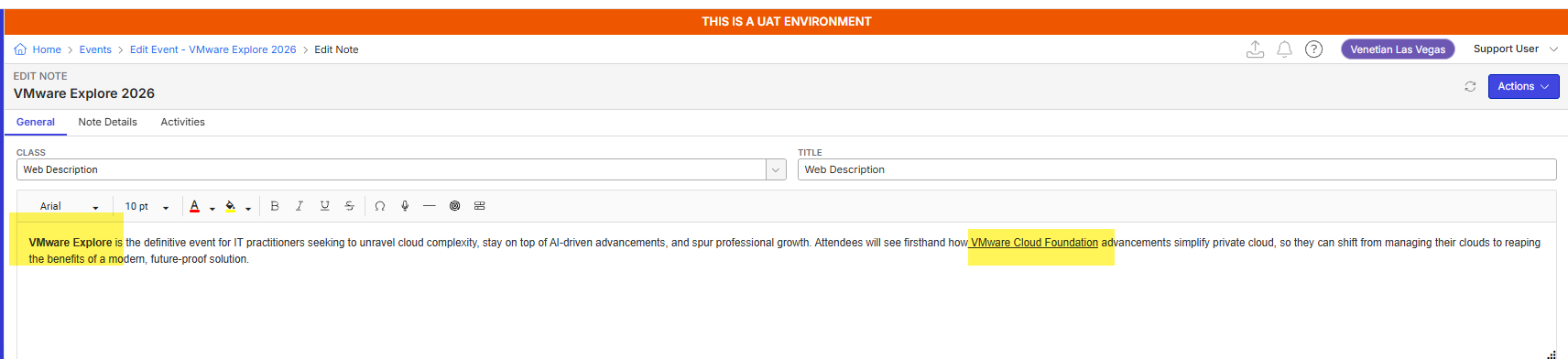

-
Official comment

Hi Amy Durbin! The Event List app does not respect the HTML markup of Notes; only the plain text of the note text. I believe the thought at the time was that HTML markup could conflict with the rest of the page performance and lead to more negative effects than positive ones. This is working as designed so invite customer to submit Feedback. Thanks!
-

Amy, when you say “creating the note” do you mean adding a note to the notes tab, or do you mean adding an inline note?
Only the default font and font size can be set for inline notes.
Note templates are only used when adding a new note to the “notes” tab for a subject. They do not apply to inline notes.
If the latter, if you would please open an enhancement request.
Please sign in to leave a comment.
Comments
2 comments
Date Votes