E-Payment Invoice - via Credit Card not working

Description of the Issue:
I'm currently dealing with two clients who are each not able to make the Credit Card Payment via E-Payment working. They differ a bit in the outcome.
Farnborough_PROD_0630695960 is getting the message “Invalid Card Holder Data” when submitting:
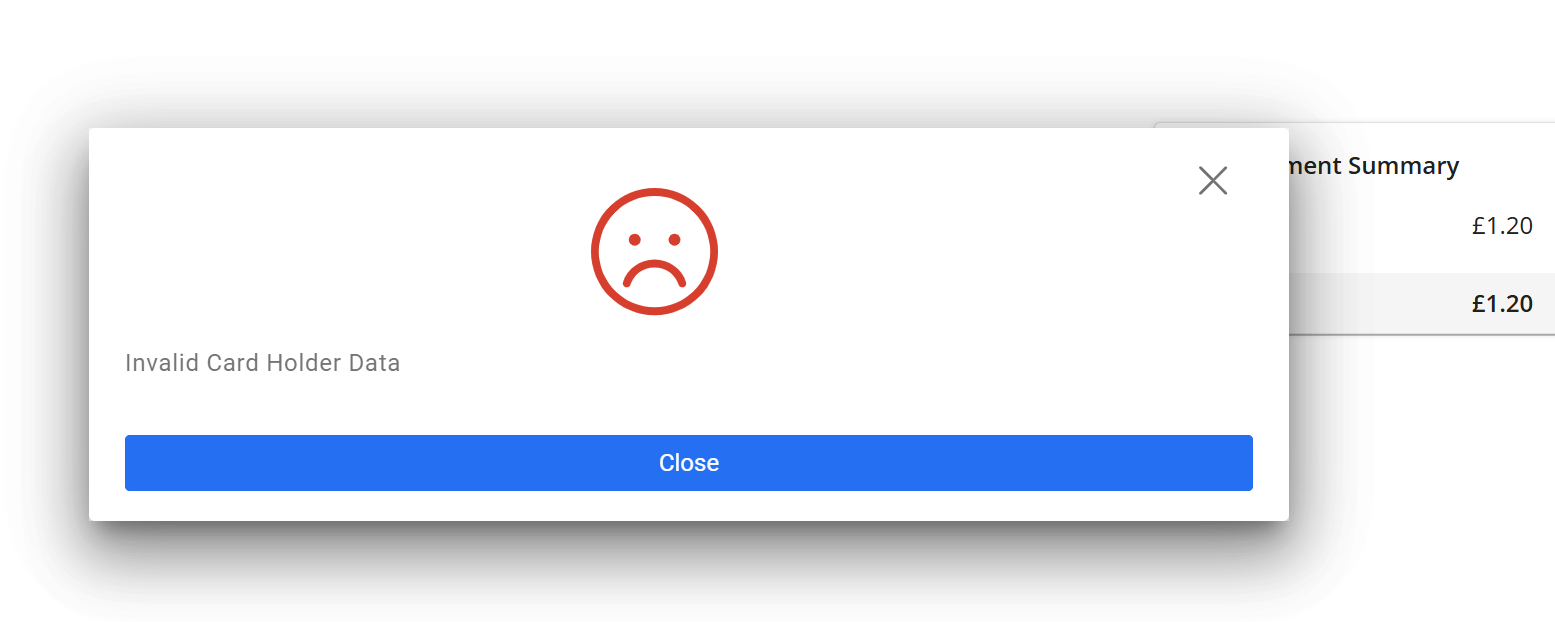
The settings were checked thoroughly and I had this even moved for a check to Scaled CSM but they replied that the settings seem alright. I mainly check the E-Payment Configs and the connected Payment Configs.
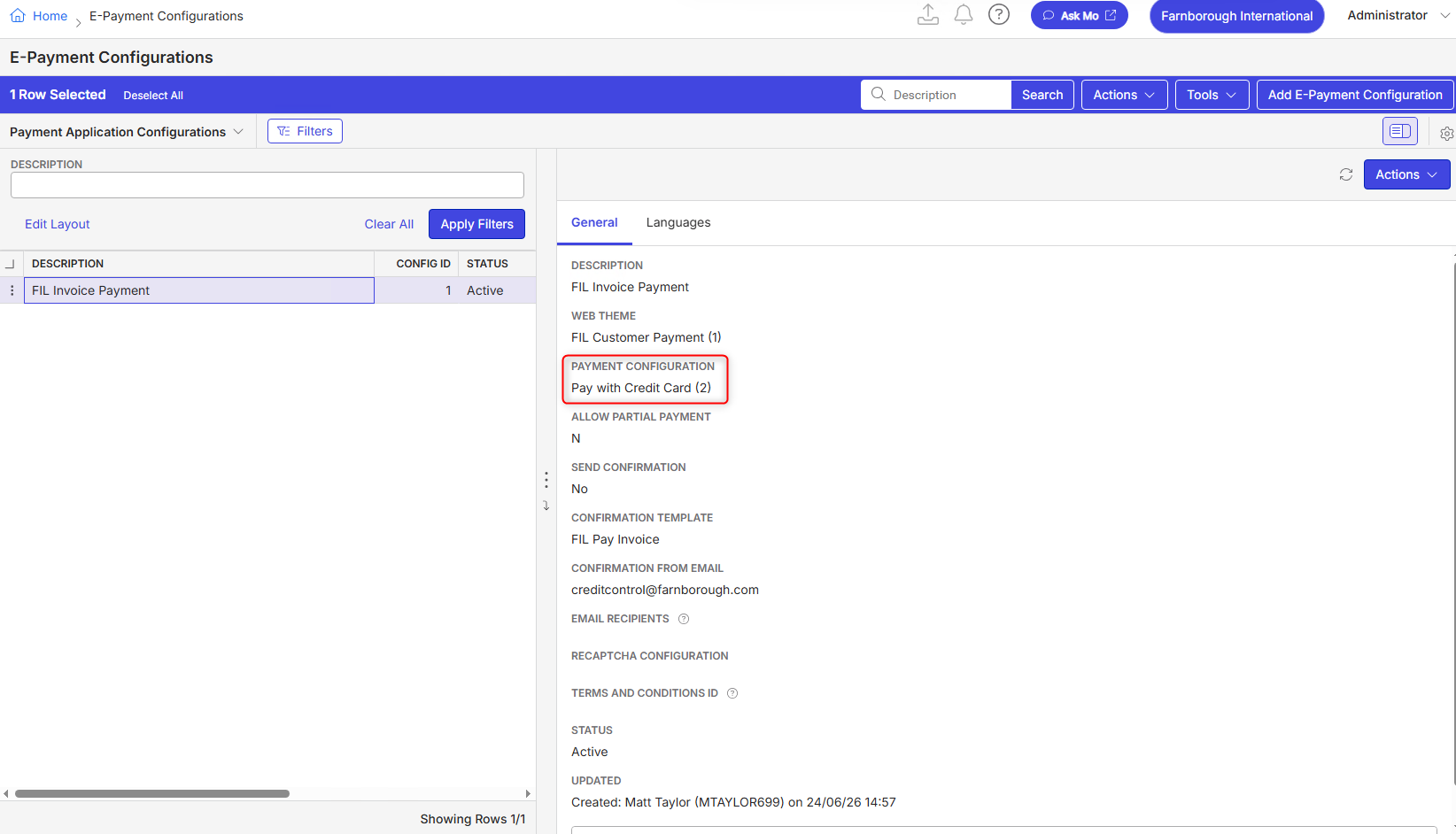
The other client with problem is OlympiaLondon_PROD_0453799520. Their problem differs as they will get no payment options at all despite everything being setup.
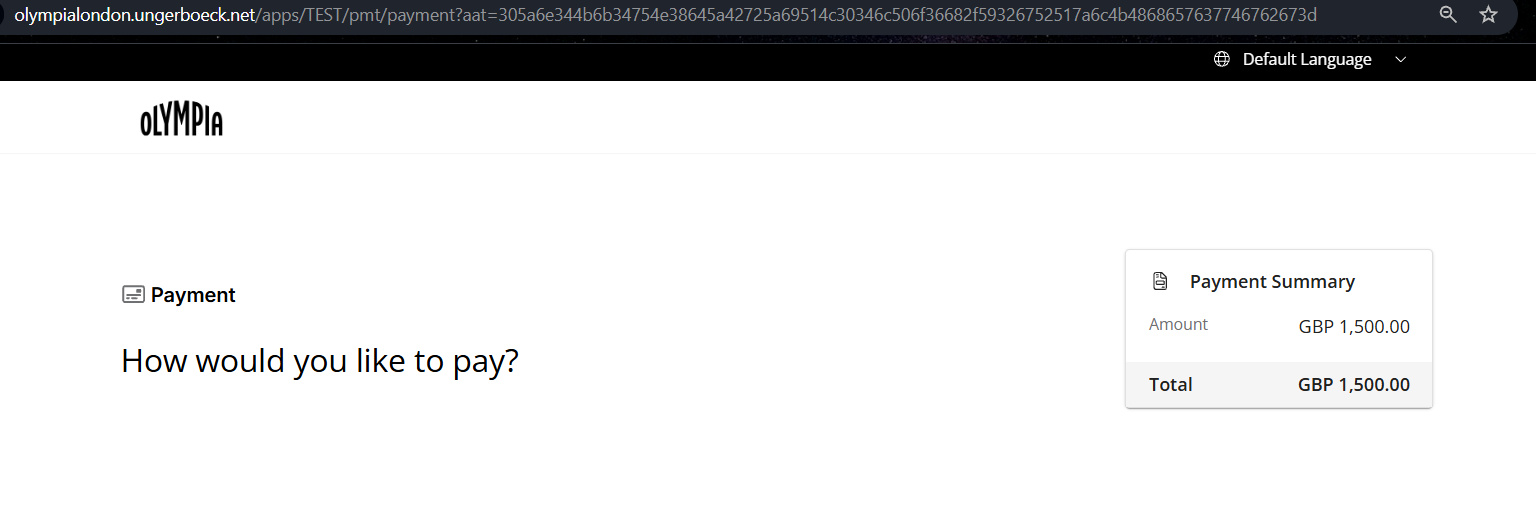
Did the same checks and also tried to change payment methods, added credit card options etc. Nothing changed the outcome.
Both cases are recreatable. My question would be how to troubleshoot this further or more to whom?
Clients:
Farnborough_PROD_0630695960
OlympiaLondon_PROD_0453799520
Versions:
both tested on latest 26.22026072001
https://supportwebemea.ungerboeck.com/FarnboroughProd/app85.cshtml?ReturnUrl=%2fFarnboroughProd%2f#/
https://supportwebemea.ungerboeck.com/OlympiaLondon_PROD/app85.cshtml?ReturnUrl=%2fOlympiaLondon_PROD
zendesk:
#392009
#386309
-
Has anyone an idea?
-

What does the logs say? Usually when errors with a sad face like this happens, I check the EBMSLogs and credit card transaction logs to see if the system provides us with anything useful. Are payments received from back office or is this isolated to the public app?
-
Nicole Loh I checked EBMS Log and also the App Log but no Log Entries are created, which is very odd.
The Gateway itselfs is functioning. The issue seems only to be with the Links created for the payment which get send via Mail. Farnborough for example just updated to the latest 26.2 but the issue remains.
To test they raised an invoice and sent to themself with a payment link. It then took 2 minutes to get to the first screenshot below. Then it was loading for over a minute and sent not found so they cancelled and tried the link again. It then took them to screenshot 2 page. When they click on Review and Pay they get the same error message (screen shot 3):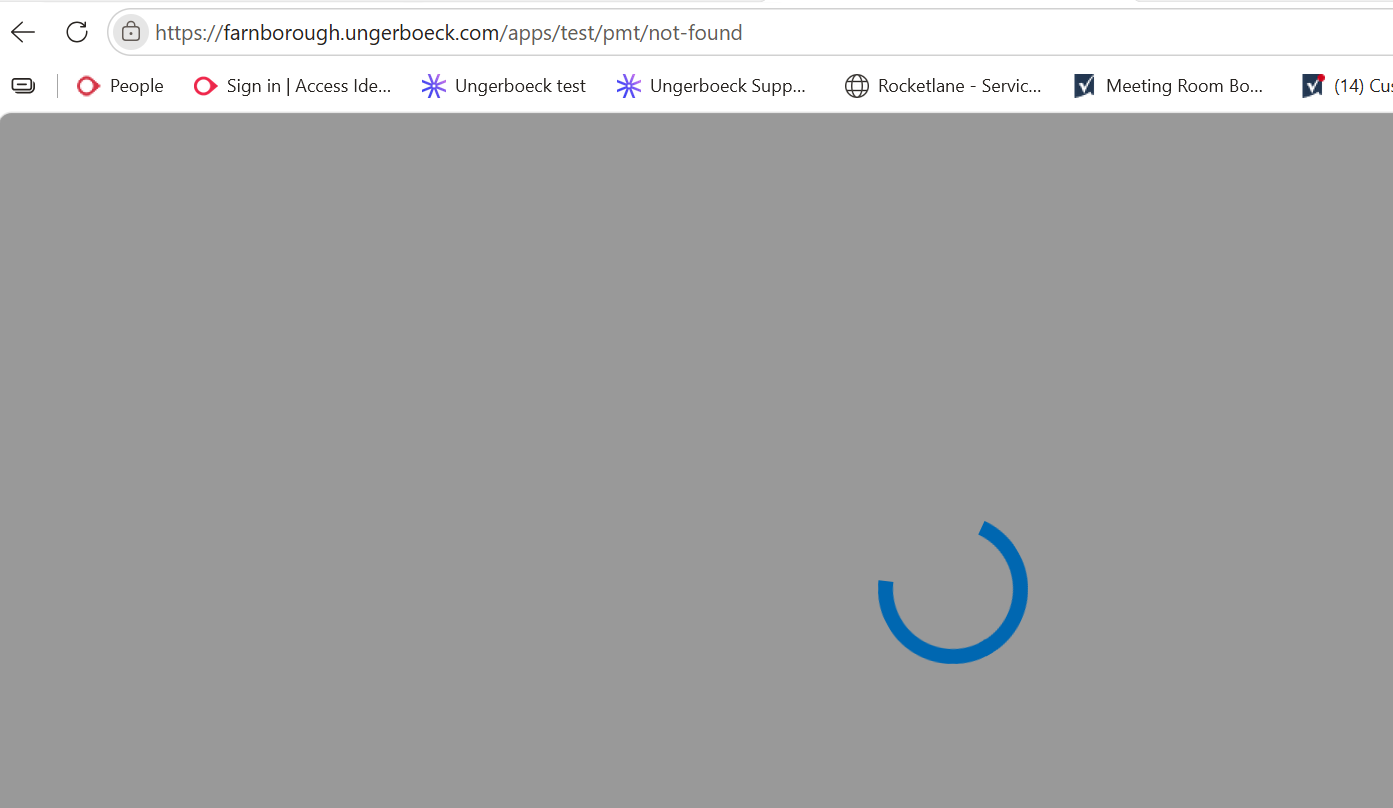


This behavior happens for Prod and Test which makes me actually quite certain that there is a problem with the setup but I also had the Ticket already issued to Scaled CS and they were also not able to spot any wrong doings in the setup.
-
Questions:
1. Have you tried with standard gateway on their debug site to see if it is working?
2. Have you tried it with a payment portal link and send it via email? Does that work with their custom gateway?
3. Have you tried creating a brand new email template from scratch with just the insert momentus link to see if it works? -
Nicole Loh I tried it by now with setting up standard gateways for each.
The one for Olympia London where the payment method was not showing is also happening with standard gateway and as of that I have forwarded it to product via jira.
For Farnborough and the “Invalid Card Holder Data” message → this does not happen once I'm using the standard gateway. I would need to know what has to change where to ged rid of it. It must be about the gateway but not me or scaled CSM where able to find out what the problem is. -

Ryan Ungerboeck please review
Please sign in to leave a comment.
Comments
7 comments
Date Votes