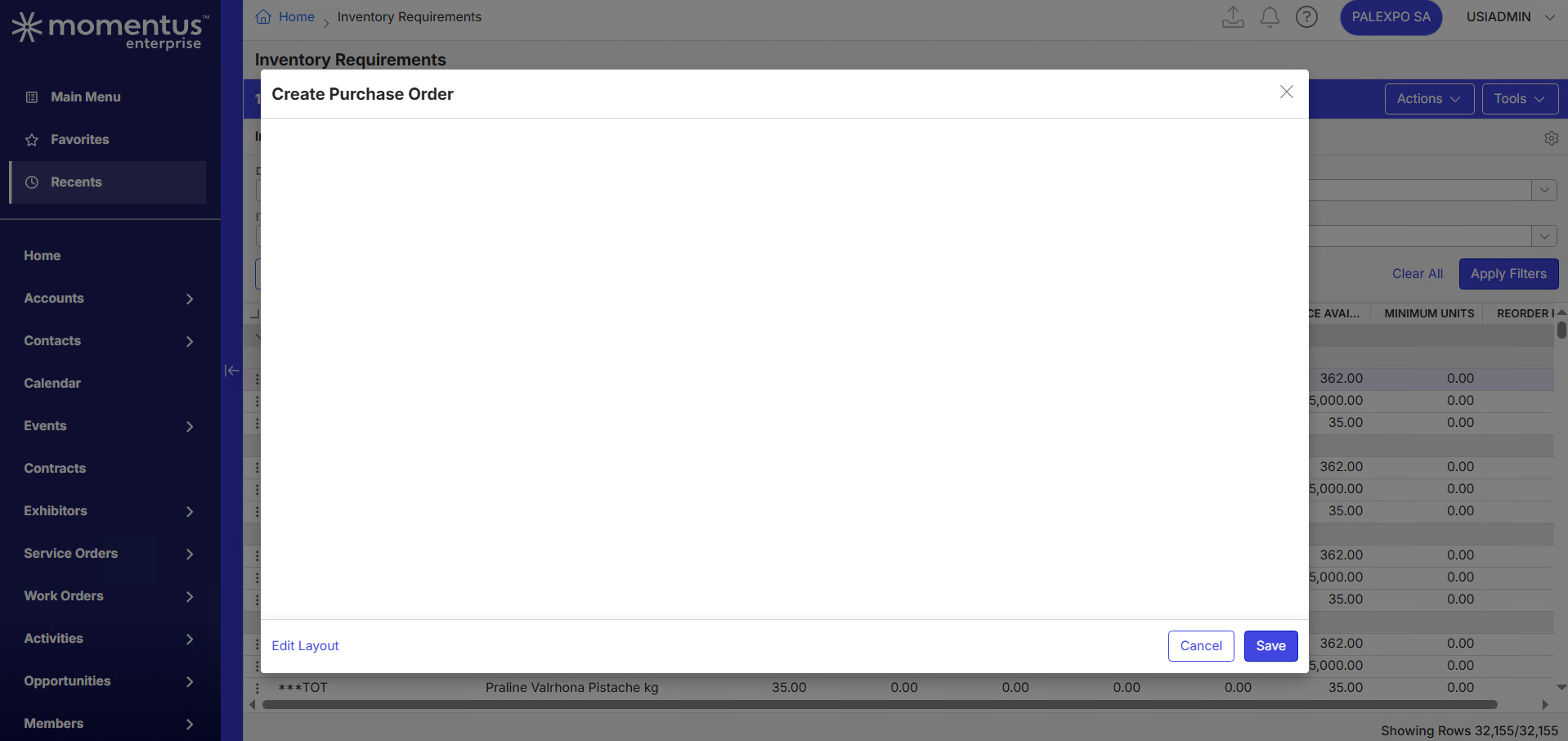
Blank screen on Create Purchase Order from Inventory Requirements

Zendesk Ticket: #384001
Account: Palexpo
Region: EMEA
General
Business impact if not resolved: This issue blocks the ability to create purchase orders from the Inventory Requirements screen, preventing the purchasing manager from working efficiently.
Short Summary of issue (issue description): Blank screen when trying to create Purchase Order from Inventory Requirements page.
Macro Vertical: Convention Centers
Debug Environment:
Customer DB Location: Hosted
Database: Palexpo_PROD_1500600635_USI
Server: Debug-EMEA,1433
Version: 26.1.9663.19219 (20260616)
V30 Link: https://supportwebemea.ungerboeck.com/Palexpo
User Login: usiadmin / ITRocks2014
New UI or Classic UI: New UI
Recreation Steps:
- In the Main Menu, go to Inventory Requirements
- Choose any item from the list, and right-click
- Click Tools > Create Purchase Order
- Notice that the page will open, but remains blank
What does the client want to accomplish: Customer expects to be able to create Purchase Orders from the Inventory Requirements shortcut.
Attachments:
Attachments or screenshots:
-

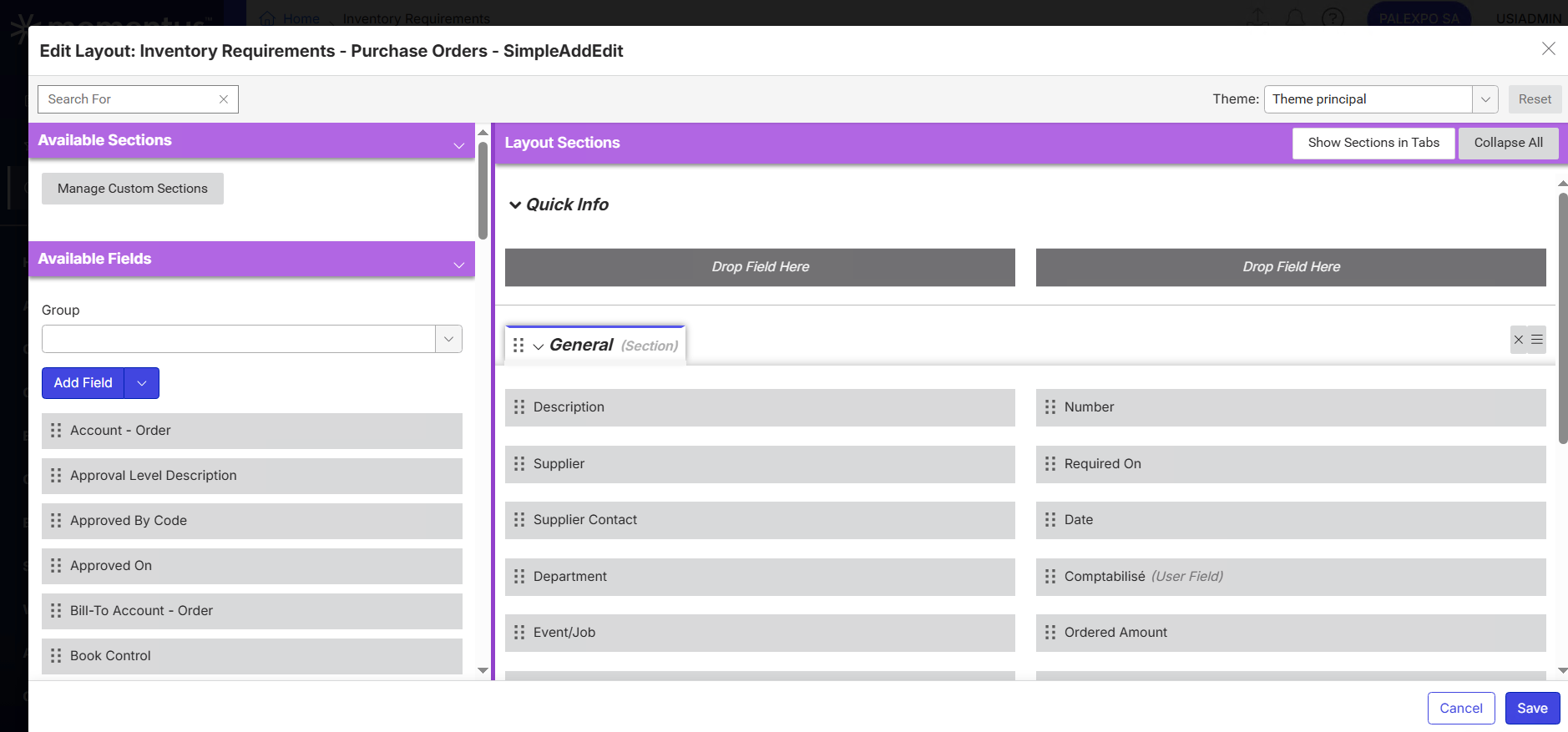
Are there fields actually on the layout?
-
Yes, there are about 20 fields on the layout.
-
I'm not sure then. I'm not familiar with this workflow. Maybe one of the others will be able to chime in. I will note that it does the same thing when switching to a standard theme that we ship with the database, so I don't think it's anything related to the specific theme.
It looks like Create Requisition works from this workflow.
-

Hi Mike Schepker The workflow the customer is following is to create a requisition first, which works well, then it will be approved by the purchasing manager.
However, the Purchasing Manager would prefer to use a Purchase Order as part of a new process, as it provides full visibility of all purchasing activities and allows multiple suppliers to be selected. The requisition allows one supplier per order form.
If implementing the new process is not possible, is there a workaround that would meet these requirements?
-
Josiane Mikhael I have no idea. Like I said, I'm not familiar with this workflow. I've never really worked with requisition orders, which is why I wanted others to chime in.
-

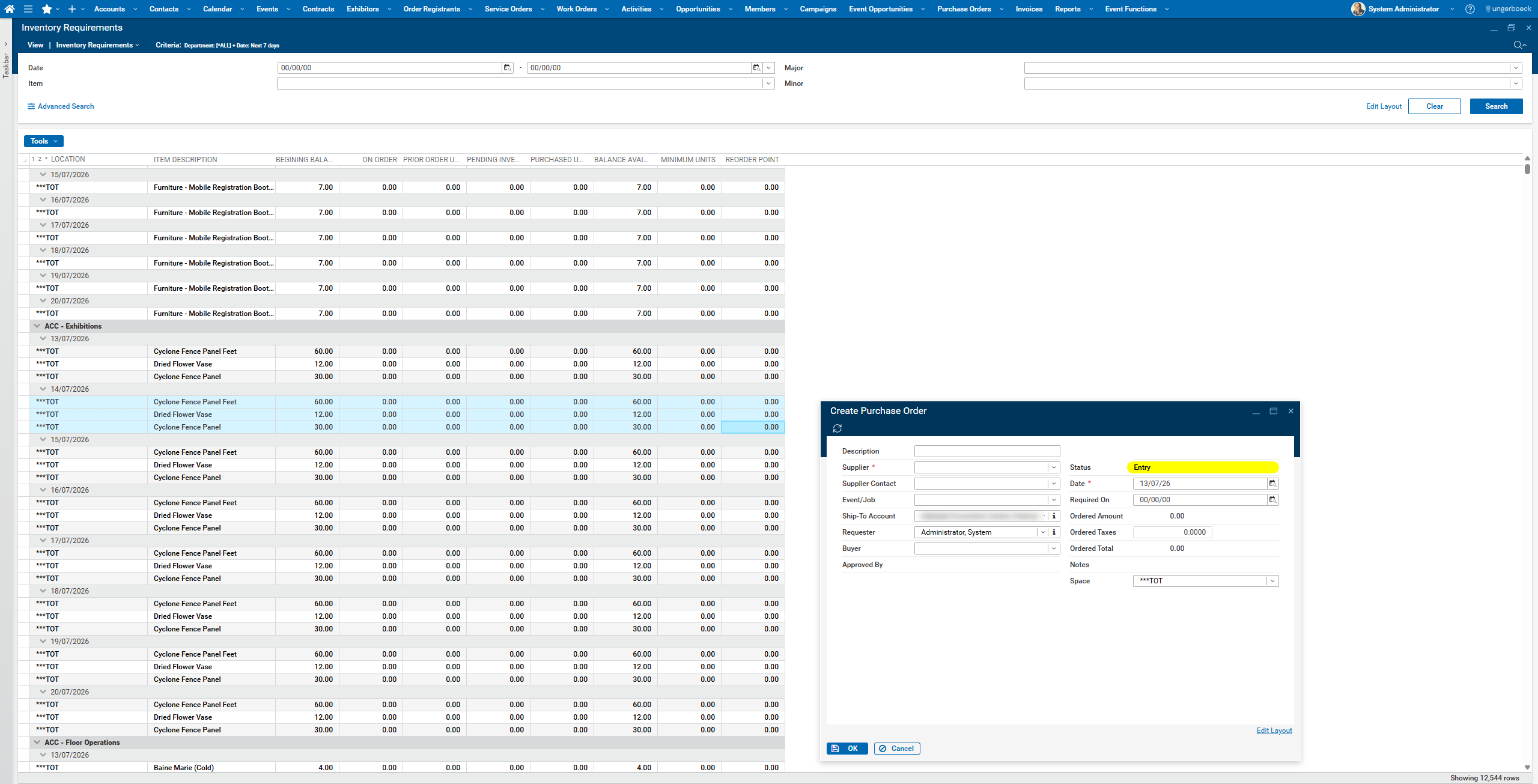
I think this one might be a bug. It works fine in the old UX. Surprised that no other customer has picked up on it yet.
-
Thanks Nicole, we will create a Jira - Josiane
-

Here's the link to the Jira ticket: https://ungerboeck.atlassian.net/browse/ME-8919
Please sign in to leave a comment.
Comments
9 comments
Date Votes