Change Function Colour in Event
Refer to Support
Description of the Issue:
As I understand it after doing some research and seeing what the client used to do, there are two ways to change the Function Colours.
1. Best Practice seems to be the setting via Event Management Configuration
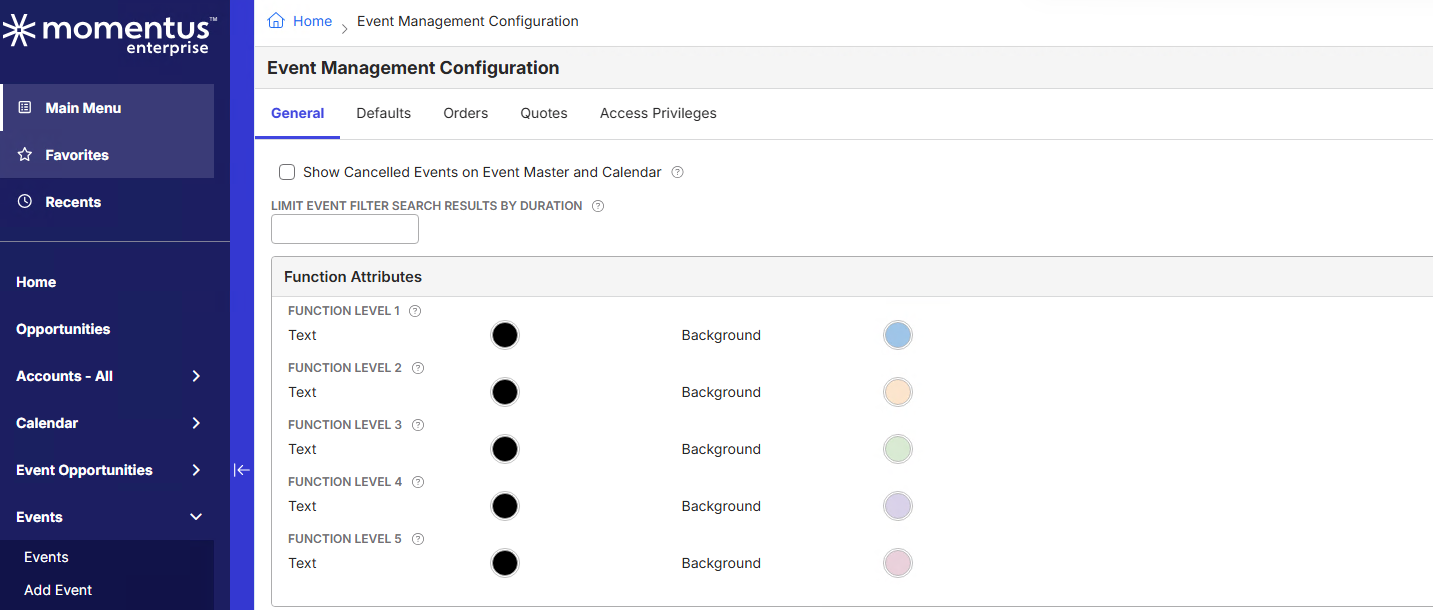
2. There is also the option to do this per Event, though it seems not to work as the client did it in the past.
- Edit Event
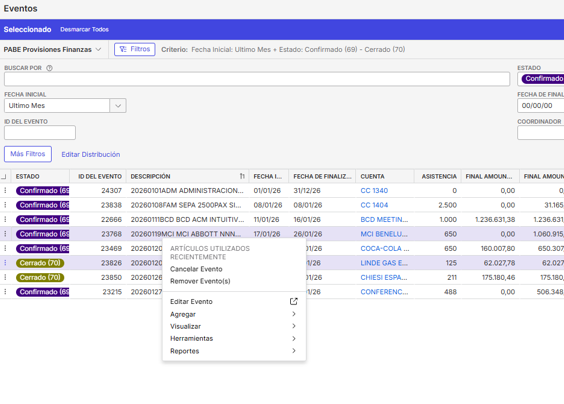
- go to Functions Tab
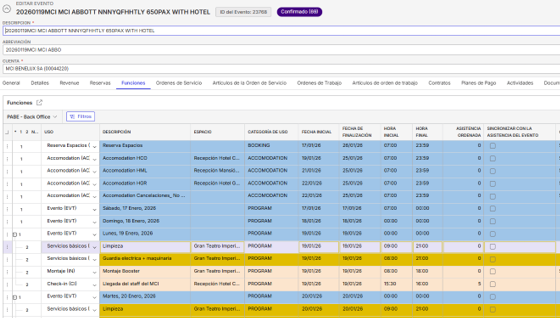
- edit function

- go to select the colour
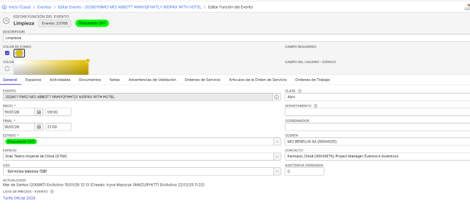
- press the “tab” key
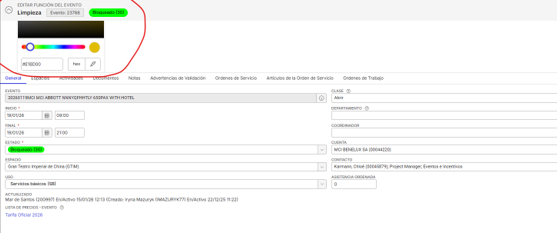
Is 2. in any form a supported best practice? While testing this the changes were also not adapting and stayed per default in the standard colour. The client needs/wants this to work in this way as they have a process which requires to change it per event because they change the function color, for example, to indicate the changes in the fucntion items from one version to another, due to many changes are usually made and the different departments need to be informed. They also use it to identify some special services such as security, cleaning, etc that are marked with diferents colors.
In the end the functionality with the Tab Key is a bit user unfriendly and they'd like to know if this behavioural change is intended or if this should actually function differently.
Client:
Pabe_PROD_2045571647
Version:
25.42026020501
zendesk:
#377809
-

Move the color fields out of the quick info section to something like the General tab. Do they work then?
-

Mike Schepker By moving the fields to the general tab, I was able to change the color. Is this by design?
When I move them back to the quick info section, the colors palette doesn't open and I am unable to select a color.
Is this a bug or an intentional change ?
Many thanks!
-
I would say it's probably a bug, but a pretty low priority one. In my opinion, we should either allow those fields to work in the Quick Info or prevent them from adding them to Quick Info.
-

If someone can let me know how people use function coloring, I can add a blurb about that to the Add and Manage Functions article and also say to not put it in the quick info section. Because of the structure of the article (we don't list all fields), having user stories or a little context will help the information fit better.
-
Thanks for the Feedback. I informed the client to remove it from the Quick Info and to place it somewhere else. Still await their Feedback.
Seth Halvaksz would it be fine to issue a Jira for it?
@... I cannot tell how the common usage is. By reading through the topic best practice seems via Event Management Configs but as this here shows, they use it in the Event / per Event.
Mariam Abid maybe you have more live experiences for this / other than that I'd say Consulting might know? -

I am ok to submit a low priority bug.
Please sign in to leave a comment.
Comments
7 comments
Date Votes