Adding Dependencies / assigning ‘Gantt Editor’ role

In #365007, a user has asked assistance with adding Dependencies in the Gantt Chart view. They followed instructions in the article Dependencies in the Gantt, but were unsuccessful.
The article states clearly: You must be assigned 'Gantt Editor' role to make changes to Dependencies through the Gantt Chart.
Unfortunately, it is not clear how to assign this role or check if the user already has the role assigned.
I checked with Cathy Herrick, who checked all the Module Permissions on the edit user window and also checked what sort of fields were assignable when creating new from the Gantt, but there didn't seem to be a field for assigning Gantt Editor there either.
-

This document is old.
Gantt Editor used to be a role a few years back but was relegated.
Today any user with access to Planning and the Project Admin Permissions can edit
Also, please share more information so its easy for us to give a comprehensive answer. For eg, if permissions issue, please tell us what are the current permission settings etc. Also Product does not have access to zendesk tickets so i cannot see what you are referring to.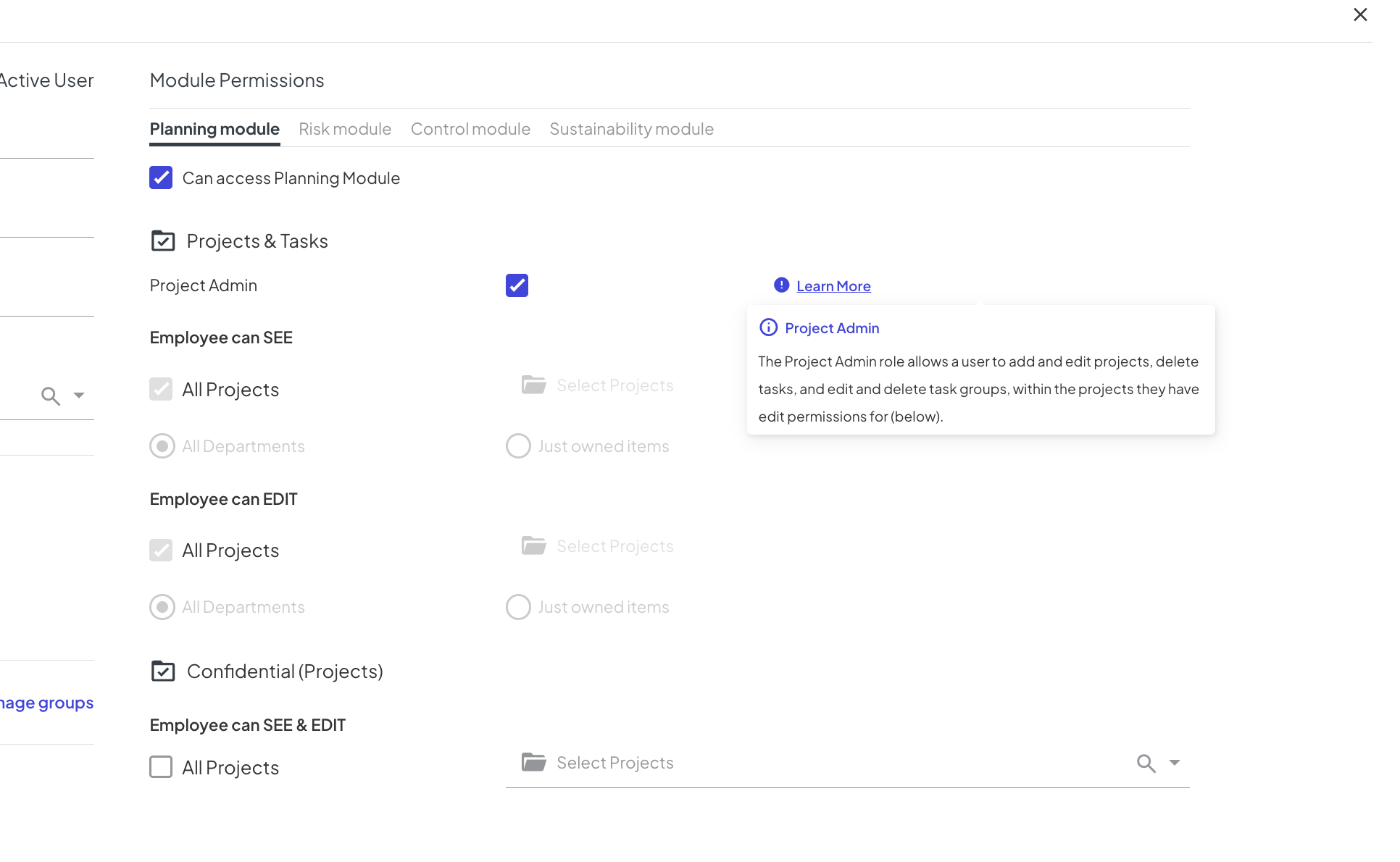
-
Thank you Vernica Lodha!
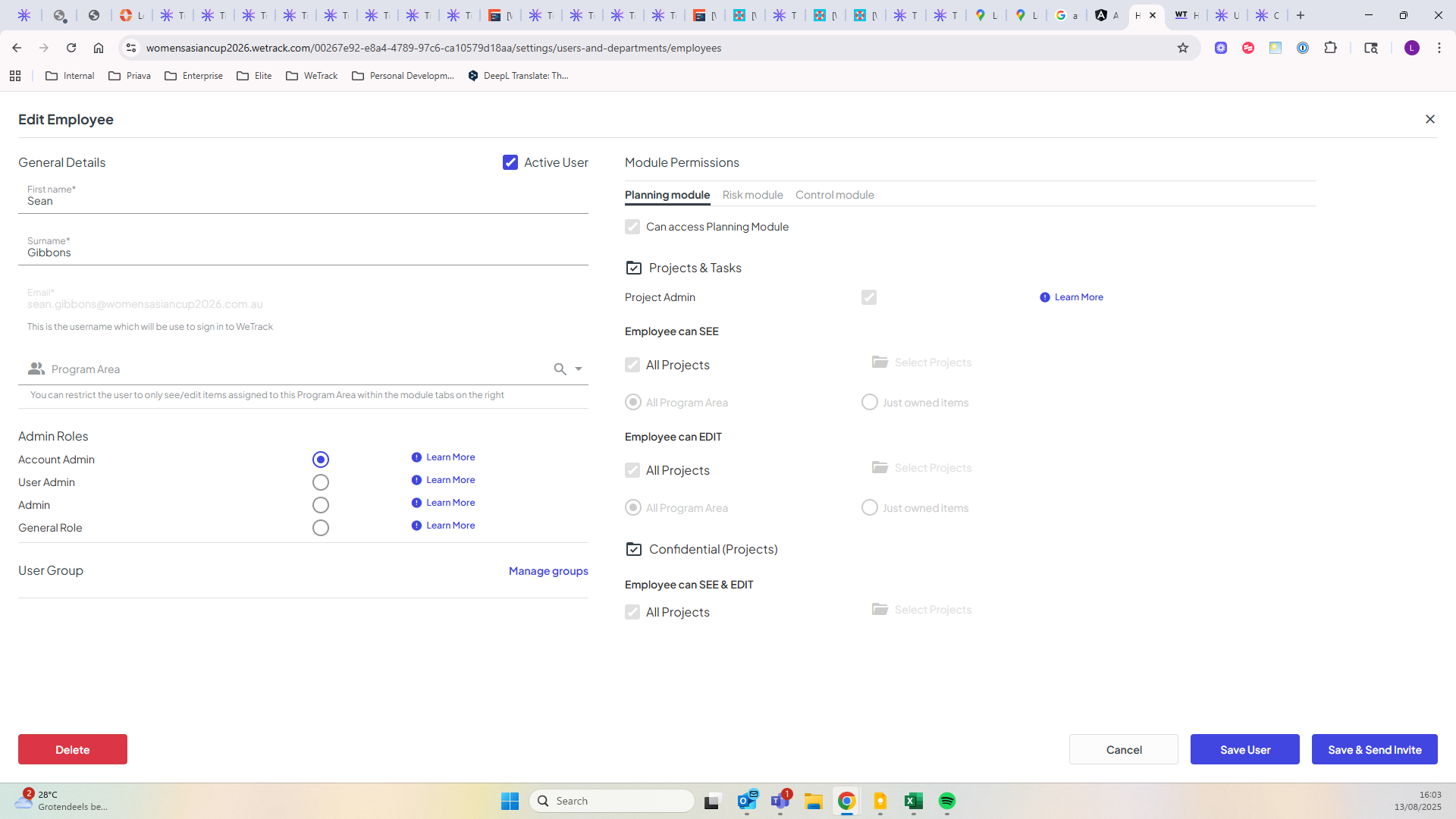
Sorry, I didn't realise you can't access Zendesk. This is for Womensasiancup2026, user Sean Gibbons. He has Project Admin rights, but says he tried repeatedly to edit dependencies in Gantt View without success.
-
This seems like either a user issue or a bug in that case. Please capture more details, including a video of what the user is attempting to do. We are able to edit Gantts on our system.
This is not a permissions issue since this user has the highest access permission.
Please sign in to leave a comment.
Comments
3 comments
Date Votes