Contract Creation Process in New UX vs Classic UX
Answered
Zendesk Ticket: 352982
Account: Tampa CC
Region: US
Articles used in your research: Enterprise New UX FAQs, New UX: Page, Drawer, or Modal?
General
Business impact if not resolved: Requires extra steps for customer workflow compared to classic UX
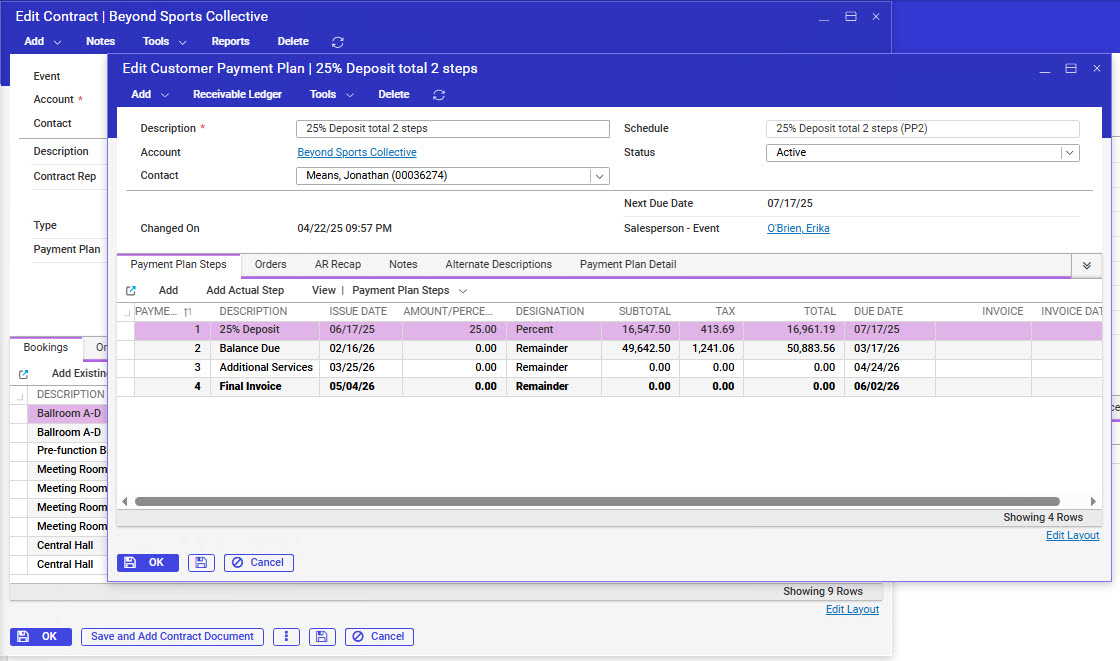
Short Summary of issue (issue description): Contract creation procedure now does not allow users to keep the Payment Plan window open once the payment plan is saved (so users could create an invoice from the payment plan to accompany the contract). Compared to Classic UX, users could "safety save" the payment plan and create an invoice, then close the payment plan window and go on to create contract documents. Is this an intentional change?
Macro Vertical: Convention Centers
Debug Environment:
Customer DB Location: Hosted
Database: TampaCC_Prod_0062268810_USI
Server: Debug-US,1433
Version: 25.1.9231 (20250410)
V30 Link: https://supportwebus.ungerboeck.com/TampaCC_Prod/app85.cshtml?ReturnUrl=%2fTampaCC_Prod
User Login: usiadmin / ITRocks2014
Recreation Steps:
1. Navigate to event ID 27497
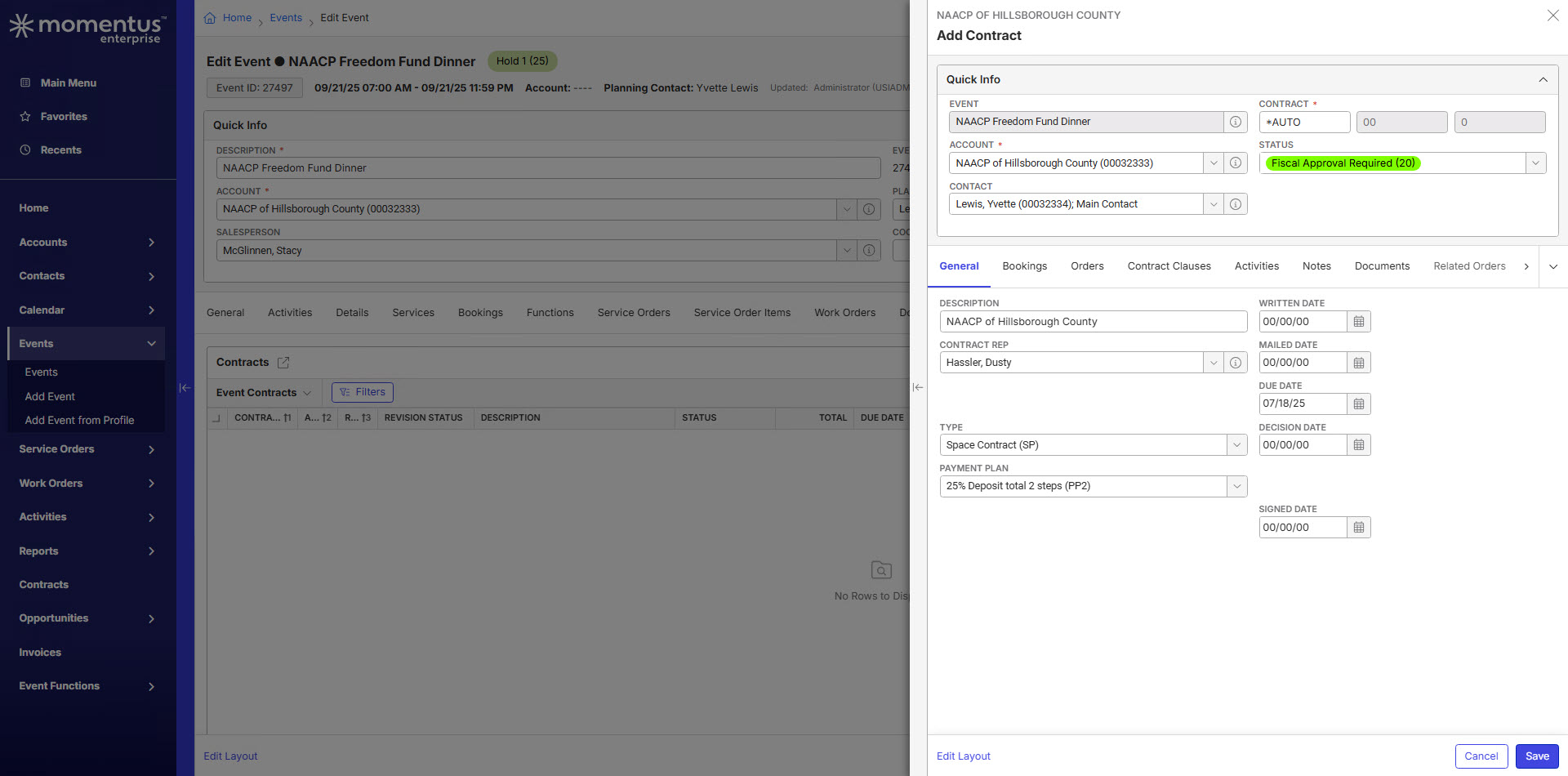
2. From the Contracts tab, click Add Contract
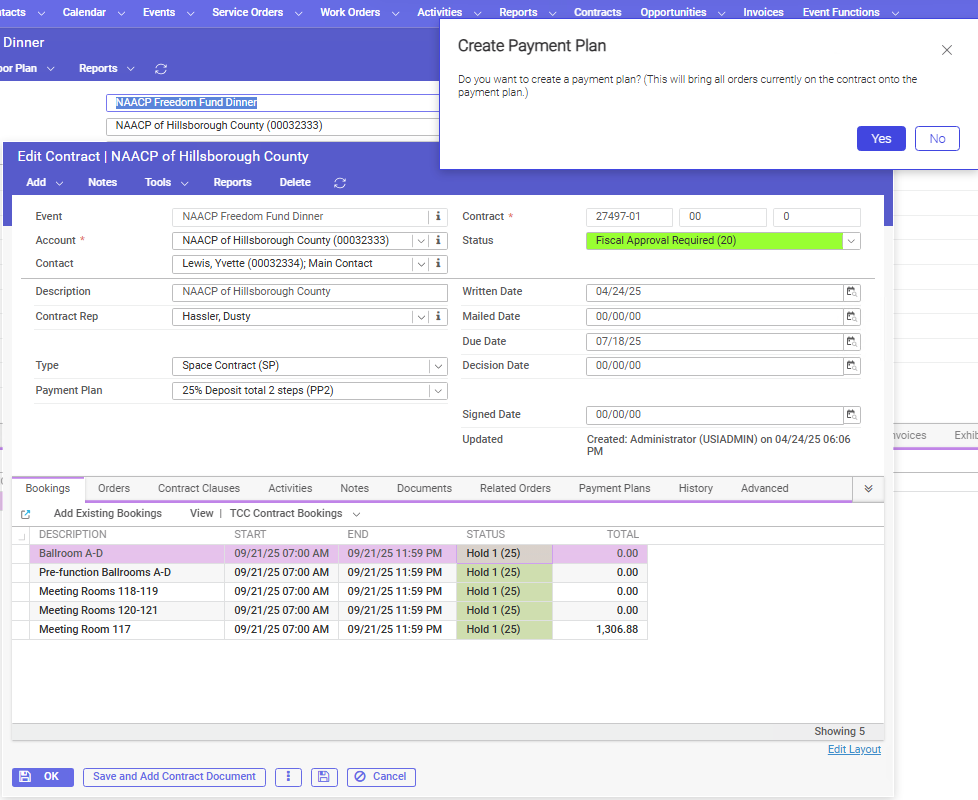
3. Select a type and a payment plan on the Add Contract window (does not matter which option you select), enter a due date (no weekends) and select a contract status to at or above (20) then click Save
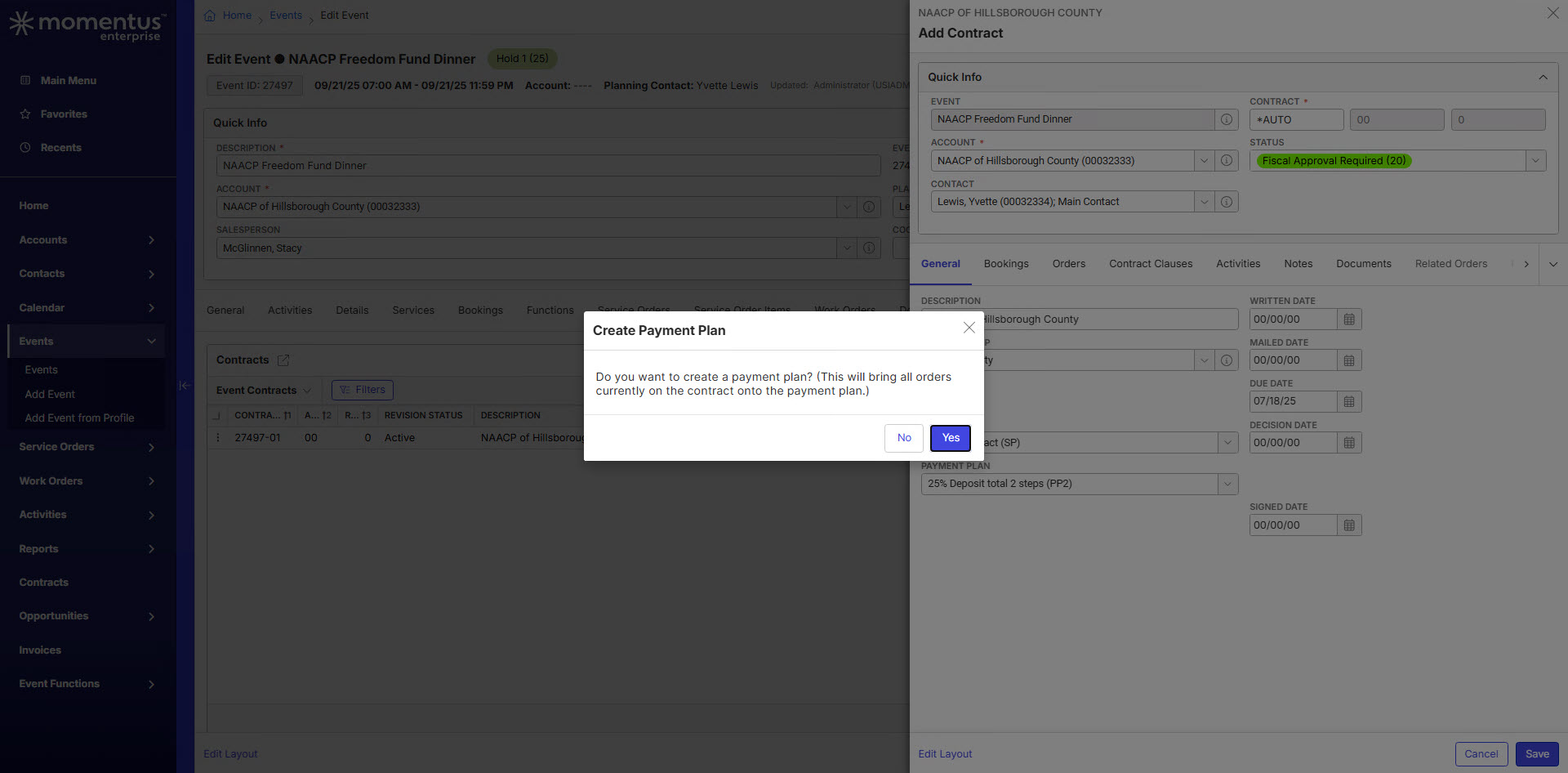
4. Click Yes on the Create Payment Plan window
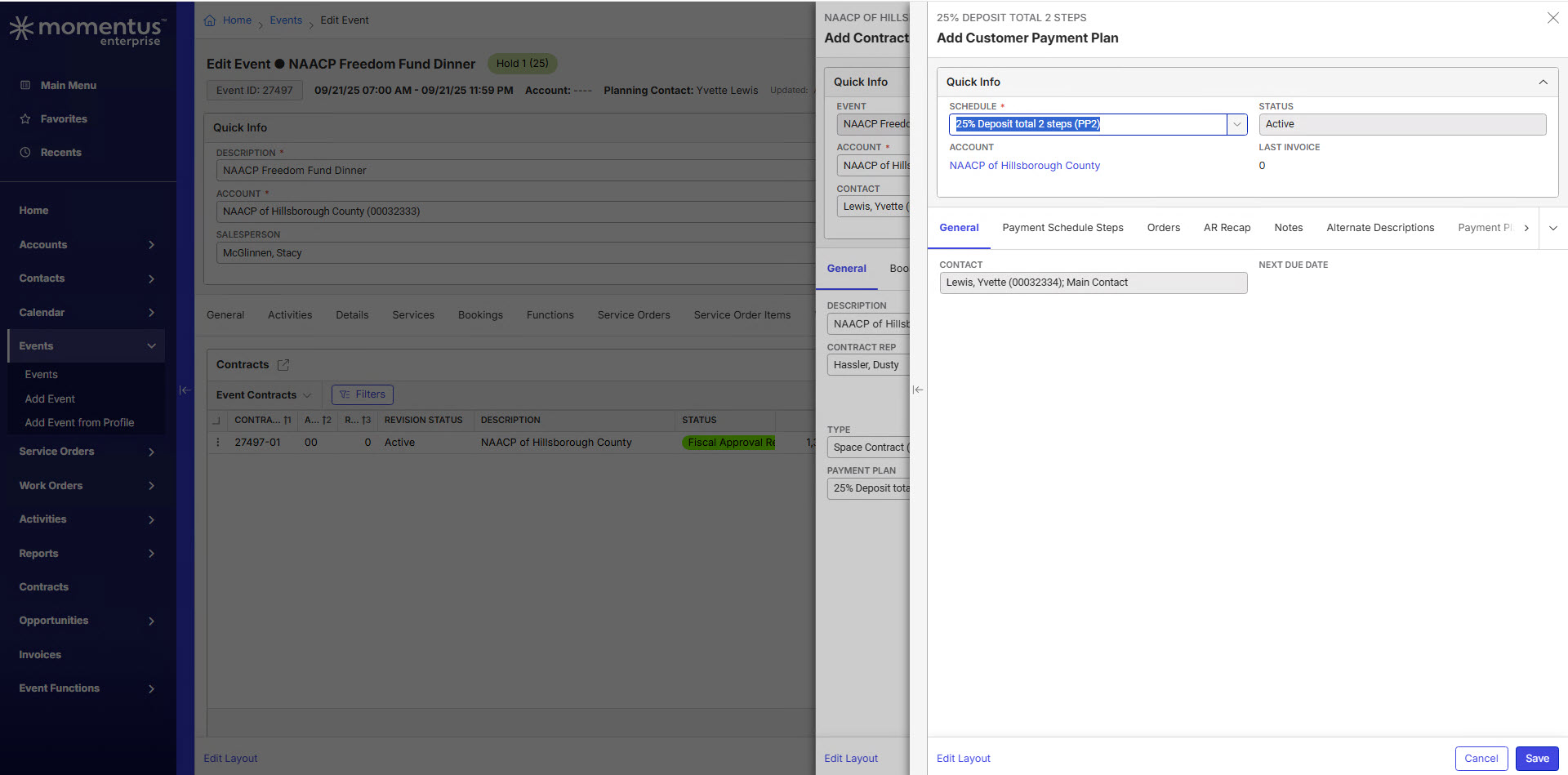
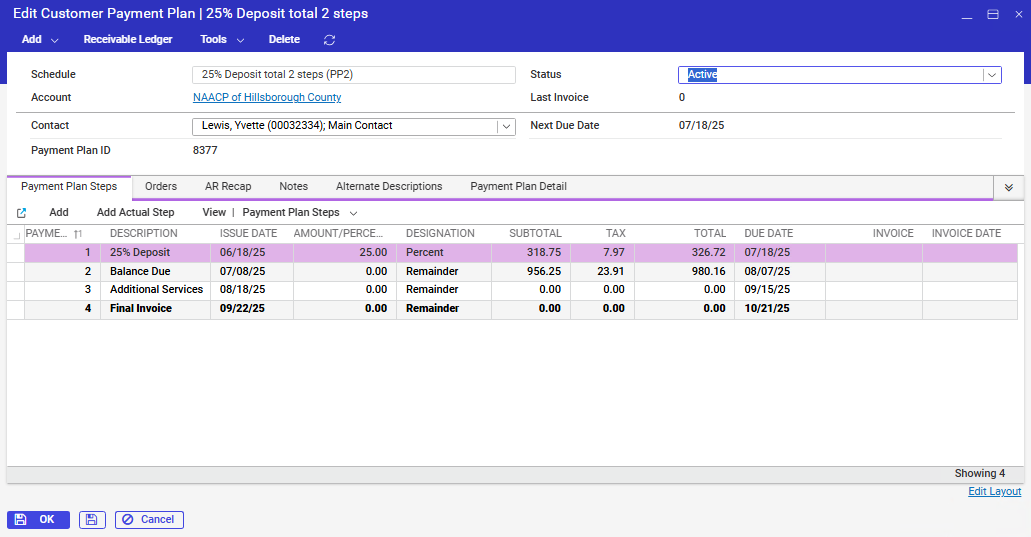
5. Click Save on the Add Customer Payment Plan window
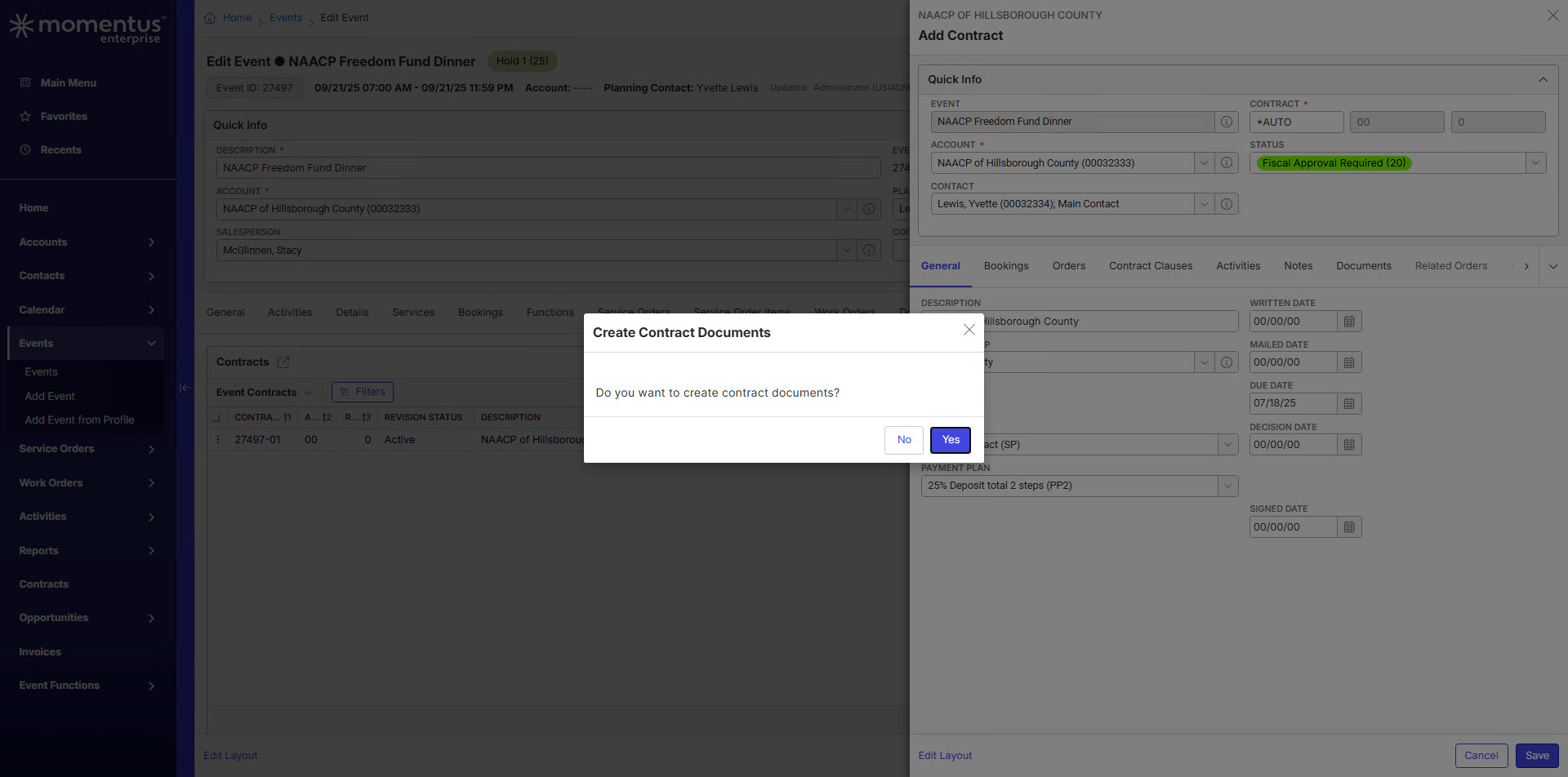
6. Notice you are then redirected to add contract documents instead of staying on the Payment Plan window
Observed vs. Expected Results: Unsure based on new UX's usage of drawers, modals, etc.
What does the client want to accomplish: Not have to add more steps to the contract creation process by staying on the windows as needed.
Carissa Harrison Seth Halvaksz
Attachments:
Attachments or screenshots:
-

Heather Lightsey
Can you provide the customer's current workflow in classic UX? -

Also tagging Richard Marmura
-
Here you go, Carissa Harrison :
- From the Edit Event window Contracts tab, click Add
- Select a type and a payment plan on the Add Contract window (does not matter which option you select) and enter a due date (no weekends) and select a contract status to at or above (20) then click Save
- Click Yes on the Create Payment Plan prompt
- Click Save on the Add Customer Payment Plan window - the window does not close in Classic UX
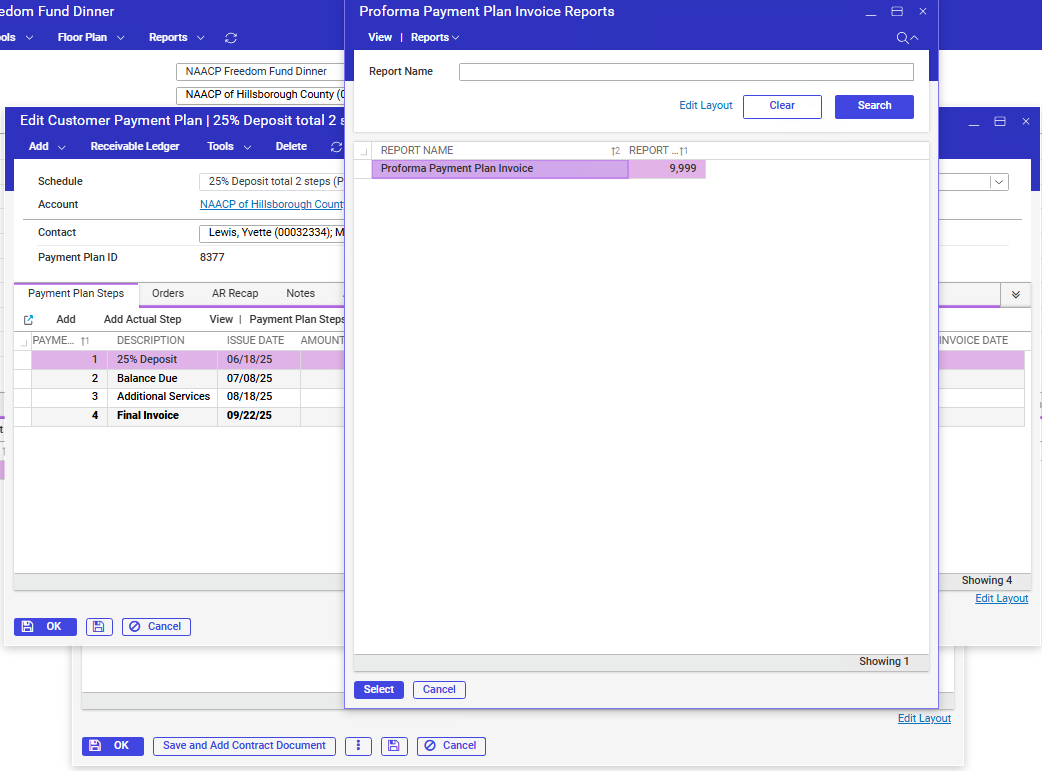
- Right-click on the first payment plan step and select Reports
- Run the Proforma Payment Plan Invoice (Send to the Printer) and save the proforma invoice
- Go back to the Edit Customer Payment Plan window and click OK
- Click Yes on the Create Contract Documents prompt
- Run contract docs as needed and then move along in their approval process
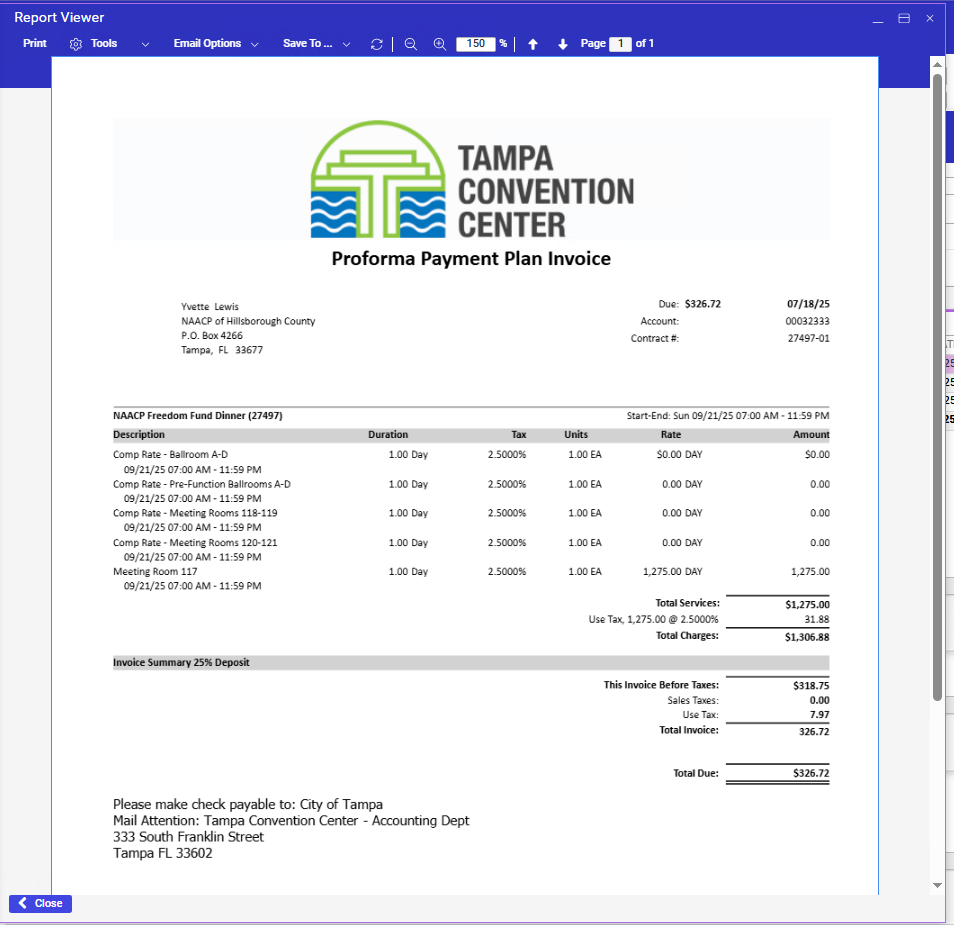
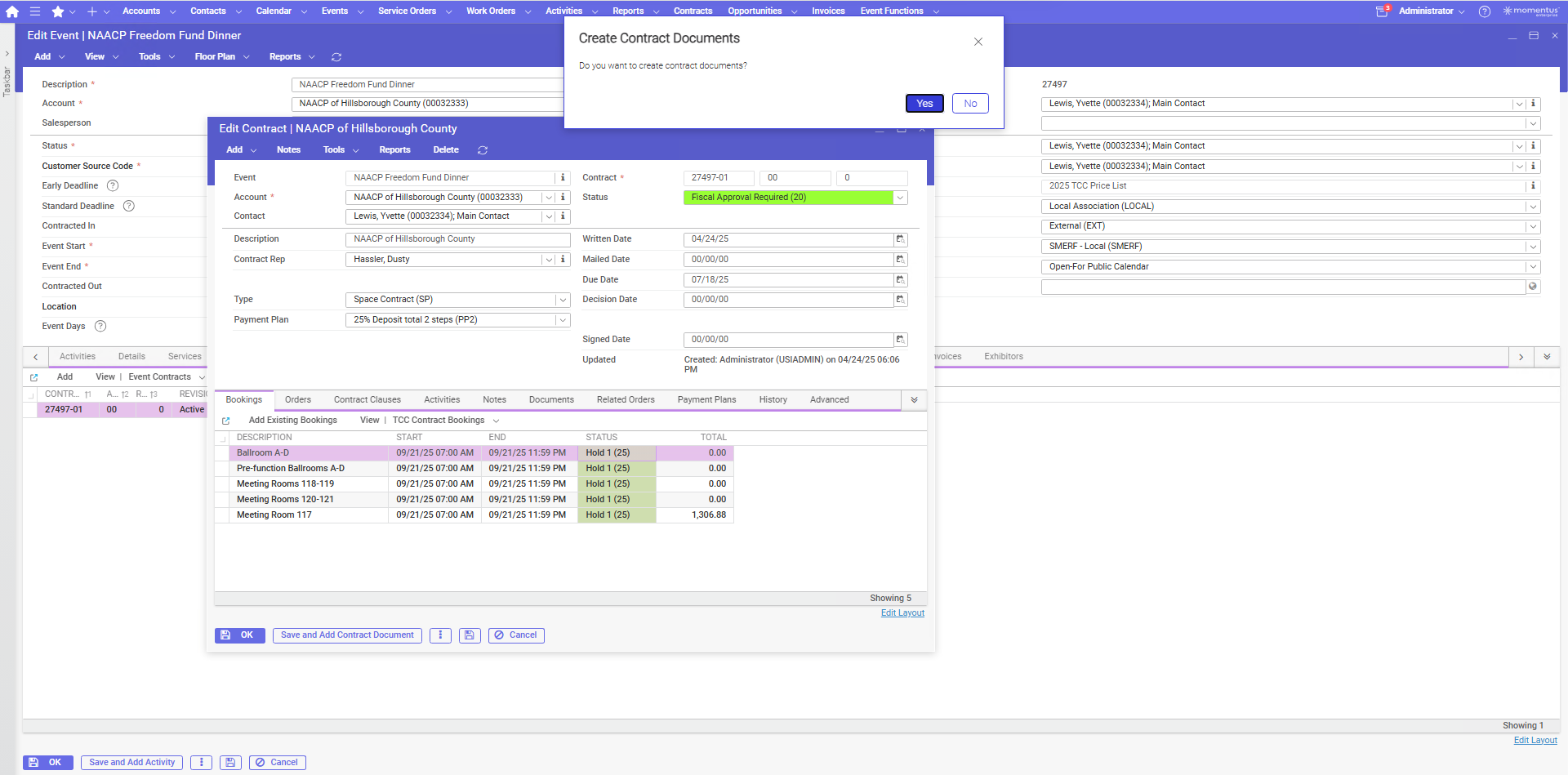
-
Carissa Harrison just checking in on this post
-
Carissa Harrison please review
-
Carissa Harrison Seth Halvaksz just checking in on this post again. Please let me know if the issue I mentioned is a bug or working as designed, as well as any next steps needed.
-
Carissa Harrison is behind on documentus posts but will respond today or tomorrow
-

Heather Lightsey This functionality aligns with the new UX design. We recommend submitting this to Pendo as an enhancement request for future consideration. Internally, we are in the process of reviewing the contracts workflow in BackOffice as part of broader improvements.
We recognize that this adds additional clicks to the user experience. Similar feedback has been observed in other workflows where an "Apply Changes" action—allowing the drawer to remain open—could improve usability. This is something we are actively evaluating as we continue to assess the overall user flow.
Please sign in to leave a comment.
Comments
9 comments
Date Votes