Invalid User Defined Field with copying event
Refer to Support
- Account name
EPFL
- Region
EMEA
- Client version
25.12025032001 (debug)
24.42025010801 (PROD)
- Description of the issue
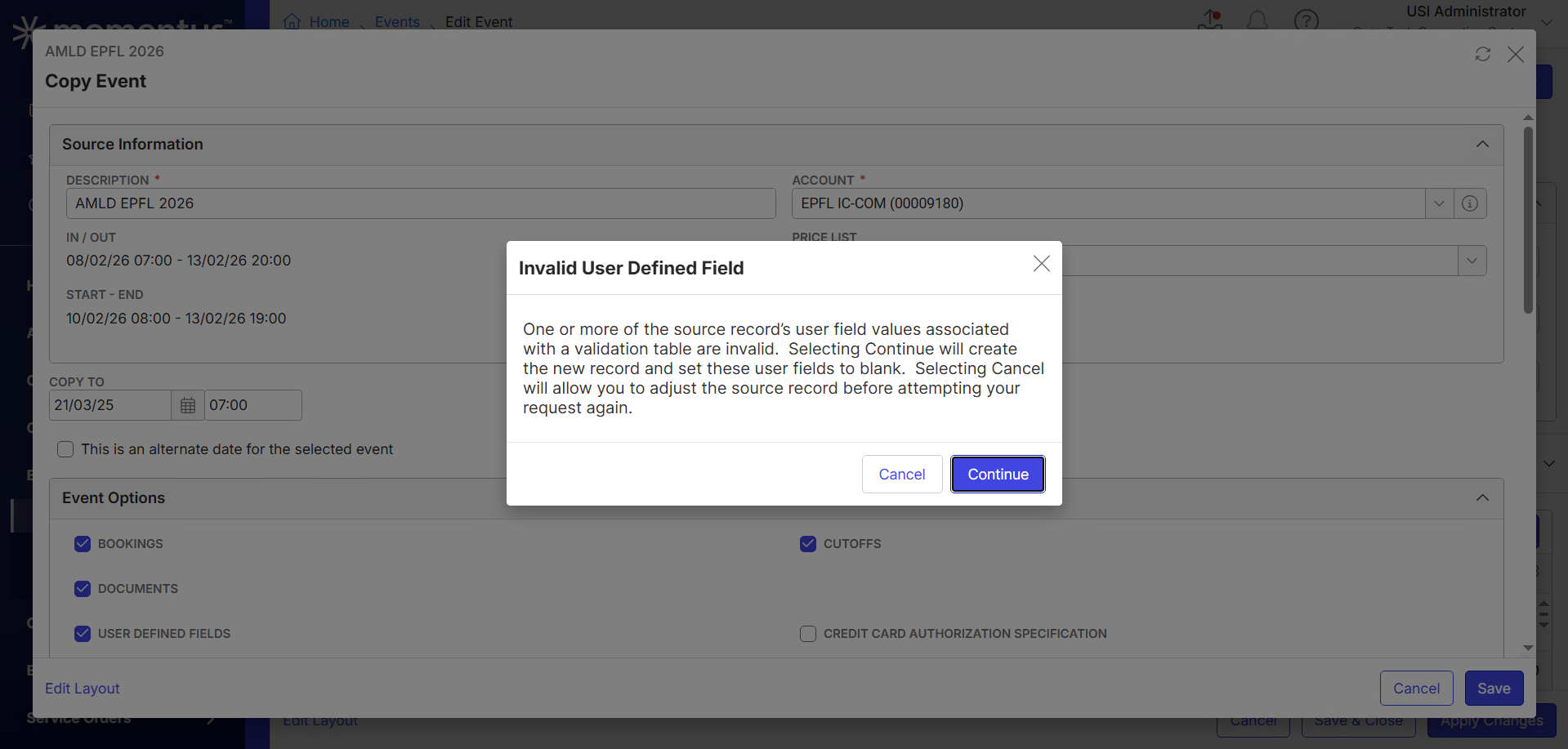
- Customer is trying to copy an event, but receives the error message "Invalid User Defined Field". It is not mentioned which UDF or validation table-s hinder to finalize the copy. Is it possible to retrieve this information?
- Customer is trying to copy an event, but receives the error message "Invalid User Defined Field". It is not mentioned which UDF or validation table-s hinder to finalize the copy. Is it possible to retrieve this information?
- Recreation steps:
- Edit event 18004
- Select Actions / Tools / Copy Event
- Click Save, Continue, Yes, Continue, Save
- Notice the message Invalid User Defined Field
- One or more of the source record’s user field values associated with a validation table are invalid. Selecting Continue will create the new record and set these user fields to blank. Selecting Cancel will allow you to adjust the source record before attempting your request again.
- Customer has no idea which UDFs or validation tables are concerned and is unable to copy the events
- Business impact if not resolved
They will be unable to proceed to copy the event.
- Attach relevant files (such as screenshots)
-
-

Samy Kheloufi can you suggest the best practice here, for how the customer can identify the user defined field that is invalid?
-
I found out a ticket was already open for this
https://ungerboeck.atlassian.net/browse/ME-5528
I understand this is likely bad data in the validation table, which the customer should be responsible to address
“this looks like bad data and someone just needs to debug and find out what validation table of theirs has a problem”
Please sign in to leave a comment.
Comments
2 comments
Date Votes