E-Payment for Invoice: no invoice attached
Answered
Hi team,
-
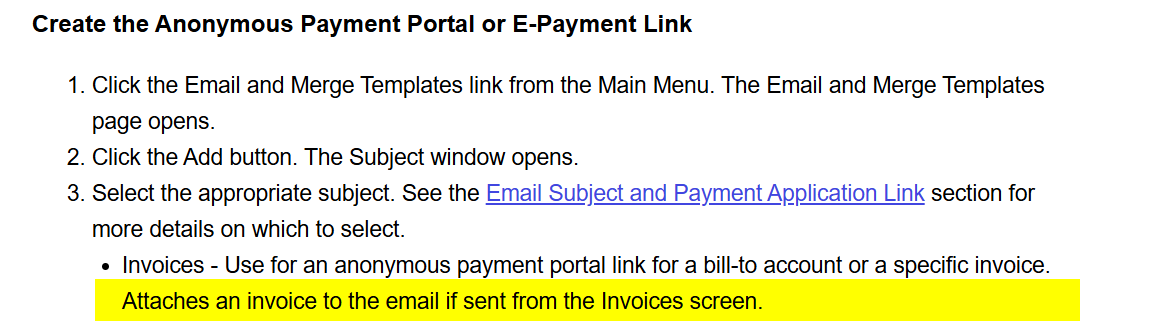
Description of the issue: I have set up an E-Payment Configuration for Invoices an this works as expected. However, based on the Support Centre Article, it says that the Invoice will be attached to the Email.
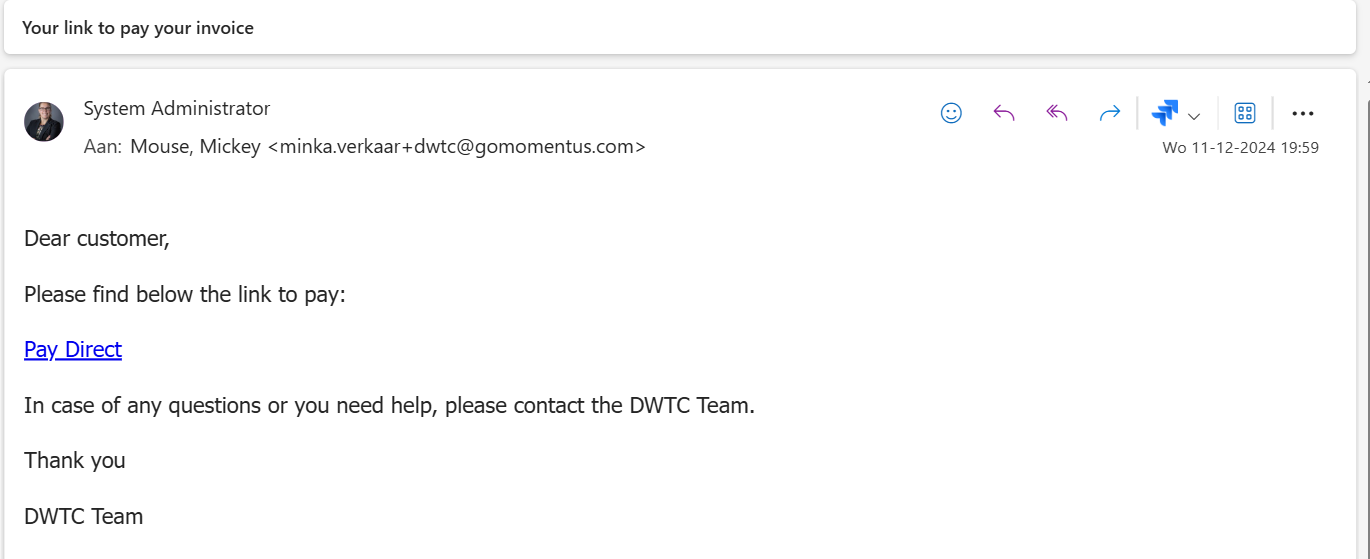
However, in my email the Invoice Report is not attached:
In the Report Configuration of the E-Payment Configuration I have linked the Report ‘Payment Plan Invoice’.

What am I missing? Or is this a bug?
- Account name: DWTC (Dubai World Trade Center)
- Region: EMEA
- Client version: 24.3
- Steps to reproduce: available upon request
- Observed results vs Expected results: the email with the Payment Link does not have the invoice as attachment.
- What is the job the client is trying to accomplish:
- Business impact if not resolved: customers will contact the venue to ask for the invoice which will generate a lot of ‘traffic’ and communication which can be avoided.
- Links to articles where you've looked for solutions and also other steps you've taken to research the issue: see above
- Link to Zendesk ticket: N/A
- Local v30 URL: https://dwtc.ungerboeck.net/test/app85.cshtml
Thanks
Minka
-
Official comment

Perhaps the wording of the document could be improved - but I think the expectation is that when sending communications to the customer (for initial invoice or follow ups for collections) that the users will mass send out communications which make use of both:
1.) Email templates - that include the payment links
2.) Report Attachments - which would be the relevant crystal reports run for each invoice.
So if you start from a point of Mass Emailing invoices (from the invoices screen), you would start by selecting multiple invoices and generating the reports to attach to an email (utilizing an email template) -

Hey Minka Verkaar,
Can you please confirm if you created your email from the Invoices window? We are just looking at updating the wording, but I want to check if Ryan's clarification has helped the issue.
Thanks,
Chelsea
-
Thank Ryan Ungerboeck
Chelsea Dolman I have tested this in from the Payment Plan Window:

Right Click on the Payment Plan Step > Send Email.
-
Hey Minka Verkaar ,
I think Ryan was suggesting sending the email from the Invoices window? But maybe this already fixes this issue for you. I'm mainly asking as I'm trying to figure out if we need to update the wording in the article.
Thanks,
Chelsea
-
Hi! Just tested it from the Invoices Window, but same result! No Invoice Report attached.
-
Minka and I just jumped on a call together and have resolved the issue by choosing the Create and Print Invoice option on the Issue Invoice prompt which comes from issuing an invoice from the Payment Plan Invoicing window, or the Edit Payment Plan window. I have now updated the article with some clarification on this process!
-

Thank you Chelsea Dolman
Please sign in to leave a comment.
Comments
8 comments
Date Votes