Error Message when opening WORD MERGE TEMPLATE in Contracts

Description of the Issue:
When trying to open an Event Template (Word Merge) it gives the error below:
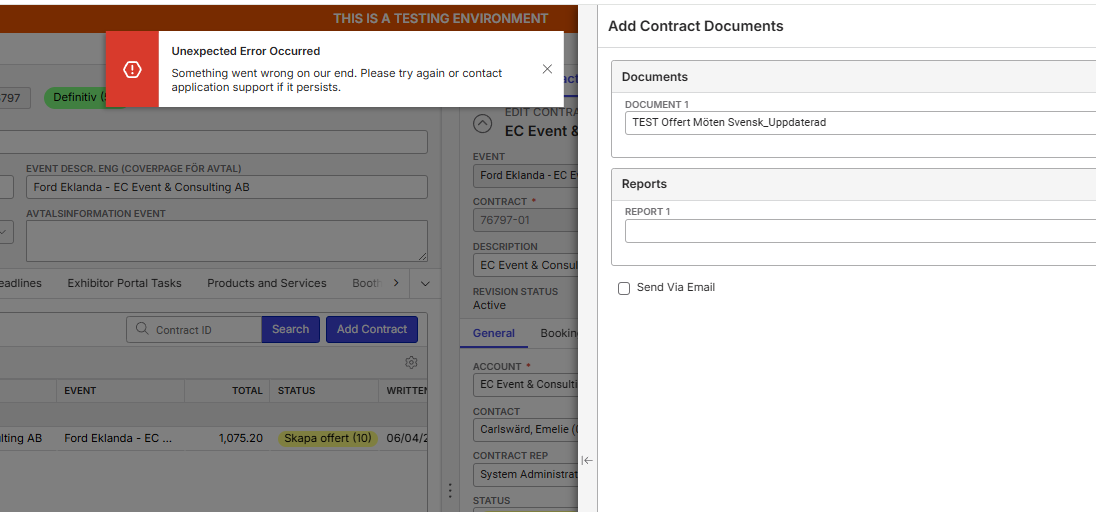
It only happens with one report, and it only happens when the report is used in an Event/Contract. When you open the document from the configuration side (=Event Template Documents) it will also work as expected.
Go to the Contracts Tab
Add Contract
No need to make changes, directly click SAVE
Answer YES on the question; “Do you want to create contract documents”
Select the report as per screenshot below:
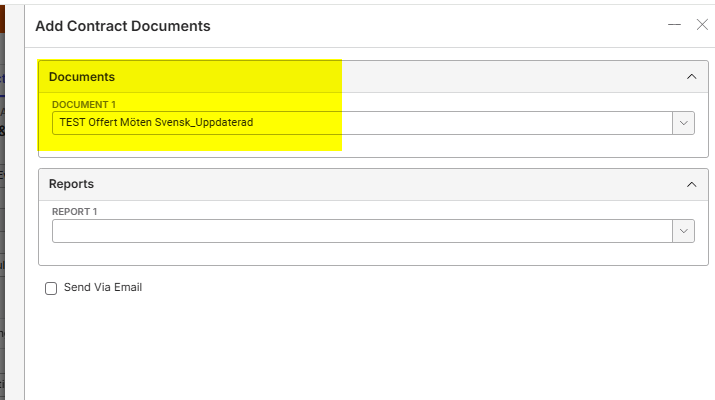
save → Error Message

Support Note: I thought the issue might be because no Report is selected here but once I do that the Save Button won't do anything. Is the Report necessary at this point?
When you try this with another report, for example the English version, it works as expected:
Delete the Contract you have created earlier (right click > Mark for Delete)
Add Contract
No need to make changes, directly click SAVE
Answer YES on the question; “Do you want to create contract documents”
Select the report as per screenshot below:
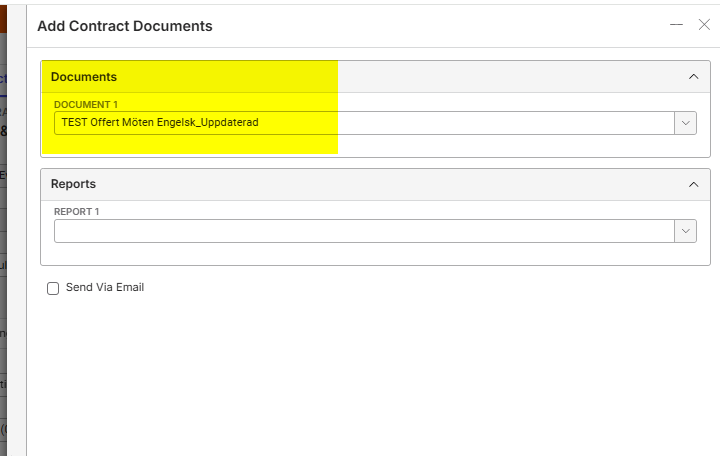
Report/Document will open:
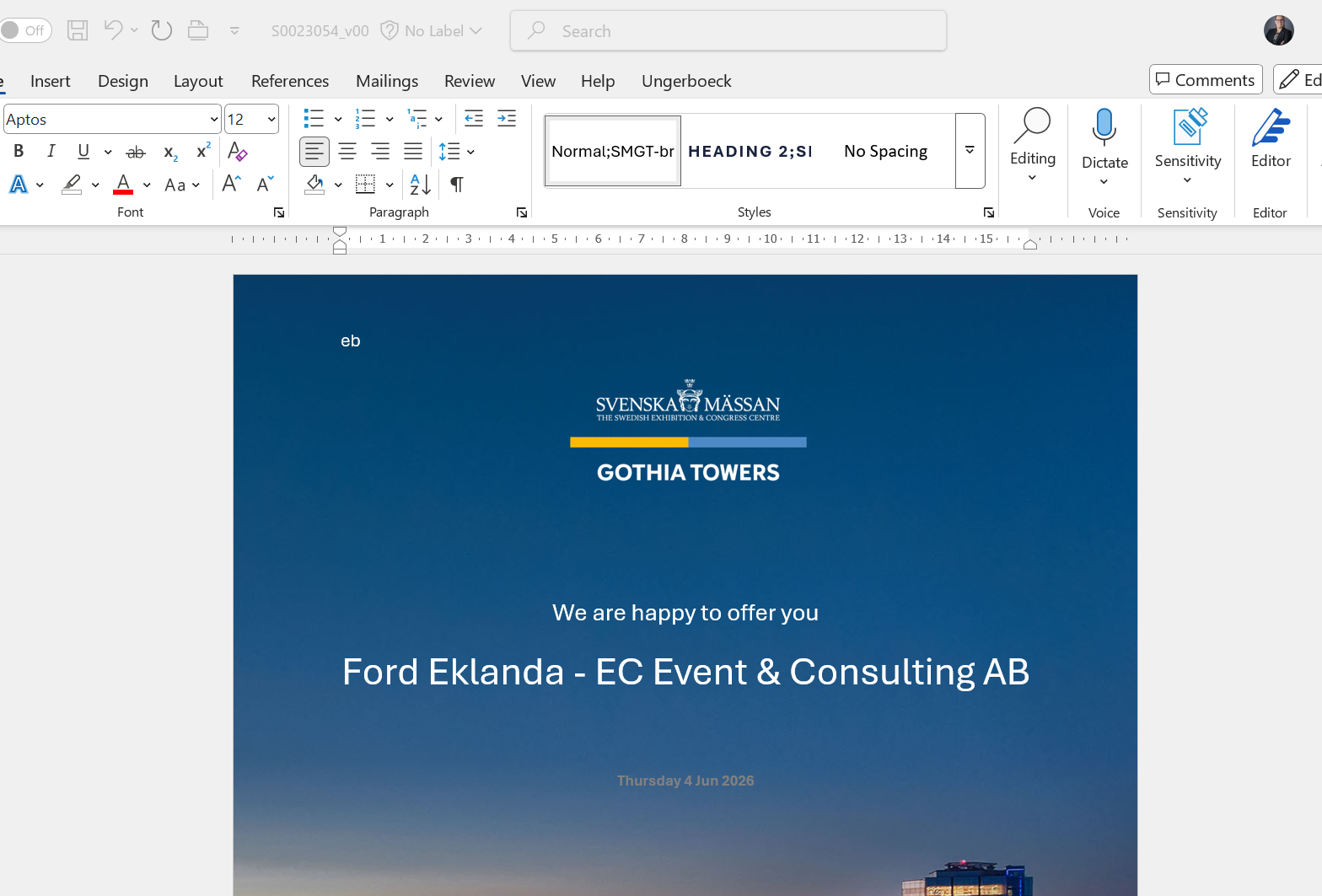
So it looks that something is wrong in the report itself, but we can not find the issue.
=> Tried to check the WebLog for more details, but the WebLog shows empty.
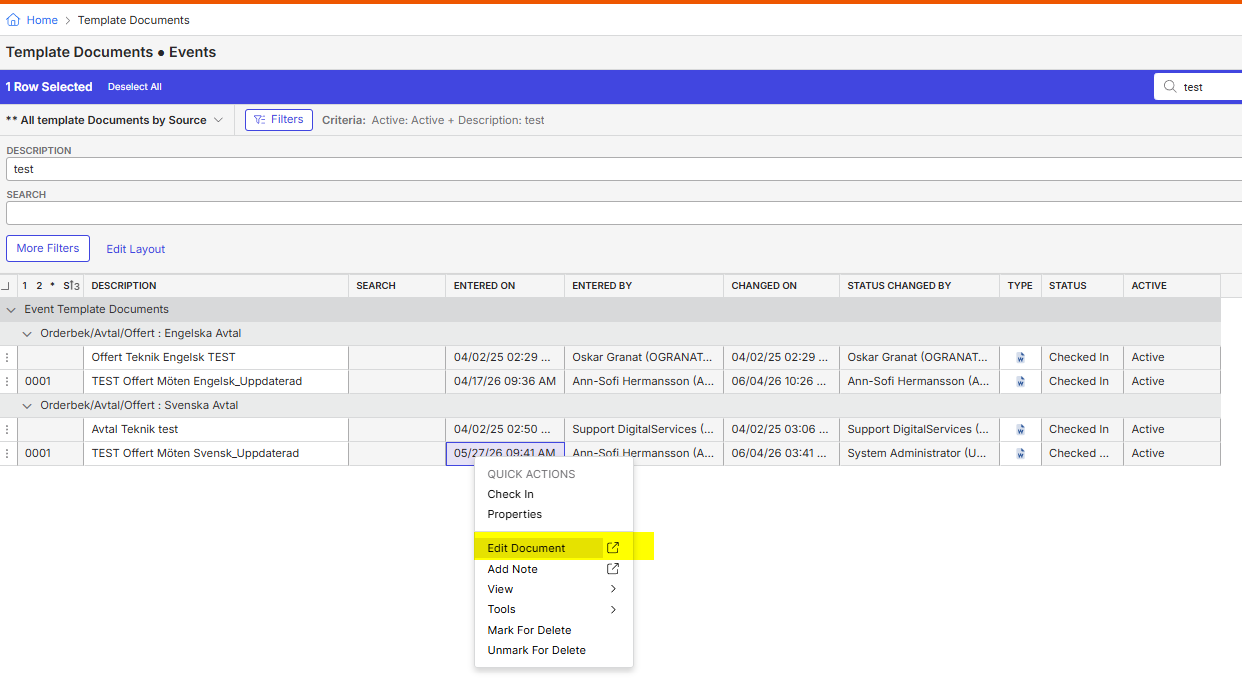
=> Both Documents are Checked In in the Event Template Documents (=were they are saved, Menu > Event Template Documents)
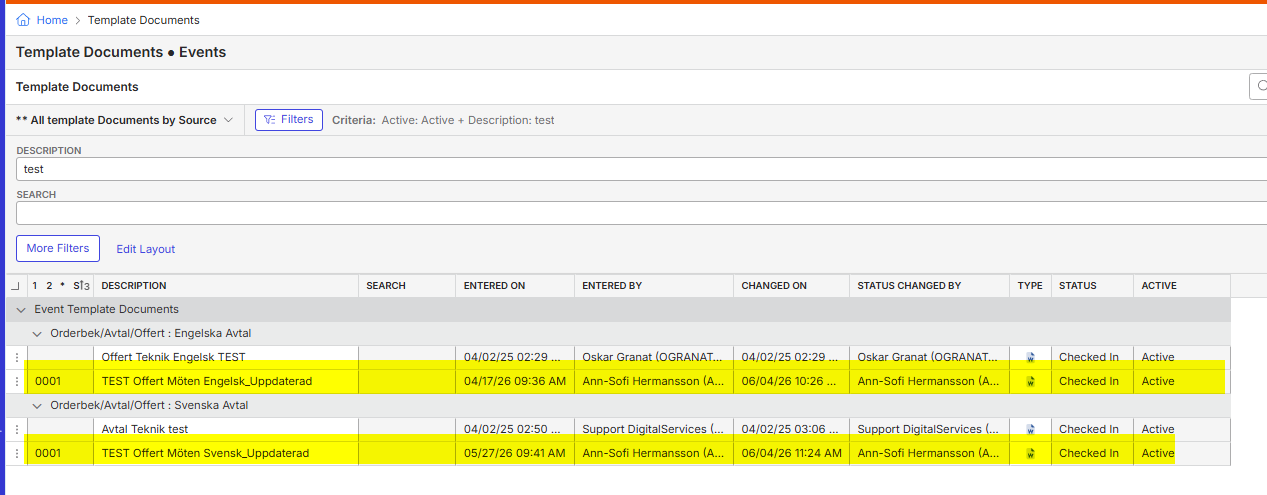
=> And when you open the document from here > Right Click > Edit Document, it opens as expected.
Client:
SvenskaMassen_TEST_0439991689
https://supportwebemea.ungerboeck.com/Svenska_Test/app85.cshtml?ReturnUrl=%2fSvenska_Test#/templateDocuments?data=1cf69a4a960cc94ad09937e94bef689794e4
Version:
26.12026060801
zendesk:
#390221
-

What does the weblog say? If you're getting an error in back office, it should be writing an actual error to the weblog.
-

Dominik Obelöer known bug https://ungerboeck.zendesk.com/agent/tickets/388264 recommend creating documents one at a time, instead of through Add Contract Document, and upgrading to 26.2
Please sign in to leave a comment.
Comments
3 comments
Date Votes