Edit Account Lead - Bid Date Time

Description of the Issue:
When in Edit Account Lead the Field for Bid Due Time can only be worked in with the arrow keys. You cannot click it and enter the Time by the numbers on the keyboard. Also the formatting seems a bit odd with “--” in the front.
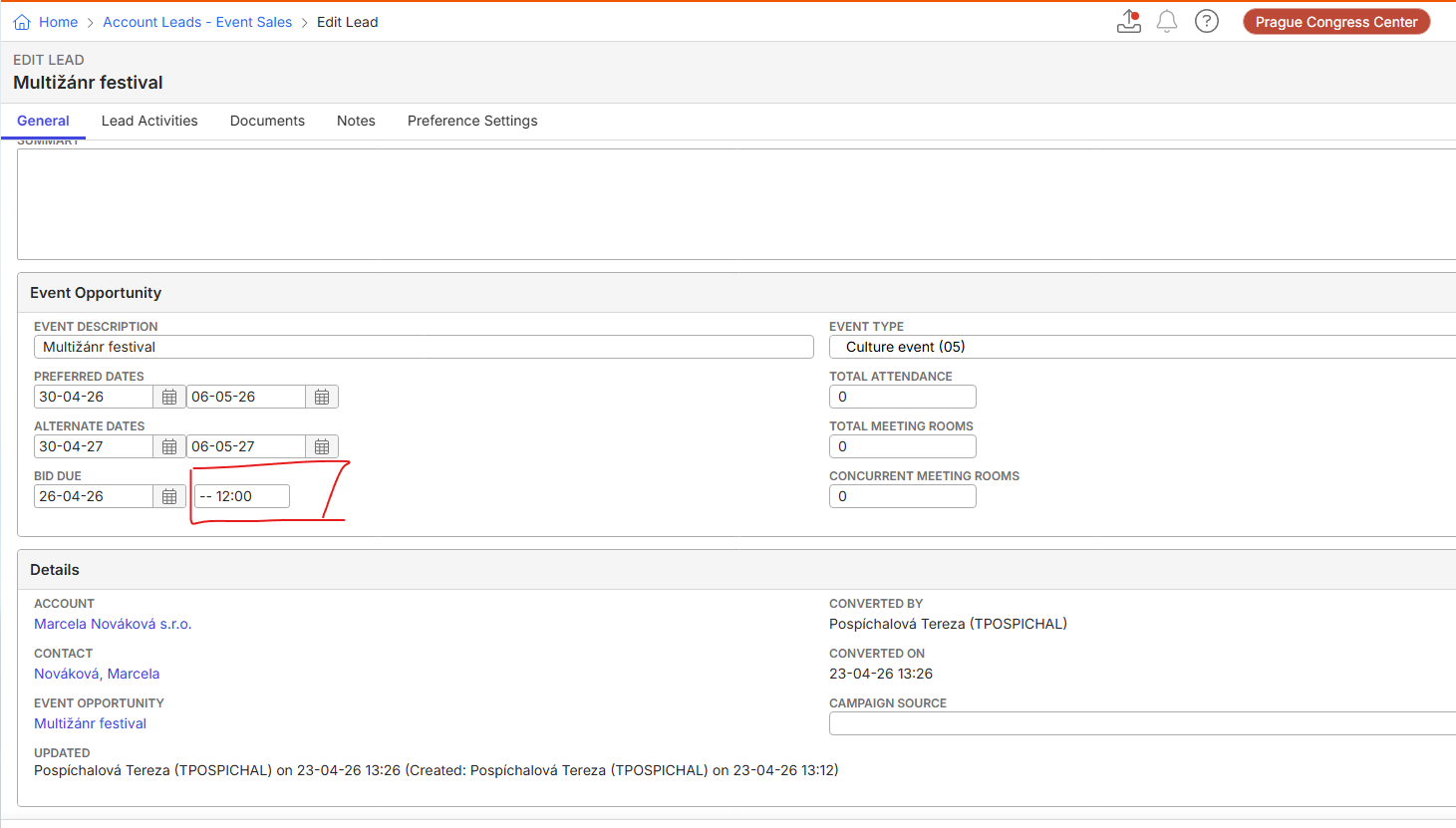
Is it supposed to work like this or can/needs to be fixed?
Client:
Praguecc_Test_0055100922
Version:
26.12026051301
zendesk:
#386523
-

Are you able to recreate this locally?
I can click in and change type a time without issue in QE.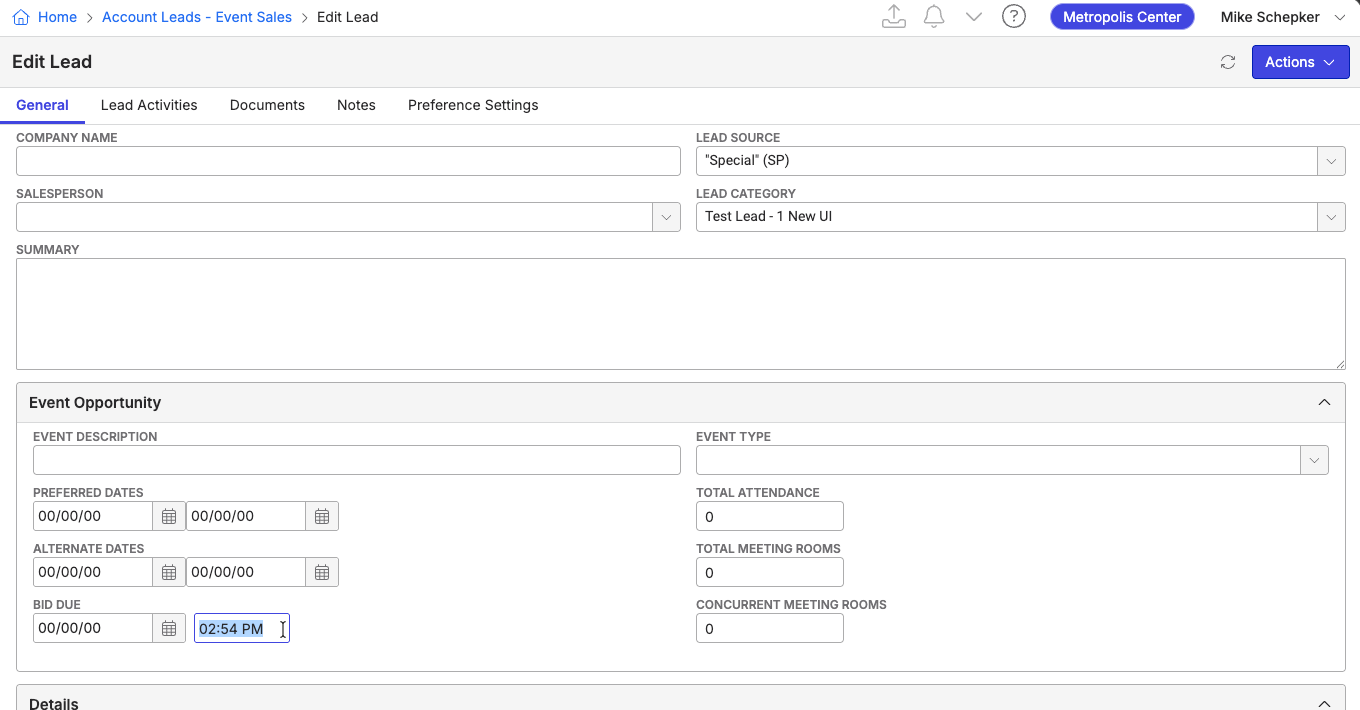
Perhaps it's an issue with their locale. Test that.
-
It did work in order to then put the digits in with the keyboard. Though the Format stayed weird with the “--” in the Front. No matter what Time Setting used.
-
I'm not sure what would cause that. Does it happen in any other database you try in? It has to be a setting somewhere.
Please sign in to leave a comment.
Comments
4 comments
Date Votes