Change Logo / Standard Report

Description of the Issue:
The client wants to update the Logo in all Standard Reports. They have been following all steps mentioned in this article:
https://supportcenter.ungerboeck.com/hc/en-us/articles/204558988-Add-or-Change-Report-Logo-or-Banners-on-Standard-Reports
I think it is fair to say that the requirement to just upload a picture is somewhat complicated.
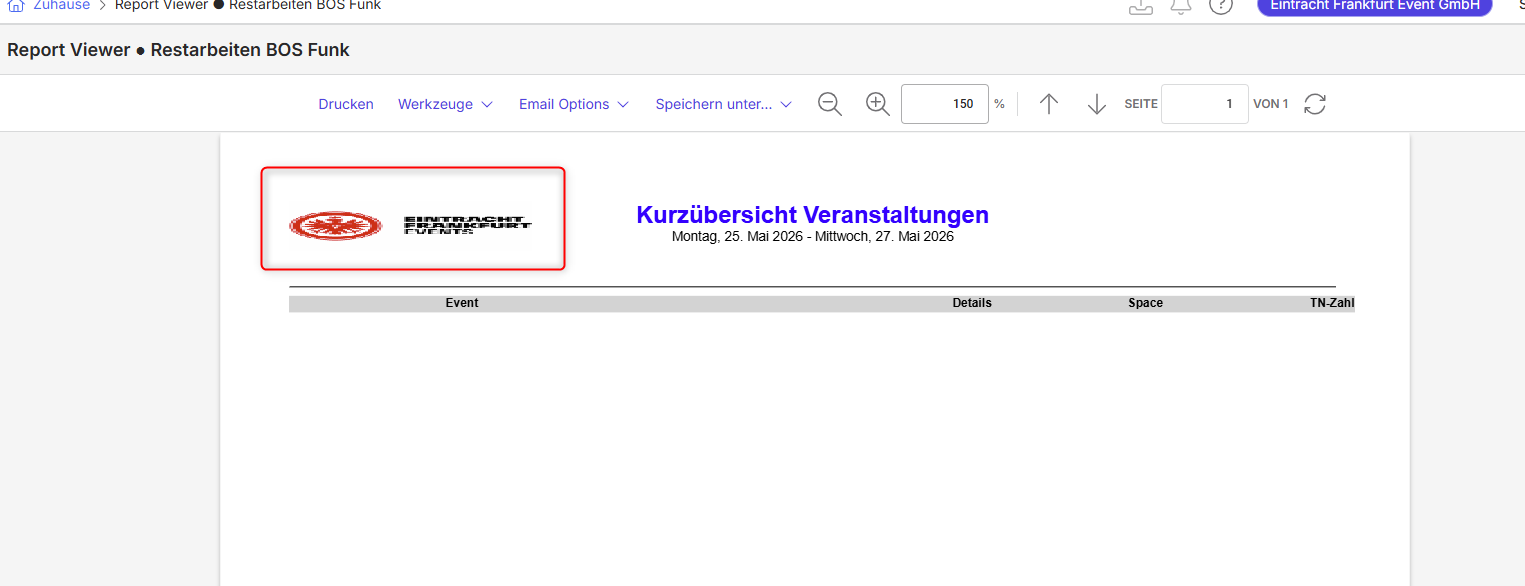
The result they have looks always like this in the report:
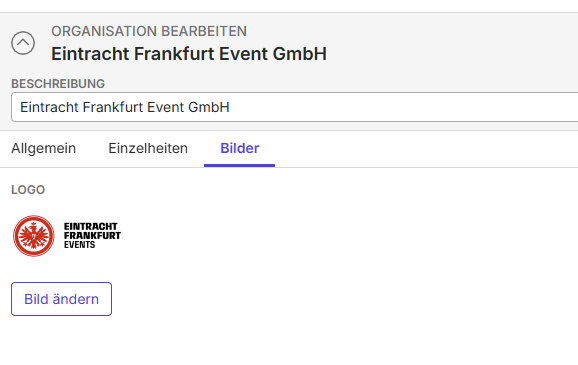
On the other it looks fine in the preview where it gets uploaded/setup:
Client:
Stadion_PROD_0759827179
Version:
26.12026042001
zendesk:
#386136
-

I don't have experience in Enterprise, but I have lots of experience in print layout and web design. Have you confirmed that the logo is the correct pixel dimensions? If it is, we'll need someone to confirm that the dimensions in the article are correct, unless the people tagged have any other ideas.
-

I'd confirm the dimensions of the image they uploaded. Not all reports use the same logo though, so for testing I would try uploading different logos to each area (with the correct dimensions for each) and see if the logo updates on the report to be the correct dimensions. Perhaps the report being run is not looking at Logo but actually looking at Portrait Header Banner or something else.
-
The Dimensions are fine. 108x72 - as mentioned in the Support Article. Still it will always come out smooshed.
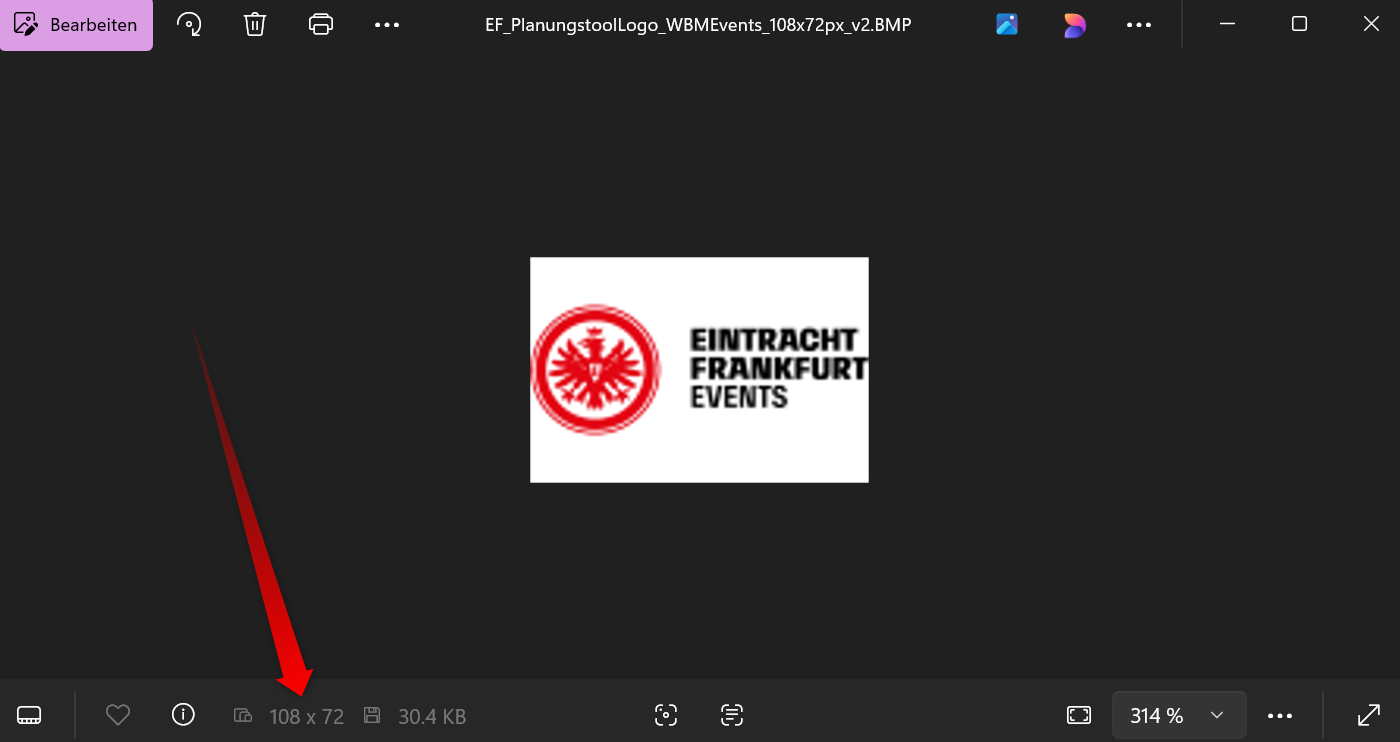
I guess not that the reporting which is being run is looking it up somewhere else as the logo does change once done but the format is what it is at the moment which makes it not usable for the client.
-
Have you tried looking at the report in Crystal? Is it overriding the dimensions in the actual report? What field is the report actually pulling?
-

I normally use only .jpg (even though it's said to use .bmp) - maybe this is the issue here? I will try this procedure with a .jpg file (also in CR itself) & see if it gets a desired result…
Please sign in to leave a comment.
Comments
6 comments
Date Votes