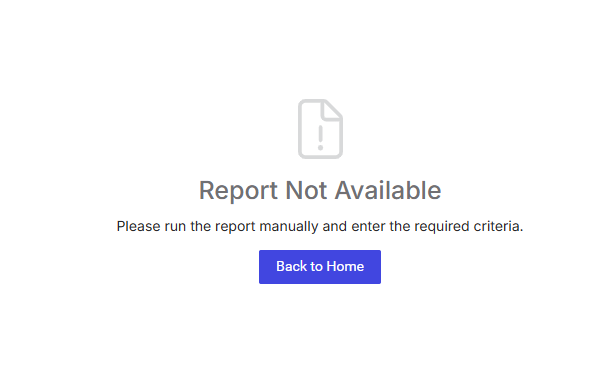
"Report Not Available" message
Answered
What would cause this message? Trying to help client troubleshoot why a user would have reported this. (we are waiting on client to provide more recreation steps) Dustin Banks
-

Mike Schepker can you help with this question
-

Anthony Costantino Anything in the Report Audit Log? I've seen this happen to customers before, but we could never recreate it and the problem went away on it's own. One thing to try is clear the browser cache. I think I remember seeing that it worked for one customer.
-
Mike Schepker unfortunately, no. Not even an entry of the attempt to run the report.
-
Anthony Costantino Yeah, that makes me think it might be a caching thing if we're not even recording the attempt. You can try having them open the browser in Incognito mode or try a different browser to see if that makes a difference. Incognito mode should bypass any browser cache, as would a different browser.
-
Mike Schepker client corroborates your hypothesis. She experienced the same symptom today while doing the same workflow: Close Order, Issue Invoice. After getting the message, she logged out, closed browser, reopened, logged back in, and successfully ran a few invoices without issue.
@... could we get a KB article that advises users to log out and close browsers, clear cache, blah blah blah, if/when they receive this message from the app?
-

Anthony Costantino Added this to the list and will post a link here when complete.
Please sign in to leave a comment.
Comments
7 comments
Date Votes