Floor Plan cannot be refreshed

Description of the Issue:
The client started to work with two Organizations again and are facing a problem with refreshing a specific Floor Plan.
In TEST
https://supportwebemea.ungerboeck.com/ICM_Test/app85.cshtml?ReturnUrl=%2fICM_Test&OrgCode=20#/events?data=2de0b73c536a154ccb5b97157c4b87e40cd1
Open the Database as Organization 20
1. Search for the "Event" from the main menu
2. Enter the Event ID: 5025
3. got to the Floor Plan Tab
5. Select Master 00 and view
6. Click on the Refresh on the browser
This will result in:
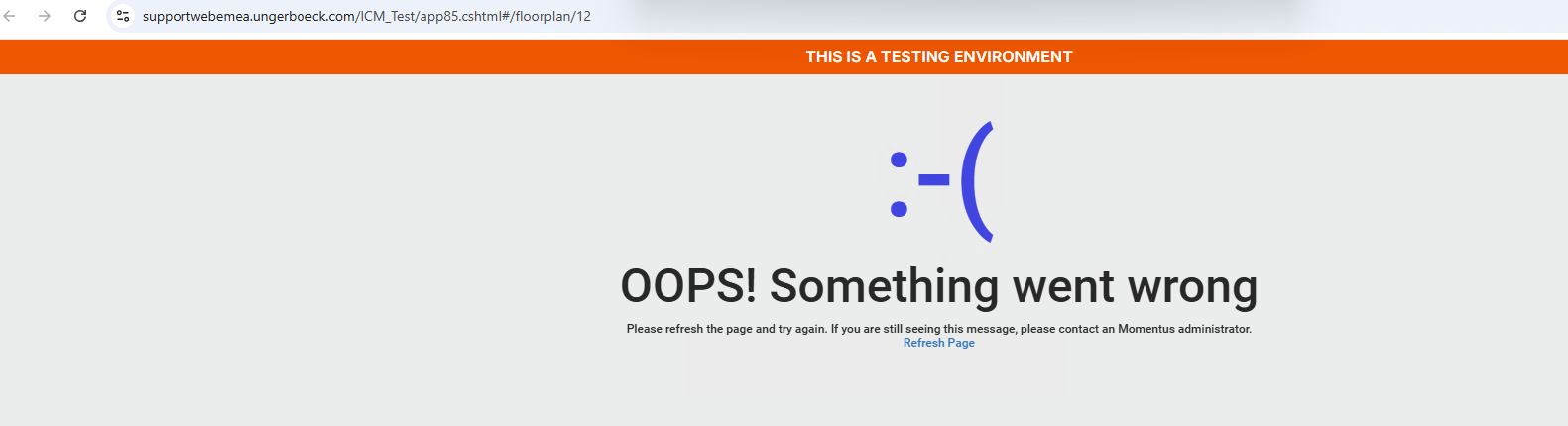
The same behaviour on Prod.
Is there any obvious/easy fix for this like cleaning the DWG-File?
Client:
ICM_PROD_0915664605
Version:
tested on 25.32025121901
zendesk:
#370089
-

I've never seen this before and so I'm not aware of any potential fix. Looks like it's pretty easily to replicate, it happened to me following your steps as well. Dev may need to take a look if Pieter, Nicole or Satya don't have any ideas.
-

Not sure if the amount of Orgs. have any influence on this, but I can also recreate it.
If this is perhaps a “ dirty floor plan”, I would suggest pulling Manjunath Metha to hear if he has any ideas….if not, Dev.
-

Dominik Obelöer looks like a bug, Dev fixed this once Ticket: error floorplan – Momentus Support Center – Zendesk
Please sign in to leave a comment.
Comments
5 comments
Date Votes