Unable to deactivate ESC Link for event
Answered
Description of the issue: Esc configuration is blank in the events details page and event has been removed from the ESC configuration. Still the ESC link for the event is working for users without any issue.
Business impact: It can be confusing to users
Account name: Marina Bay Sands
Region: APAC
Client version: 25.22025091201
Steps to reproduce:
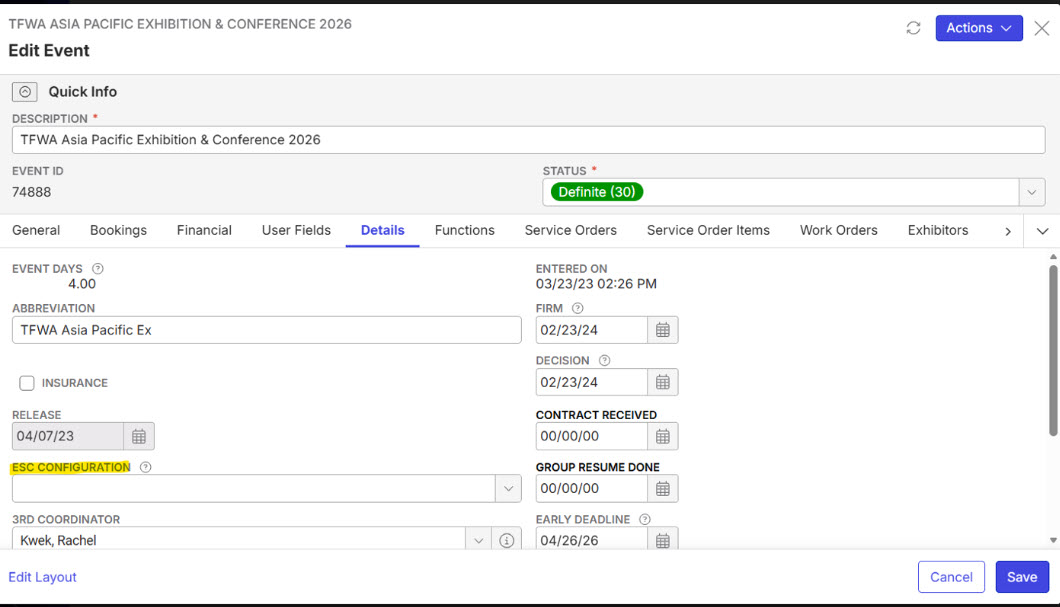
- Navigate to Exhibitor Service Center Configurations from the main menu and select ESC 2026 Standard Price List – Hall w/o Rigging & Log w Date & Time for editing.
- Go to Actions → Tools → Copy Shortcut, open the copied link in a new tab, and observe that it displays only one event.
- Next, navigate to Event ID 74888 from the menu. Right-click to edit the event, add the above ESC configuration in the event details, then go to Actions → Tools → Copy ESC Shortcut. When you open this link, the event is accessible even though it is not included in the ESC event list.
- This link - Exhibitor Service Center For Venues was previously shared with users before the ESC configuration was removed. Even after removing the ESC configuration from the event details page, the link continues to work in the same way.
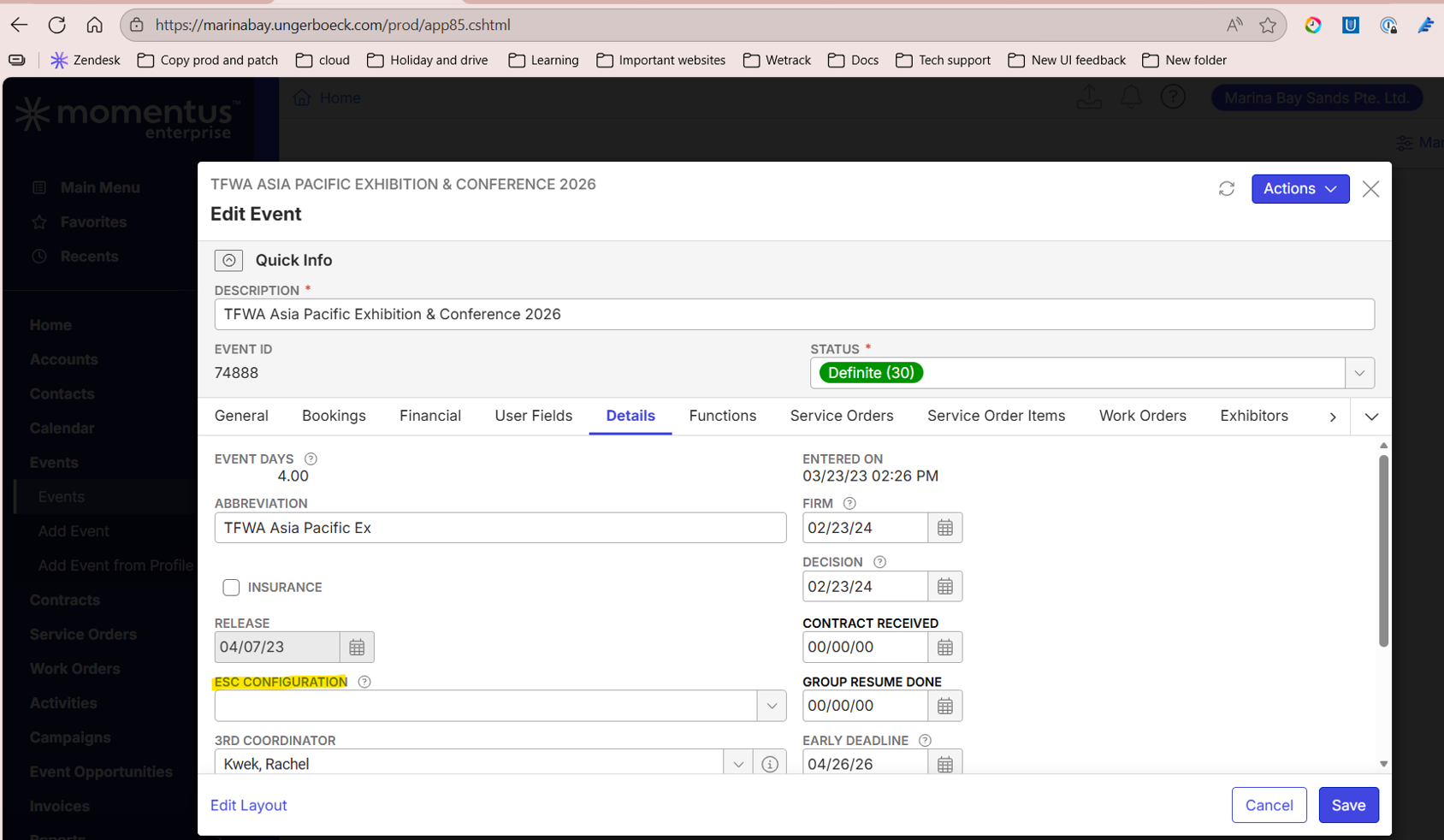
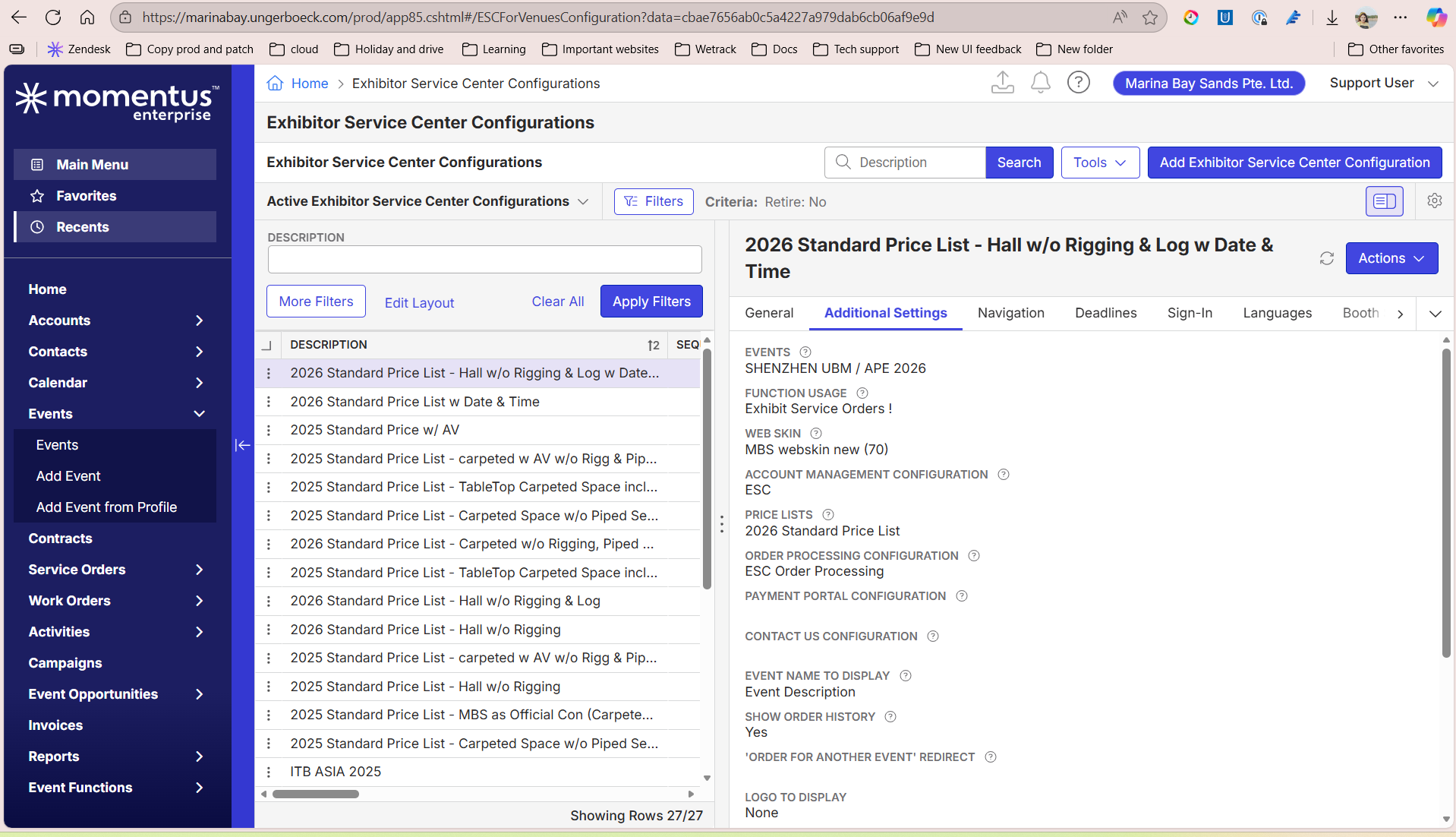
Observed results vs Expected results: Link is working which should be the case when the event is no longer associated with the ESC
Link to Zendesk ticket: Ticket: INC6325297:Unable to deactivate ESC… – Momentus Support Center – Zendesk
Link to Debug site: https://supportwebap.ungerboeck.com/Marinabay_PROD/app85.cshtml?ReturnUrl=%2fMarinabay_PROD#/ESCForVenuesConfiguration?data=c5c5b8a06da506415d689bc6b476dc16a292
Environment : Production
-
Satya Ram Nukala Adding you for visibility
-

This will need to be reviewed by tier 3 support before the product team will review.
-

Seth Halvaksz Can confirm this needs to be reviewed by product! Even after the ESC configuration removal from the event, the old ESC URL works and orders can be placed.
-
If you go to the ESC Configuration, is the “Events” field blank?
I also can't access the debug site. Please update.
-
Seth Halvaksz Please find the updated link for the debug site - https://supportwebap.ungerboeck.com/Marinabay_PROD/app85.cshtml?ReturnUrl=%2fMarinabay_PROD#/ESCForVenuesConfiguration/49?data=efcaed2dae9fea4519a8578ae8021949969a
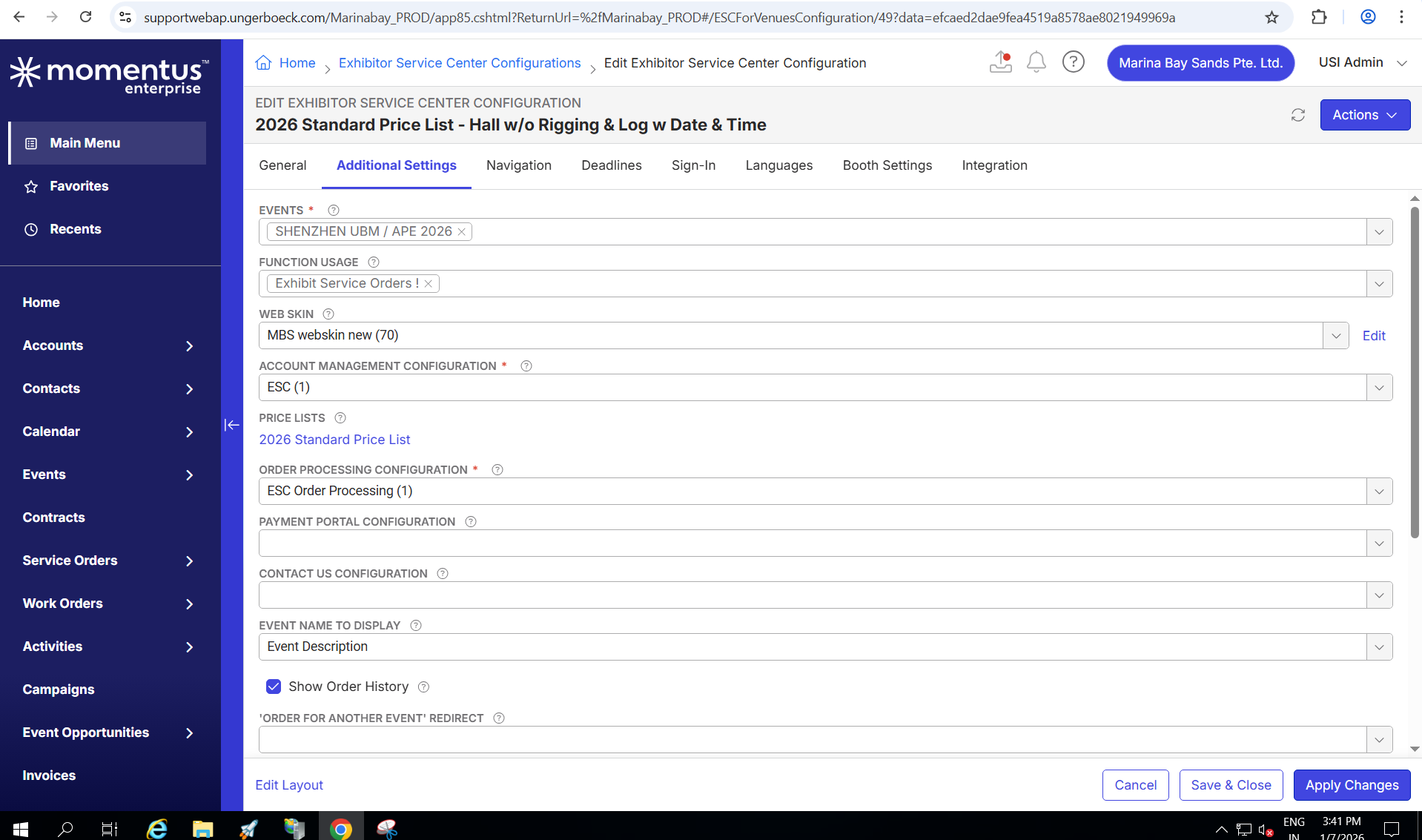
Also the vent section is not blank but has event id- 79565 which is correct still the eventid- 74888- Exhibitor Service Center using the same esc config.
-
The debug site is still not working for me. Please confirm its working.
-
Seth Halvaksz Please check this debug link: https://supportwebap.ungerboeck.com/Marinabay_PROD/app85.cshtml?ReturnUrl=%2fMarinabay_PROD
Please check if the global protect is connected on order to open this link
-
I am using Netskope and can access the QA environment.
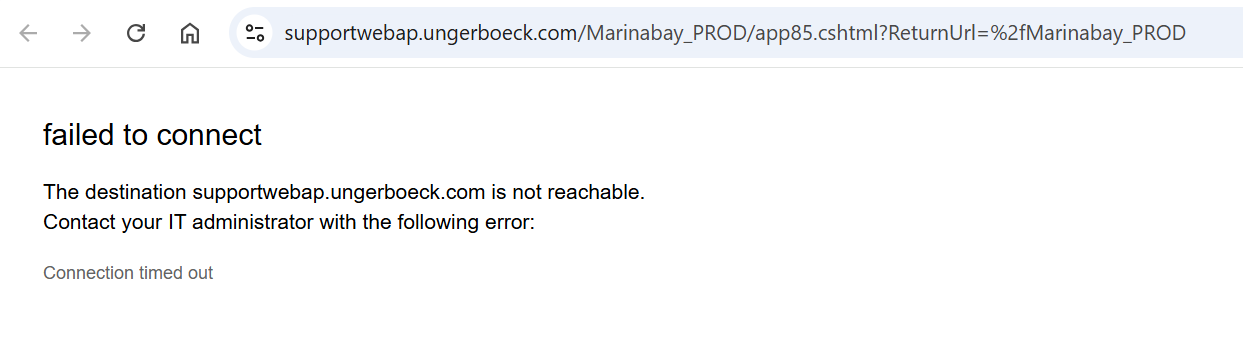
I am still getting an error. Satya Ram Nukala can you confirm if working for you.
-
Seth Halvaksz Please disable netskope and enable global protect and try again as this is working now
https://supportwebap.ungerboeck.com/Marinabay_PROD/app85.cshtml?ReturnUrl=%2fMarinabay_PROD -
I switched over to Global Protect. I was originally told by IT to use Netskope, but sounds like we switched back to Global Protect.
I'm able to access the link now, but not able to sign in.
Should i use USIADMIN/ITRocks2014
-
I spoke to engineering, and here is the response to how to deactivate an ESC configuration:
"On the ESC Config there is an "Order Processing Configuration" field, note which one is set. Now, go find and edit that configuration in the "Order Processing Configuration" window. On that config, there will be a pair of fields: "Enable 'Days before ESC/SM Becomes Inactive'" and "Days Before Event That ESC/SM Becomes Inactive". You want to enable that and set a value. Read the description tooltips for how they work"
"Now, that setting applies to any Event used with an ESC using that Order Processing Configuration. You can't set that "Days Before..." value for each individual event unless you create individual ESC Configurations per event. (Which is actually how we originally intended customers to configure ESC because of things just like this.)"
-
Seth Halvaksz I just wanted to confirm that editing the order processing configuration selected in the ESC will also apply those changes to the currently selected event under the ESC-79565 but the client only want to disable the ESC for the event -74888 which is not selected in esc but its ESC link is still working.
-
I confirmed with engineering that we currently do not have a way to disable ESC for a single, specific event.
What does the "ESC Configuration" field on the Event do?
1) it makes it so you no longer can copy an ESC link for that event or configure event-level-overrides and other things on the event page in backoffice
2) it does not affect existing links
-
Seth Halvaksz Yes it makes sense…also should i reach out to dev to disable the link manually
-
Unfortunately we currently do not have a way to disable ESC for a single, specific event.
Please submit an enhancement request and post the link here for reference.
Please sign in to leave a comment.
Comments
16 comments
Date Votes