Schedule of Events Report
Refer to Support
Hi team,
A client has asked whether they can be selective in their space they pull on the ‘schedule of events’ report. This should be possible however, when I've tested this on my side i haven't been successful - not sure if what i'm doing is correct or if this is a bug? Please can you review?
When the 'space' field is filled in as 'all', the report populates, however, when I select specific spaces to show on the report, the report comes up blank. Am I missing something here? 
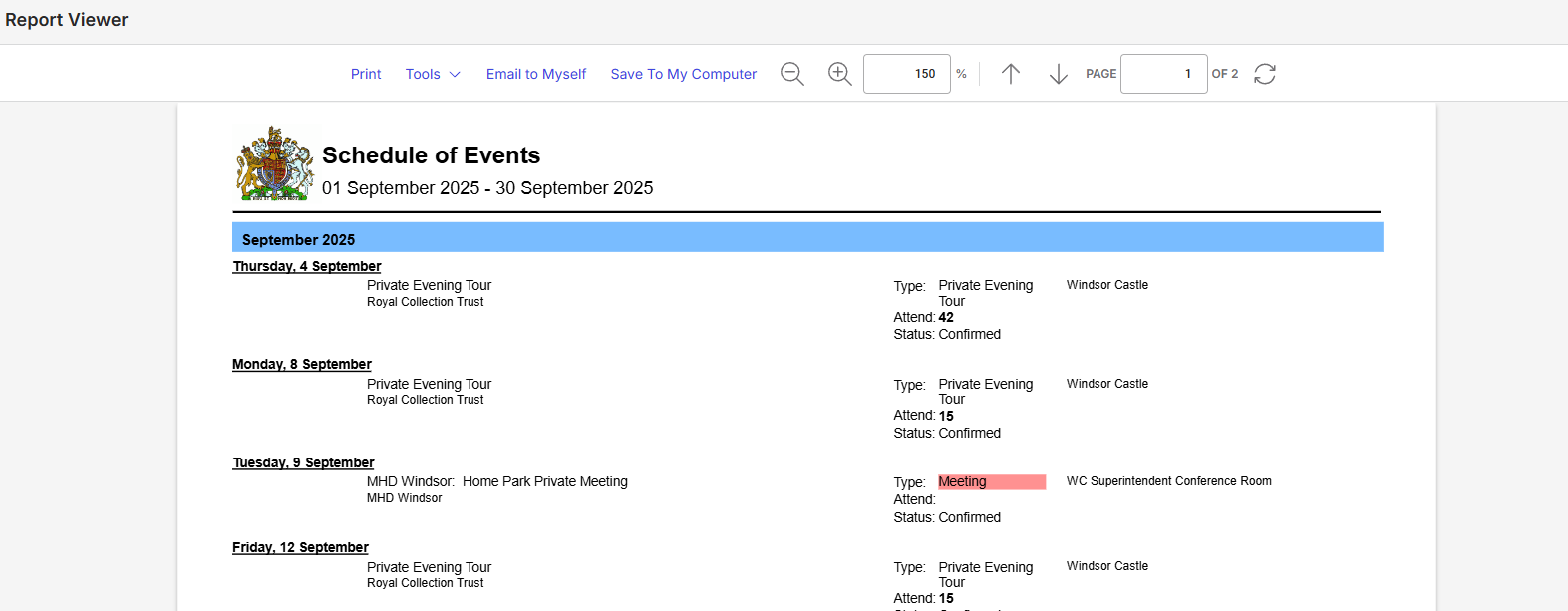
When i'm selective with the spaces i want to include in the report (below), the report comes up blank. 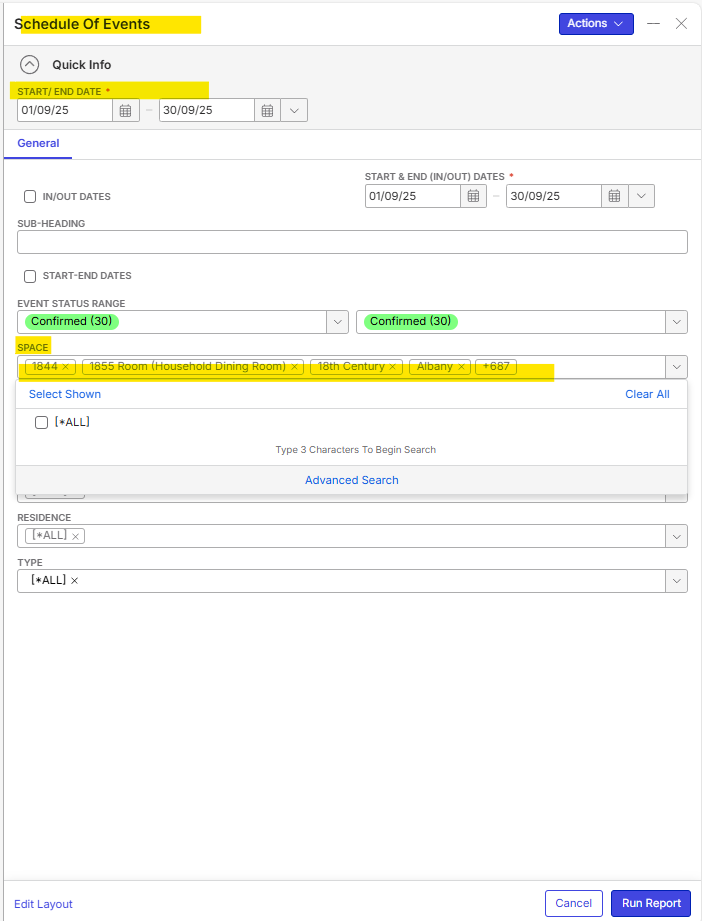
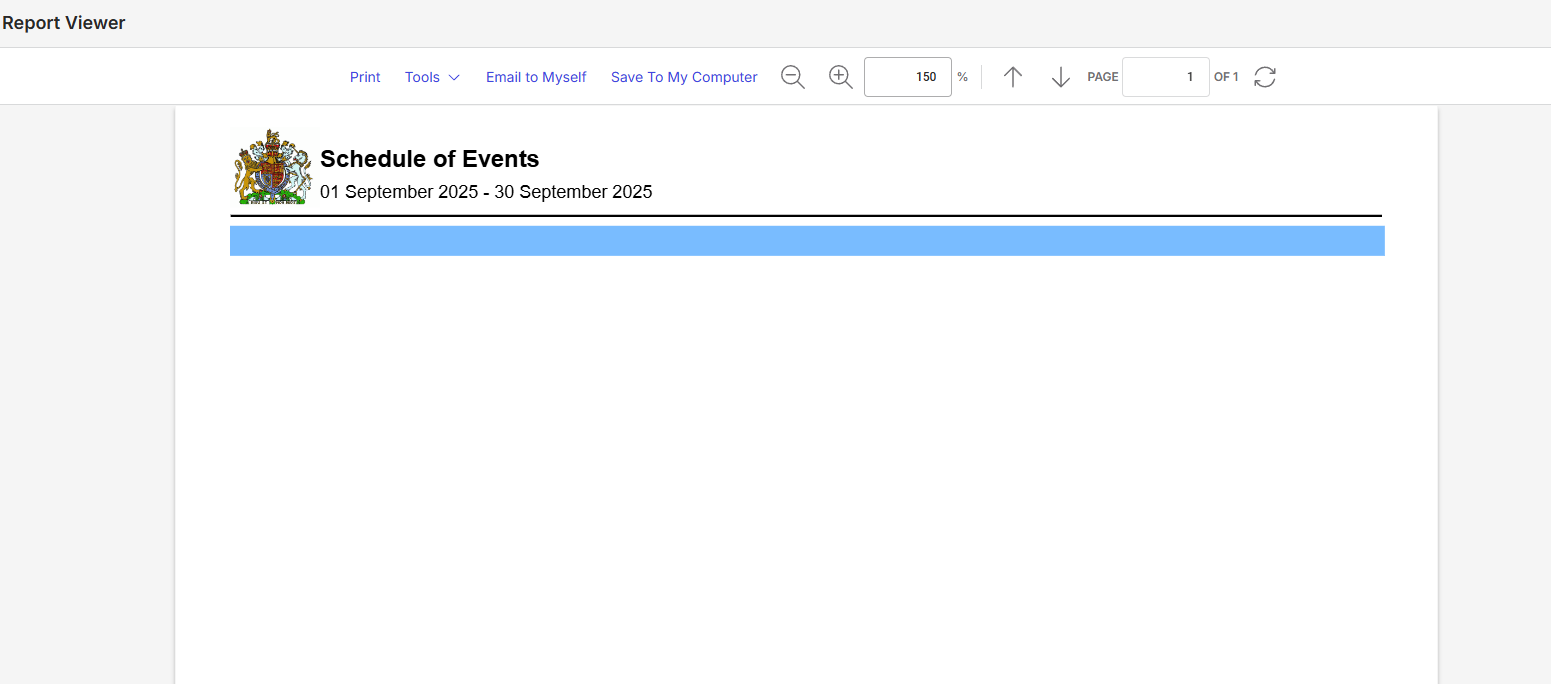
-

Mike Schepker can you review this
-
Hi all, I was wondering if you might have an update on the above and whether you reckon it's a bug or configuration issue? Thank you!
-

Ella Fancett Where are you testing this? Are they on the latest patch of whatever version they are on?
I just tested this in the QE database (25.2) and it is working as I'd expect. When I filter by space, it is returning events with that space.
All Spaces

Report with All Spaces

Filtered by a space
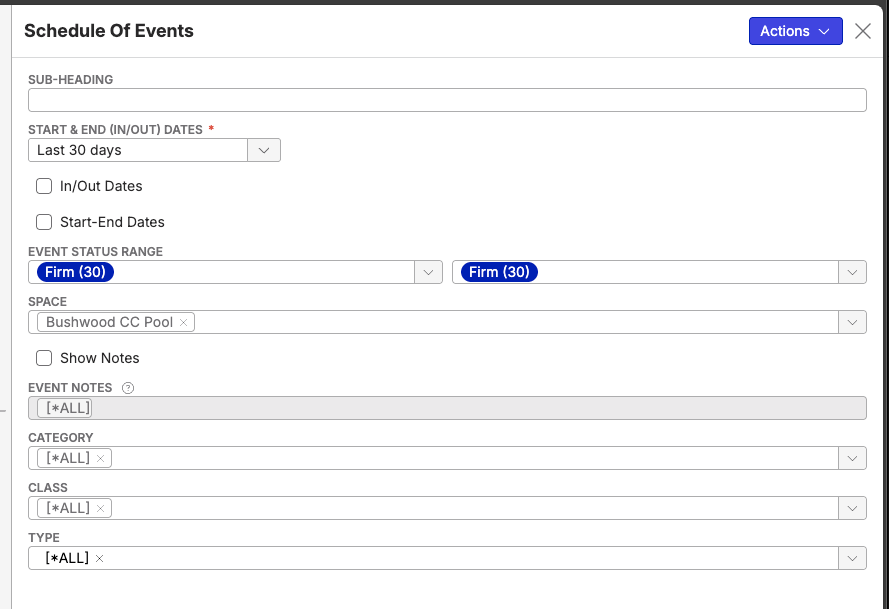
Report showing spaces filtered

I also tried when filtering with multiple spaces and that worked as well.
All Spaces

Bushwood Pool and Frogstar A spaces selected.
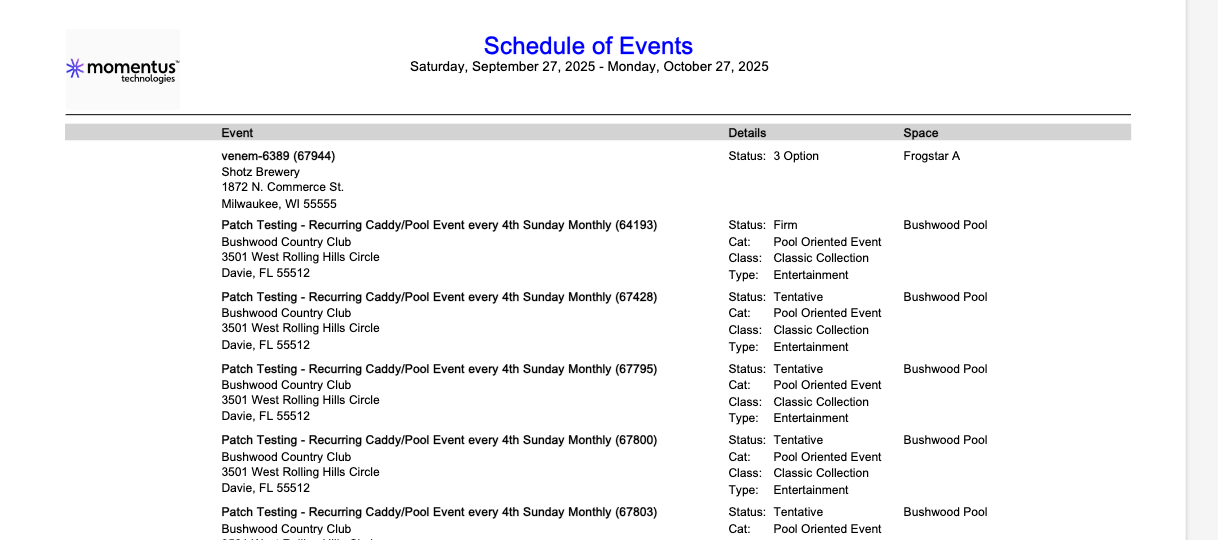
-

Ella Fancett and Mike Schepker : Is it possible that in QEII customer's database there are simply no bookings in the Confirmed (30) status and +687 selected Spaces from September 01 - 30, 2025: 1844, 1855 Room (Household Dining Room), 18th Century, Albany?
Or else, too many spaces selected? -
Thanks for testing multiple scenarios on your side!
My client (Royal Household) are on 25.3 (PROD and TEST). I've tested the above scenarios with running the report just now and i get the following:
Scenario 1: Report with ALL spaces (Event status: Request - Cancellation)


REPORT - Fully loads with all spaces and event status range
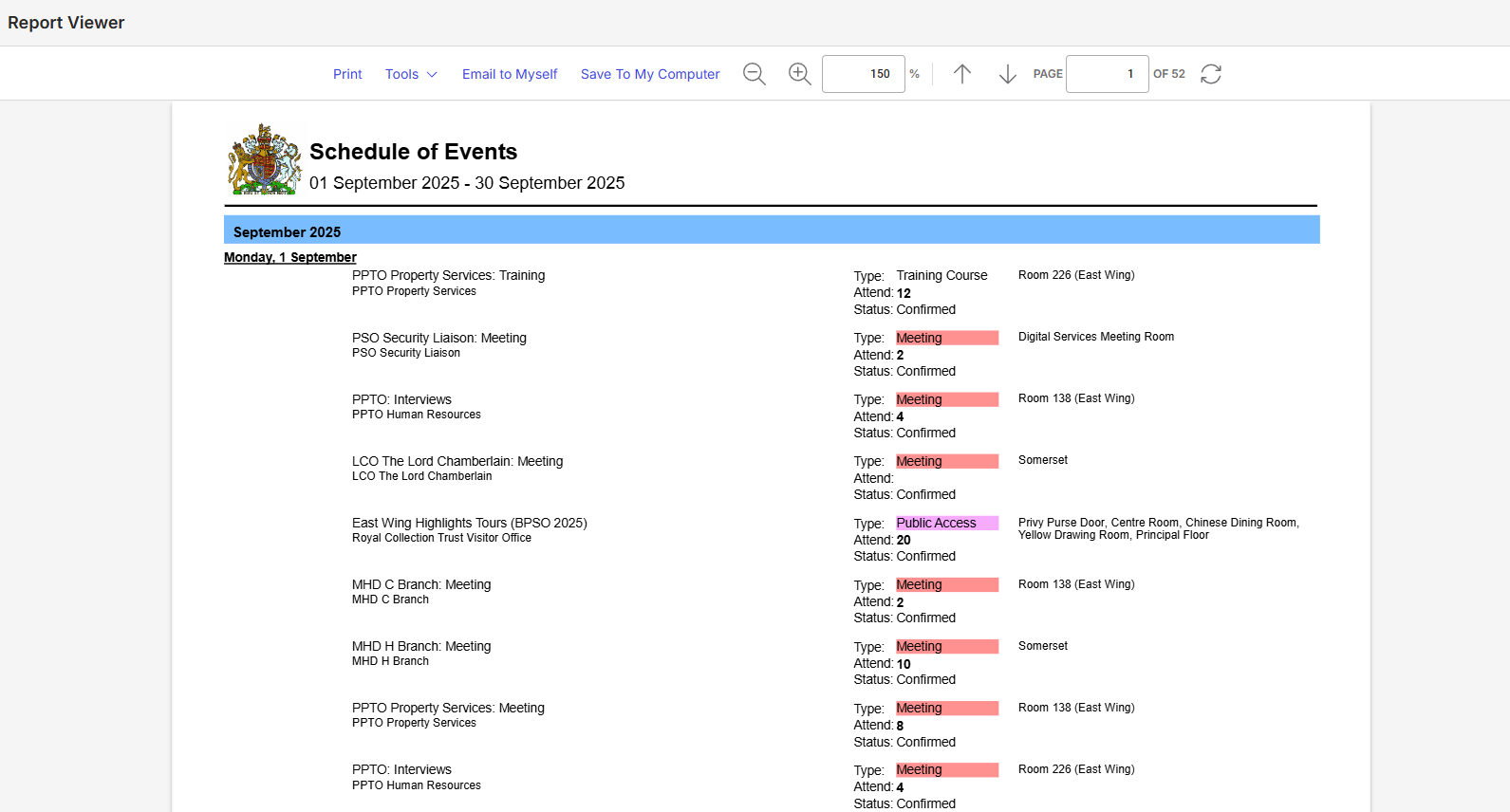
Scenario 2: Report with ONLY Room 226 (East Wing) (Event Status range: Request - Cancellation)
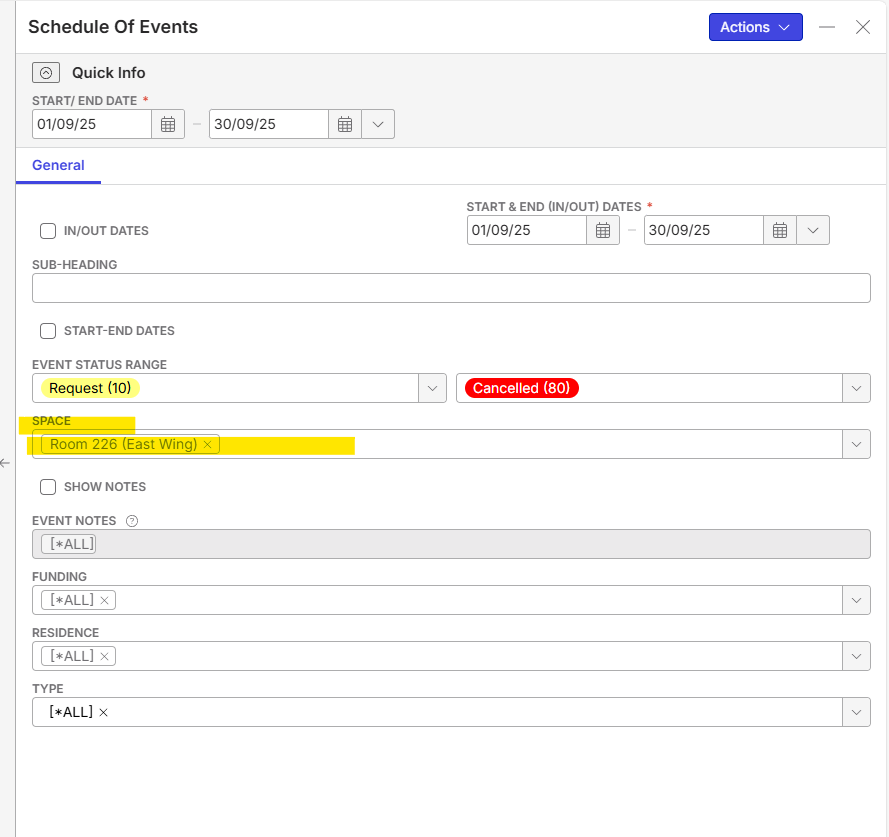
REPORT:

Scenario 3: Selecting ALL spaces besides ‘Digital Services Meeting Room’ and ‘Somerset’ → Client's request
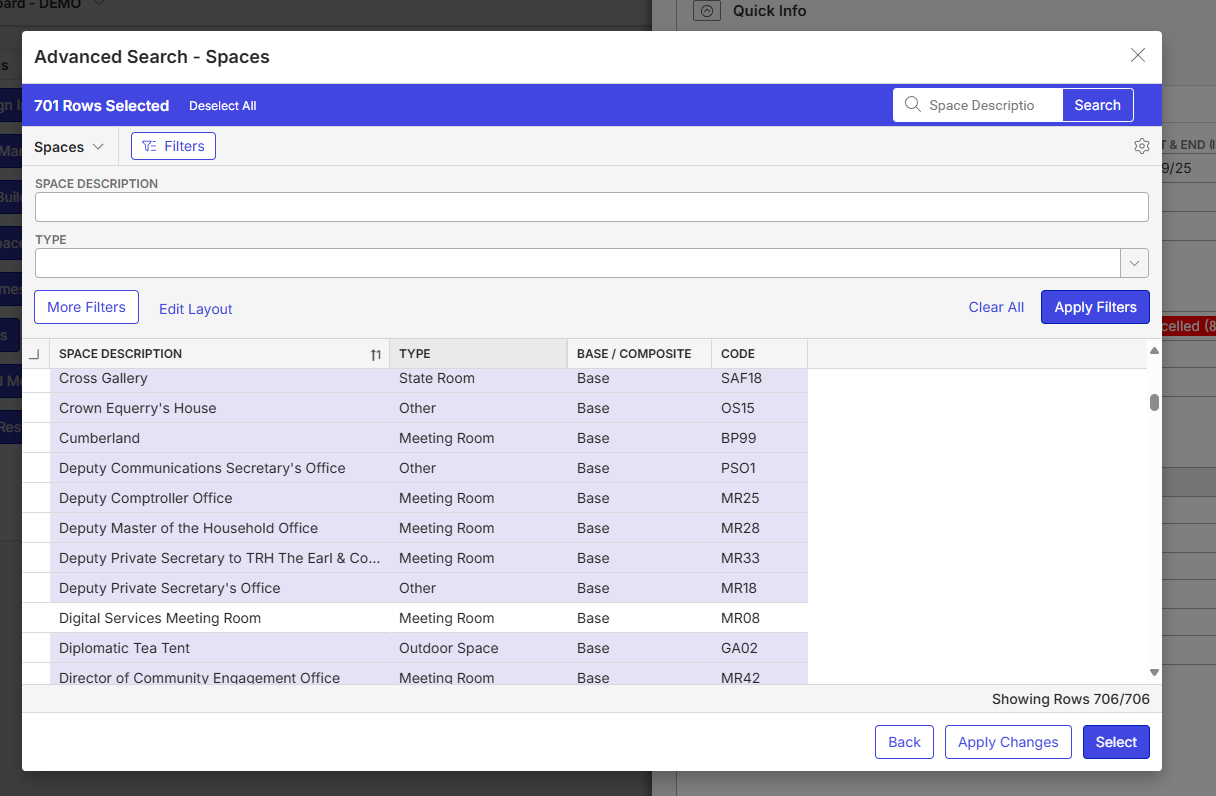
Total 701 Spaces Selected (both image above and below shows the total)
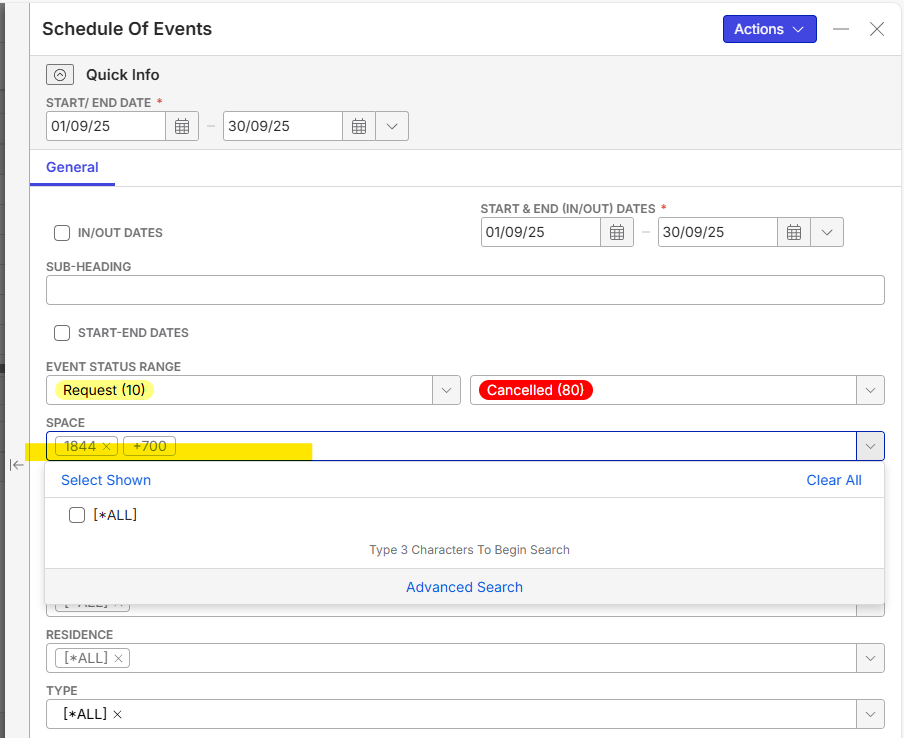
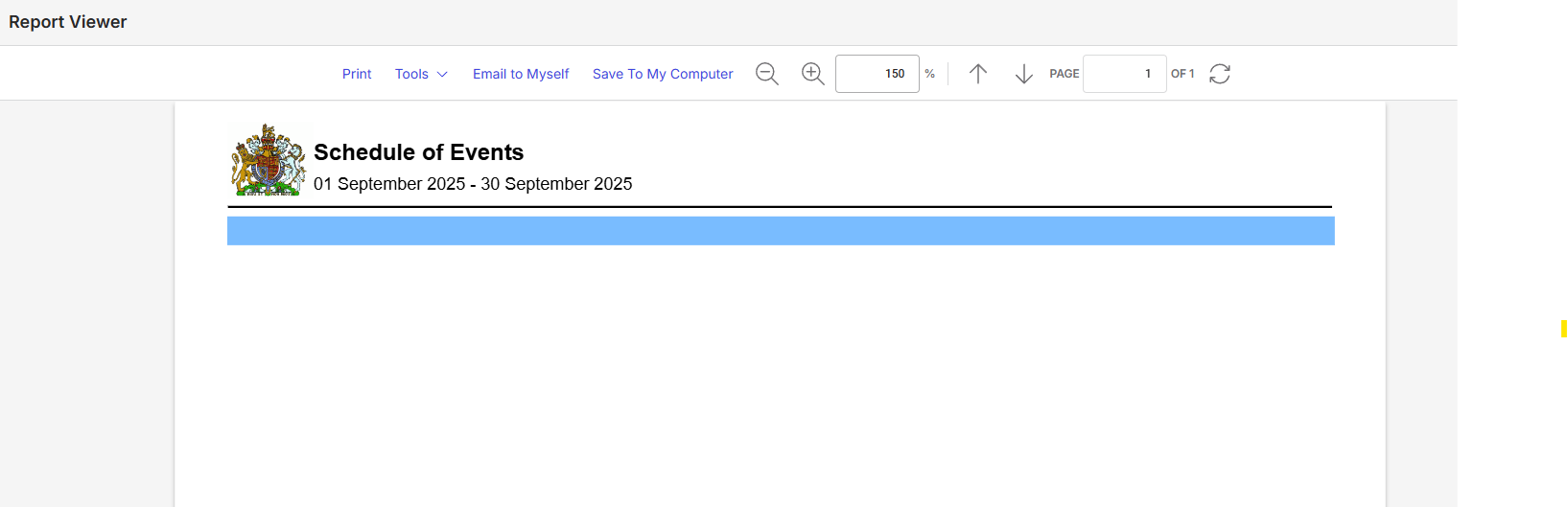
REPORT - Shows up blank - what could be missing in the configuration here to have all spaces show besides the two (digital services meeting room and somerset)?
-
Maybe it's the number of spaces included or that the advanced search was used. What happens if you just select a few spaces via the Advanced Search?
-
It seems like the report doesn't like it (goes blank) if i select more than 1 space (besides the select ALL option). The report only populates when you select ONLY 1 space or if you select ALL spaces.
Also, when i try to ‘clear all’ on the space field, I am not able to remove the ‘ALL’, even if i click on the ‘x’. I'm only able to select a space from the ‘advance search’ option. I wanted to try and type in the space codes of 1 or 2 rooms to see if that way worked but the ‘space’ field isn't allowing that
I've tested a few different scenarios….
Scenario 1: Select several spaces (77 spaces)
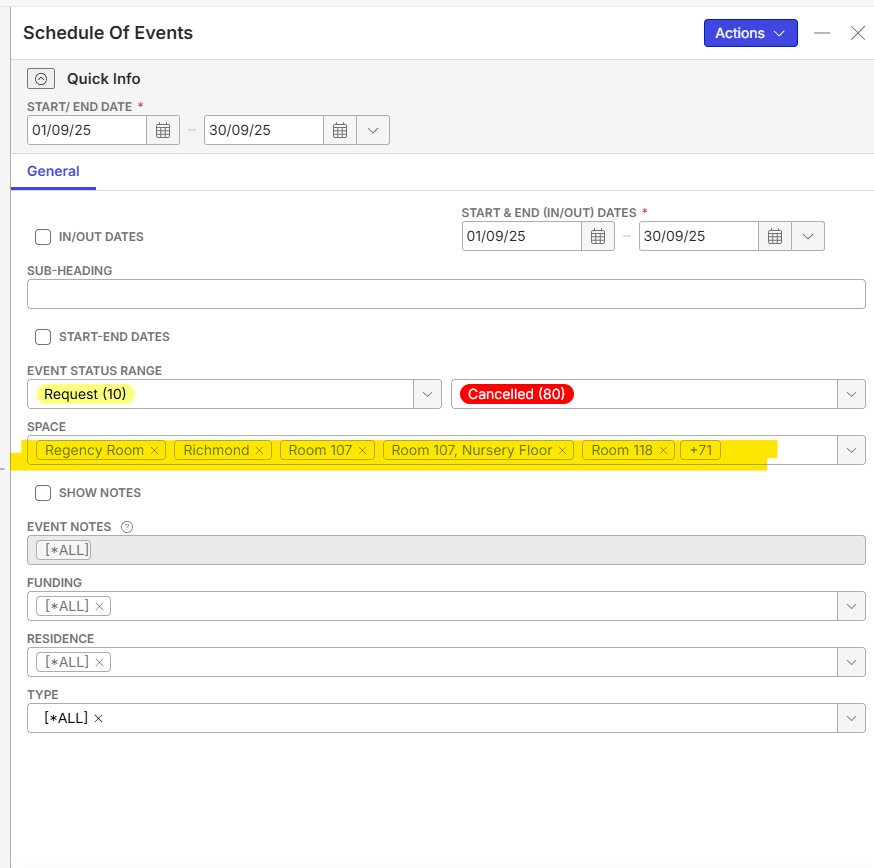
Report is blank
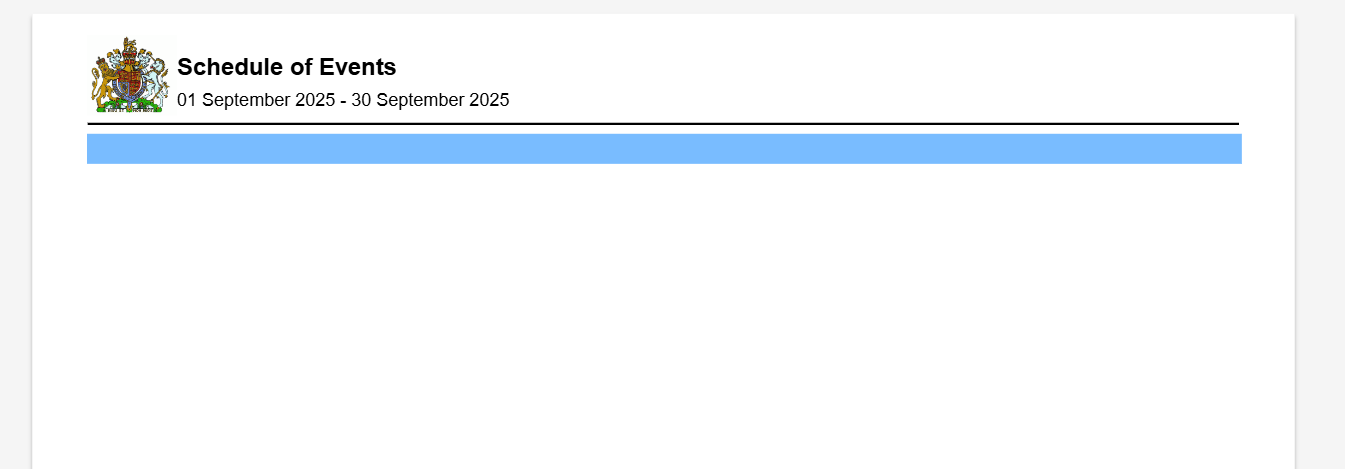
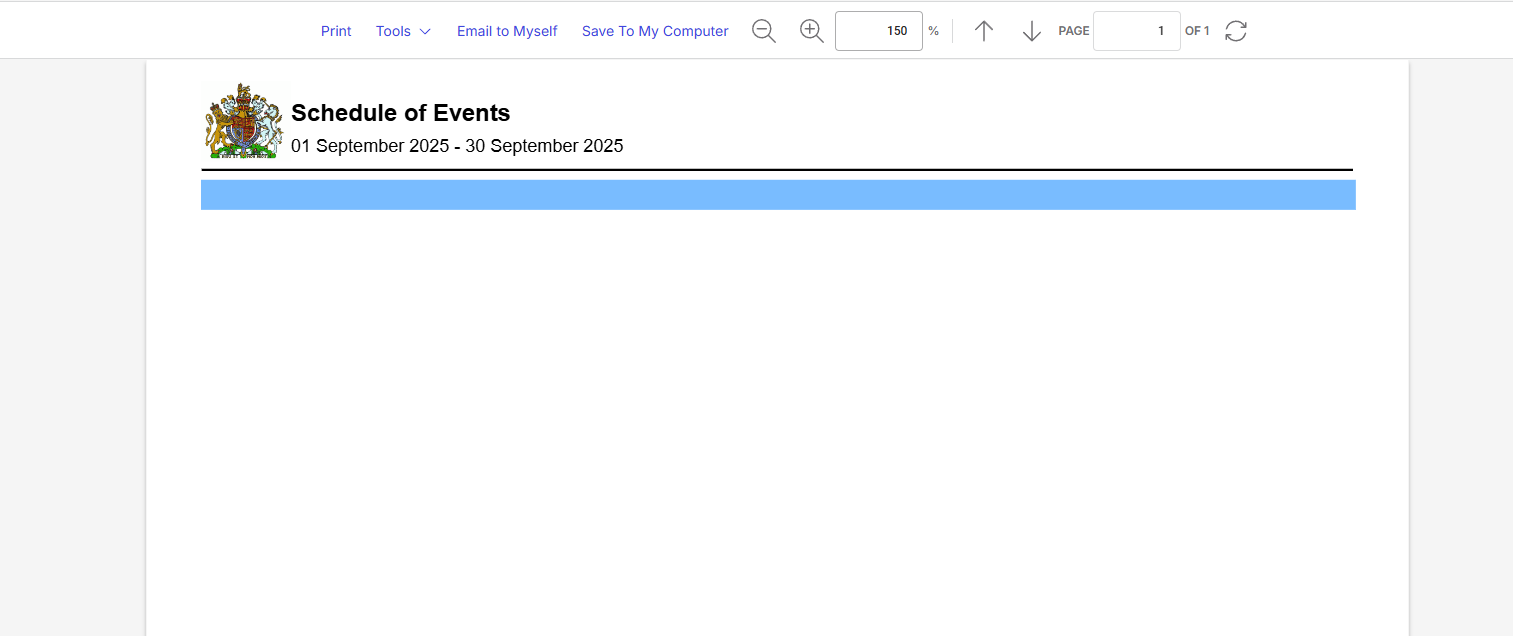
Scenario 2: Select 3 spaces
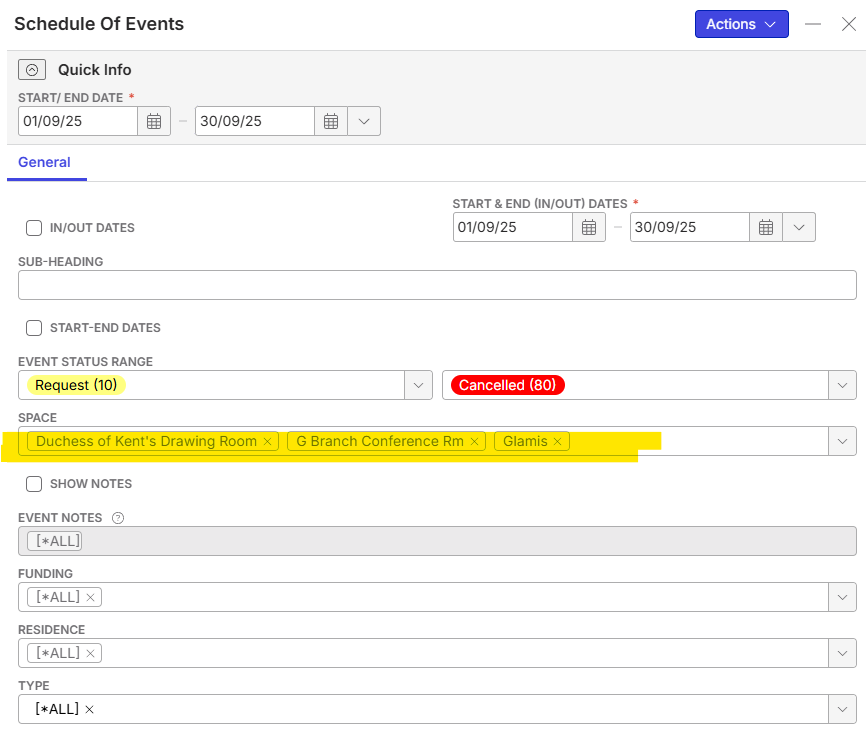
Report is blank
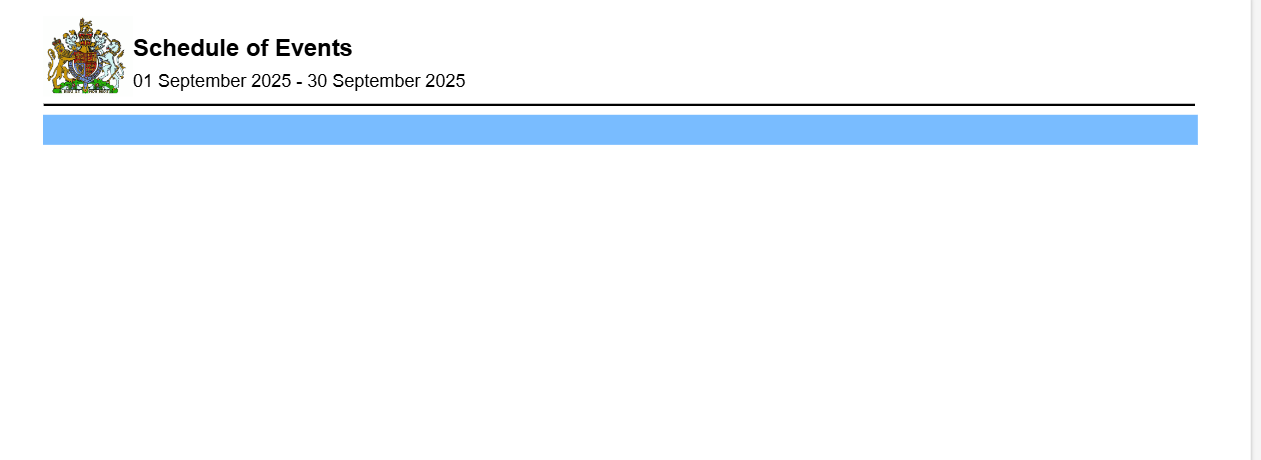
Scenario 3: Select 2 spaces
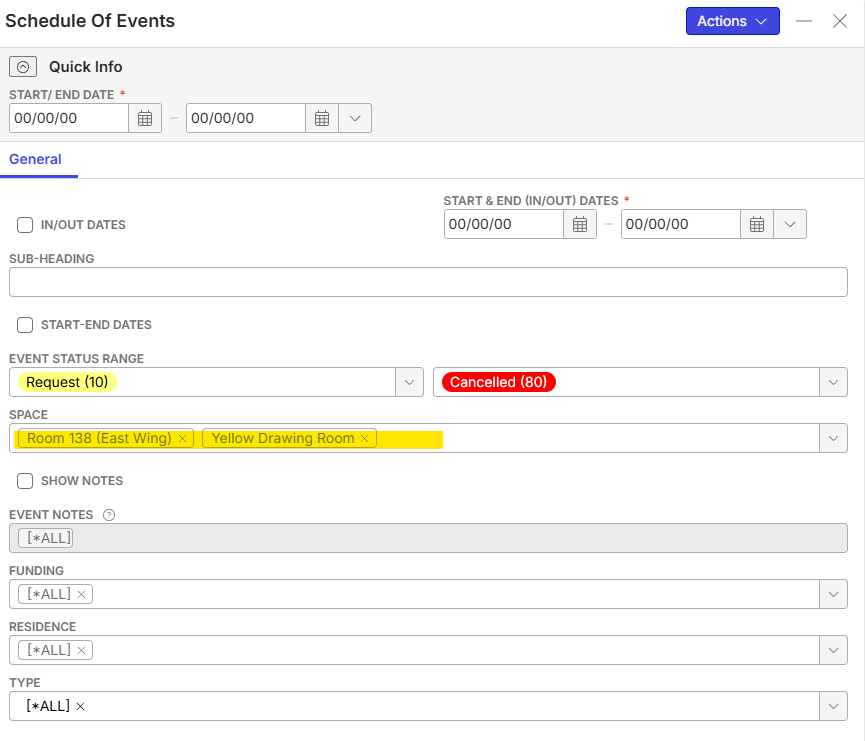
Report is blank
Scenario 4: Select 1 space
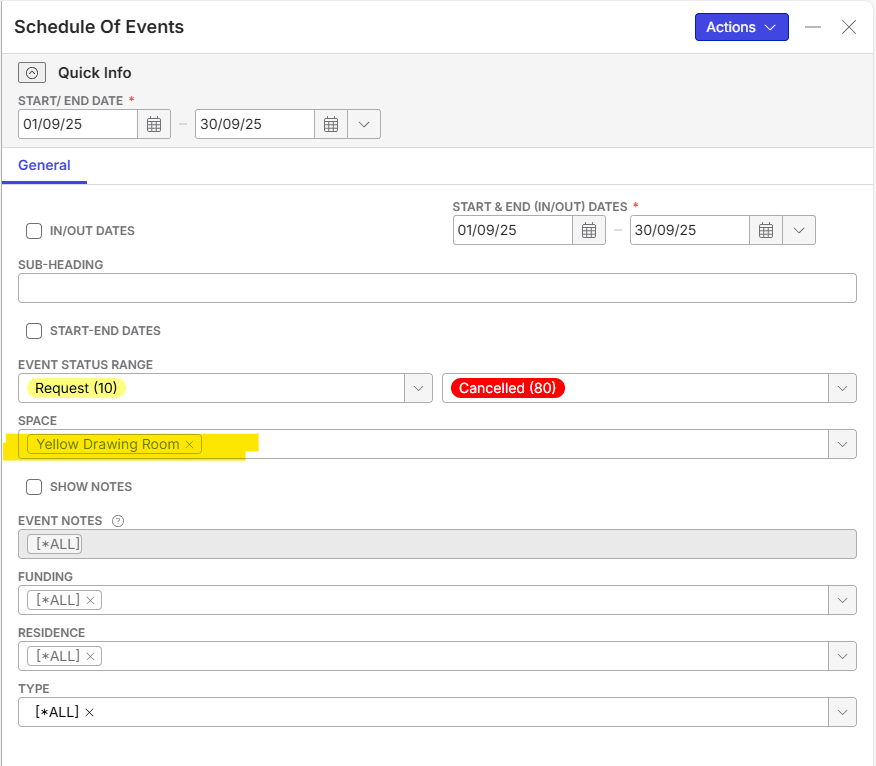
Report populates
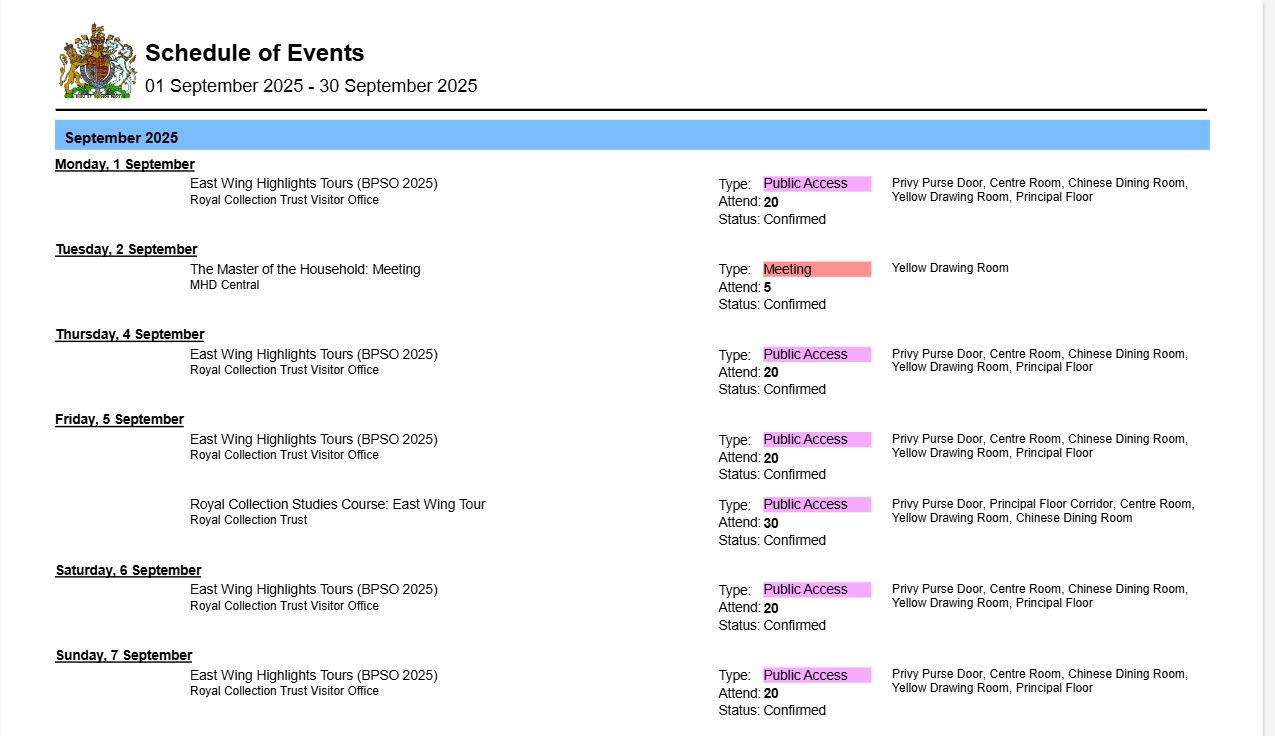
Scenario 5: select ALL spaces

Report populates

-
Hi Mike Schepker do you reckon the above examples show that this should be a potential bug with the report? the report is only able to populate if it only has ONE space or ALL spaces.
-
Ella Fancett Apologies, I had a reply drafted up but never hit submit. I think there might be a bug here but I think Support would need to investigate further to verify. I'd suggest submitting a ticket with the information and have support look into it deeper.
-
Thanks Mike Schepker - sounds good! I'll do that :) Thanks for your help!
Please sign in to leave a comment.
Comments
10 comments
Date Votes